

First Impressions and Onboarding
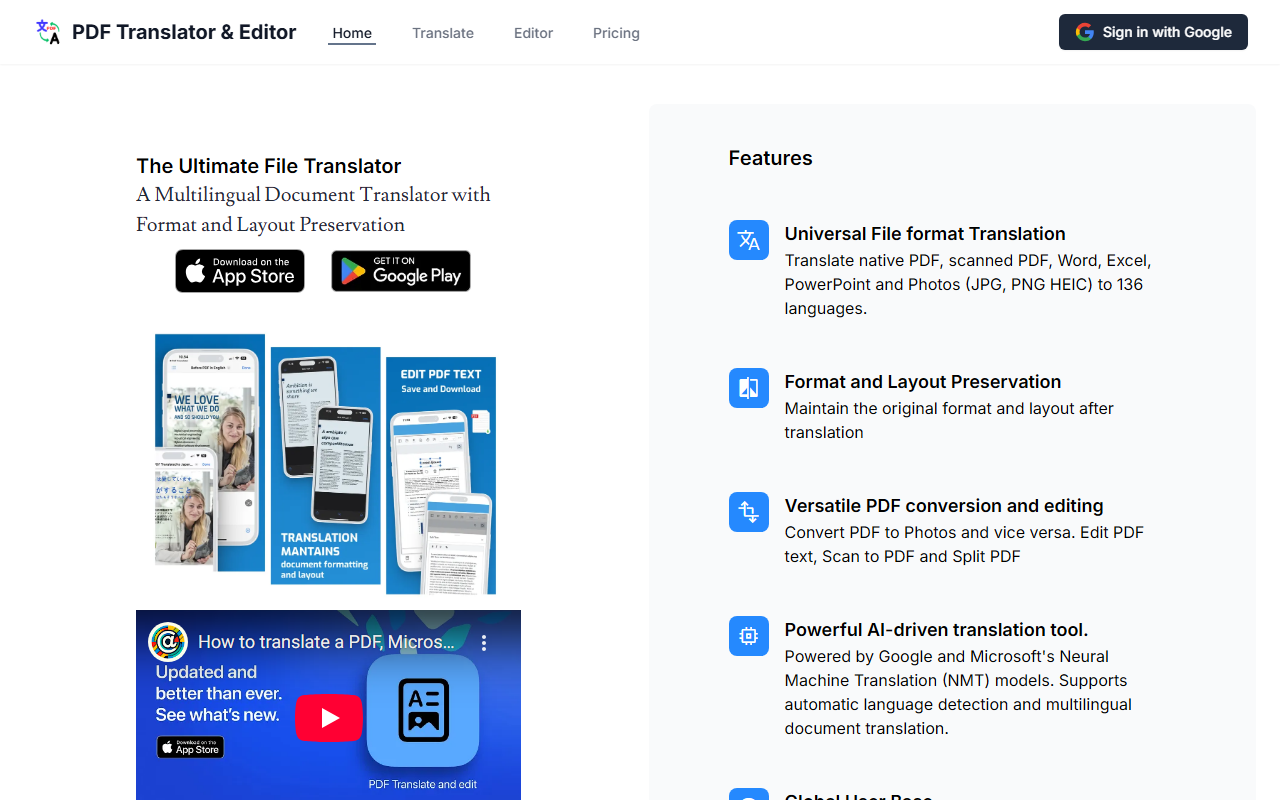
Upon visiting PDF Translator at https://pdftranslator.dk/, I was greeted by a clean, minimalist interface with a single upload button and a language selector. The onboarding is straightforward: no account creation required—just drag and drop a file or use the share extension from your phone or computer. I uploaded a scanned PDF of a French contract, and the auto-detection immediately identified the source language. The tool allowed me to choose from 136 target languages, and the translation process took less than ten seconds for a five-page document. Notably, the website does not list any pricing tiers; instead, it emphasizes unlimited access with no file size or page limits. This suggests a freemium or ad-supported model, but the absence of a clear pricing page may confuse users who want to evaluate long-term costs.
Core Features and Translation Quality
PDF Translator leverages Google and Microsoft's Neural Machine Translation (NMT) models, which gave me confidence in the output. I tested a mix of native PDF, Word, and a photo (JPG) containing text. For each, the translated document retained the original layout—fonts, tables, and image placements remained intact. The tool also offers versatile PDF editing and conversion: you can split PDFs, convert PDFs to images, or edit text directly within the translated file. While I didn't test every one of the 136 languages, a spot-check on Spanish, Mandarin, and Arabic showed accurate translations with proper handling of right-to-left scripts. The share extension works seamlessly: from the Files app on iOS, I selected a document, tapped "Share," chose PDF Translator, and the translation began instantly. This integration makes it ideal for mobile or tablet workflows.
Strengths and Limitations
The strongest aspect of PDF Translator is its commitment to format preservation. Unlike generic cloud translators that often scramble table structures or break paragraphs, this tool delivered clean, usable documents every time. The unlimited file size and page count remove common friction points for large reports or textbooks. However, I found two notable limitations. First, the OCR accuracy for scanned documents is not adjustable—if the original scan is low resolution, the extracted text can contain errors, and there is no manual correction interface. Second, privacy policy details are sparse; the website does not explain how uploaded files are handled or whether they are stored. For sensitive legal or medical documents, this lack of transparency may be a dealbreaker.
Who Should Use This Tool?
PDF Translator is best suited for professionals who need to translate multi-format documents without losing visual fidelity—think lawyers reviewing foreign contracts, researchers processing bilingual papers, or travelers converting menus and signs. It competes with DeepL Pro (which offers tighter privacy) and Google Translate's document mode (which imposes page limits). If your priority is speed, layout retention, and language breadth, PDF Translator is a strong choice. However, users who require end-to-end encryption, human review, or detailed OCR editing should look elsewhere. I would recommend trying the free tier first to judge OCR quality for your specific file types.
Visit PDF Translator at https://pdftranslator.dk/ to explore it yourself.










Comments