

First Impressions and Onboarding
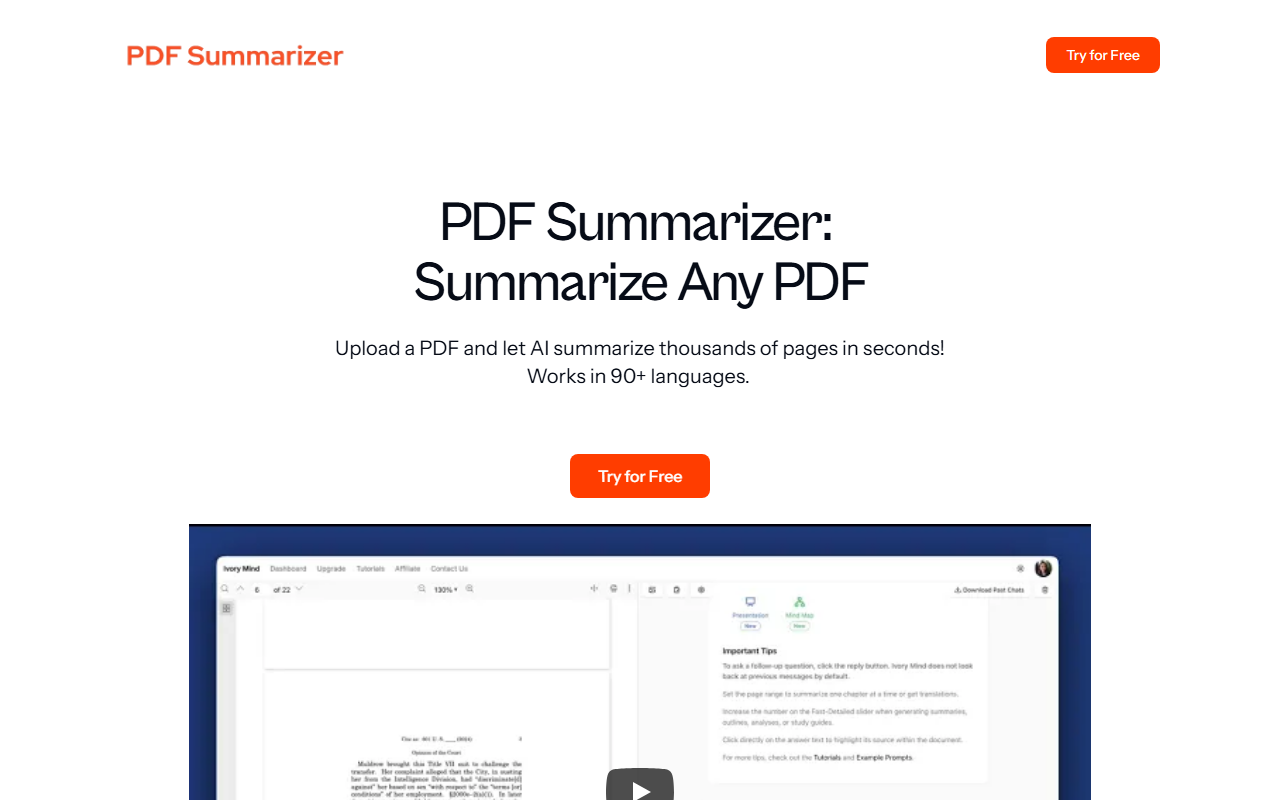
Upon visiting PDF Summarizer, I was greeted by a clean, minimal landing page dominated by a large "Try for Free" button and a drag-and-drop upload area. The tagline promises to "summarize thousands of pages in seconds" and boasts support for 90+ languages—a bold claim that immediately sets expectations. The site proudly displays a trust badge: "Trusted By Over 500,000 Users," with a note that thousands of researchers and professionals at leading institutions rely on the tool. The navigation is straightforward, with links to FAQ, Company, About Us, and Contact Us. I clicked "Signup" to explore the free tier, which required only an email address and password—no credit card. After a quick email verification, I landed on a sparse dashboard. The main action is a large upload button, and a sidebar (collapsed) hinted at tag organization and search features. The onboarding flow is frictionless, ideal for users who just want to get started immediately.
Core Features and Workflow
The tool focuses on four key outputs: summaries, study guides, outlines, and answer-with-citation. I tested the free tier by uploading a 50-page academic PDF on climate modeling. The upload was fast (a few seconds for a 15 MB file). After processing, I received a concise summary of about 300 words covering the paper's main arguments, methodology, and conclusions. Below the summary, a "Citations" section listed each key point with a clickable excerpt from the PDF, highlighted in yellow. This citation feature is a standout—it adds credibility that generic summarizers often lack. I then tried the "Search Across PDFs" function by uploading a second document. The tool indexed both PDFs and let me query a specific term ("aerosol"), returning results from both files with relevant snippets and source highlights. The "Tag & Organize" feature works as expected: I created tags like "Research" and "Climate" to sort my library. The tool also generates a study guide from a textbook PDF, which it presented as bullet-pointed key concepts and definitions. For outlines, it produced a hierarchical structure of headings and subheadings from the document. All processing happened server-side; the web app is responsive and intuitive.
Pricing, Limitations, and Market Context
Notably, PDF Summarizer does not display its pricing publicly on the website. After signing up, I found no upgrade options or usage limits in the free tier—at least during my short test. The FAQ page clarifies some limitations: files can be "very long" (no specific page limit given), summaries work in 90+ languages, and the tool does not support file types other than PDF. This is a limitation compared to competitors like Unriddle or ChatPDF, which also handle Word documents and L inks. The tool is built by Pearl Labs LLC, but no funding or institutional backing is mentioned on the site. Accuracy is addressed in the FAQ: "Will the information be correct?" The response suggests users should verify facts but emphasizes that the AI uses the source text directly. In my test, the summary was factually accurate and didn't hallucinate. However, the tool may struggle with highly technical jargon or charts in PDFs, which it cannot interpret. Another limitation: there is no option to adjust summary length or style (e.g., bullet points vs. prose). The "Boost Your Productivity" section claims 26% of users save 10–15 hours per week, which is likely a marketing statistic rather than a verifiable figure.
Who Should Use PDF Summarizer?
This tool is best suited for students, researchers, and professionals who need to quickly extract the gist of long PDF documents without reading every page. The citation feature is especially valuable for academic work where source attribution matters. If you frequently handle multilingual PDFs, the language support is a genuine advantage. However, if you require deeper analysis, data extraction from tables, or support for non-PDF formats, you should look elsewhere. The lack of public pricing raises some transparency concerns—users should assume there may be future premium tiers. Overall, PDF Summarizer delivers on its core promise with minimal friction. I recommend it for anyone drowning in PDFs who needs instant, cited summaries. Visit PDF Summarizer at https://pdfsummarizer.org/ to explore it yourself.













Comments