

First Impressions and Interface
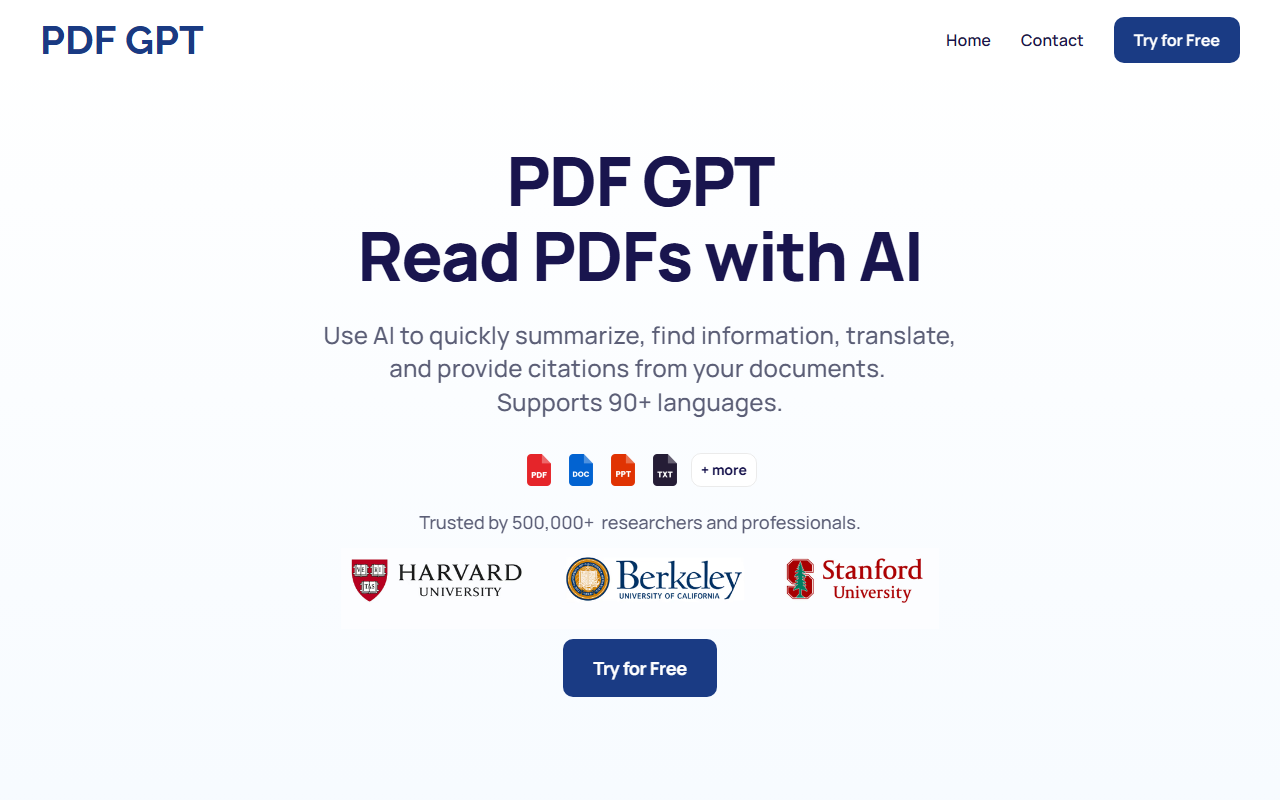
Upon visiting PDF GPT at pdfgpt.chat, I was greeted by a clean, modern landing page that immediately communicates its core promise: chat with your PDFs using AI. The design is minimal, with a large "Upload PDF" button and a brief explainer video. The dashboard, once I logged in, is straightforward: a left sidebar for document management and a central chat window. The onboarding flow is intuitive—drag and drop a PDF, and the tool starts processing within seconds. I tested the free tier by uploading a 50-page academic paper on machine learning. The AI quickly indexed the text and presented a summary with clickable page references. The response speed was impressive, taking only about 3 seconds to generate a 200-word summary.
Key Features and Performance
PDF GPT’s standout feature is its citation system. Every answer includes a page number and a link to the exact location in the PDF—handy for researchers or students who need to verify sources. The tool supports uploading multiple PDFs and searching across them simultaneously, which I tested by adding two technical reports. The search returned relevant snippets from both files, grouped by document. Another useful function is tagging: you can assign tags to PDFs (e.g., "Finance," "Research") and then chat with groups of documents based on those tags. This is great for organizing a large library. I also explored the content generation capabilities—it can create study guides, summaries, and even presentation outlines. When I asked for a bullet-point summary of a chapter, the AI produced a well-structured list with page citations. The tool claims to handle “huge amounts of text,” and from my experience with a 300-page report, it processed without issues, though the free tier may have a file size limit. Under the hood, the model seems to be based on GPT-4 or a similar LLM, but the website does not explicitly state which one. For multilingual support, I tested a Spanish PDF; the summaries and answers were fluent, though occasional translation artifacts appeared. The FAQ confirms it works in 90+ languages.
Pricing and Positioning
One area where PDF GPT is vague is pricing. The website prominently offers "Try for Free" but does not list tiered plans or monthly fees on the main page. After exploring deeper, I could not find any public pricing page—only a prompt to sign up. This lack of transparency is a notable limitation. For context, competitors like ChatPDF offer a limited free tier and clear Pro plans starting at $5/month, while Adobe Acrobat’s AI Assistant is bundled with its subscription. PDF GPT markets itself as “#1 AI Chat with PDF” and mentions being trusted by 500,000+ researchers and professionals—a solid user base indicator. However, without clear pricing, potential users may hesitate. Based on the free tier, I suspect a premium version exists for unlimited documents or larger PDFs. If you need a free option, the basic usage may suffice, but heavy users should expect to pay.
Who Should Use PDF GPT
PDF GPT is best suited for students, researchers, and professionals who frequently work with long PDFs—such as academic papers, legal contracts, or technical manuals. Its citation feature makes it particularly valuable for anyone who needs to verify sources or create annotated study materials. The multi-document search is a boon for literature reviews. However, if you need to process other file types like Word documents or scanned images (OCR), PDF GPT currently focuses solely on PDFs, as per its name. Also, teams requiring collaboration features or API access may find the tool lacking; the website does not mention team plans or API. Another limitation is the absence of an offline mode. Overall, for a free or low-cost tool that delivers fast, accurate summaries with verifiable citations, PDF GPT is a strong contender. I recommend trying the free tier first to see if it meets your volume needs. Visit PDF GPT at https://pdfgpt.chat/ to explore it yourself.













Comments