

What is Ranorex?
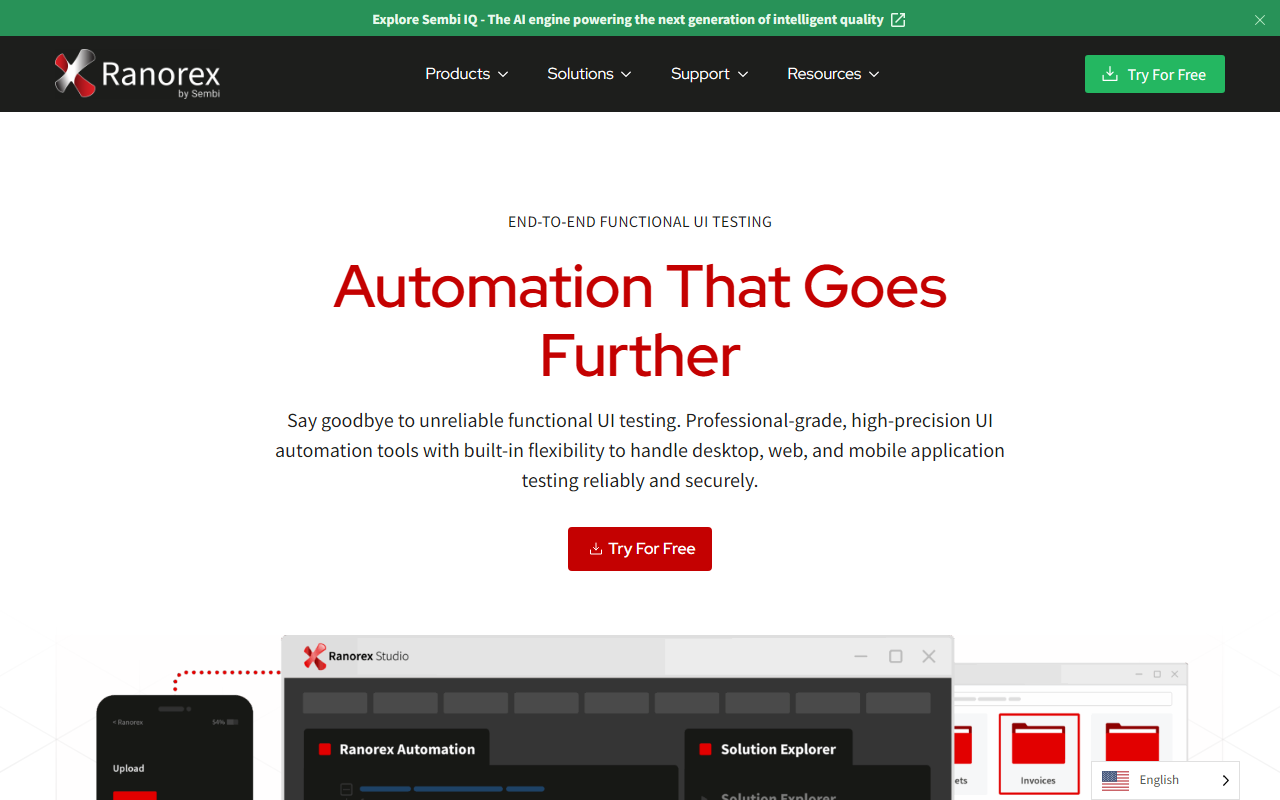
Ranorex is a professional-grade test automation platform designed for functional UI testing of desktop, web, and mobile applications. It solves the persistent problem of unreliable GUI tests on dynamic interfaces by combining advanced object recognition with both low-code and full-code automation options. During my exploration, I noticed it positions itself as a serious tool for high-performing teams—especially those dealing with legacy systems or complex workflows.
First Impressions and Onboarding
Upon visiting the site, the landing page clearly emphasizes speed and precision, with headline stats claiming 50% faster test execution and 80% increase in test coverage. The dashboard after a 14-day free trial (no credit card required) presents a clean interface: a project navigator on the left, a recording toolbar, and a test suite manager. I tested the free tier by recording a simple web login flow. The object recognition was impressively accurate—it identified dynamic elements like pop-up modals without manual configuration. However, the initial learning curve is noticeable; the tool offers many settings, and new users may need a few hours to get comfortable with the spy tool and repository structure.
Core Features and Technology
Ranorex uses what it calls “Sembi IQ” as its AI engine, though specific technical details about the underlying model are not disclosed. The key differentiator is its ability to identify UI elements via properties like XPath, image recognition, and accessibility attributes—reducing test flakiness. It supports full-code automation (C# and VB.NET) alongside a low-code recorder, making it flexible for teams with mixed skill sets. Integrations are robust: out-of-the-box connectors for Jira, Jenkins, Azure DevOps, and Git. A standout add-on is DesignWise, an AI-enhanced test case optimization tool that generates Gherkin-ready scenarios before automation. On the limitations side, while it handles cross-platform testing (desktop, web, mobile), mobile support feels less mature than dedicated mobile testing frameworks like Appium. Additionally, the pricing is not publicly listed—users must request a quote, which can be a barrier for smaller teams. Enterprise features like role-based access control and on-premises deployment are clearly built-in, but the lack of transparent pricing makes it harder to evaluate upfront cost.
Pricing, Positioning, and Verdict
Ranorex does not publish pricing on its website. The only option available is a 14-day free trial. Based on industry reputation and competitor analysis, licenses typically start at several thousand dollars per year per concurrent user—putting it in the mid-to-high range alongside tools like Katalon Studio and Tricentis Tosca. Unlike open-source alternatives like Selenium, Ranorex offers a unified recording and playback environment with built-in reporting. It is best suited for enterprise QA teams that require a stable, all-in-one solution for complex UI testing across multiple platforms. Smaller startups or solo developers may find the cost and complexity prohibitive. Strengths include exceptional element recognition and integration breadth; genuine limitations include no free tier beyond the trial and a steeper initial learning curve for full-code workflows. If your team prioritizes reliability over cost and you already invest in a mature DevOps pipeline, Ranorex is a strong candidate. Visit Ranorex at https://ranorex.com/ to explore it yourself.













Comments