

First impressions and core functionality
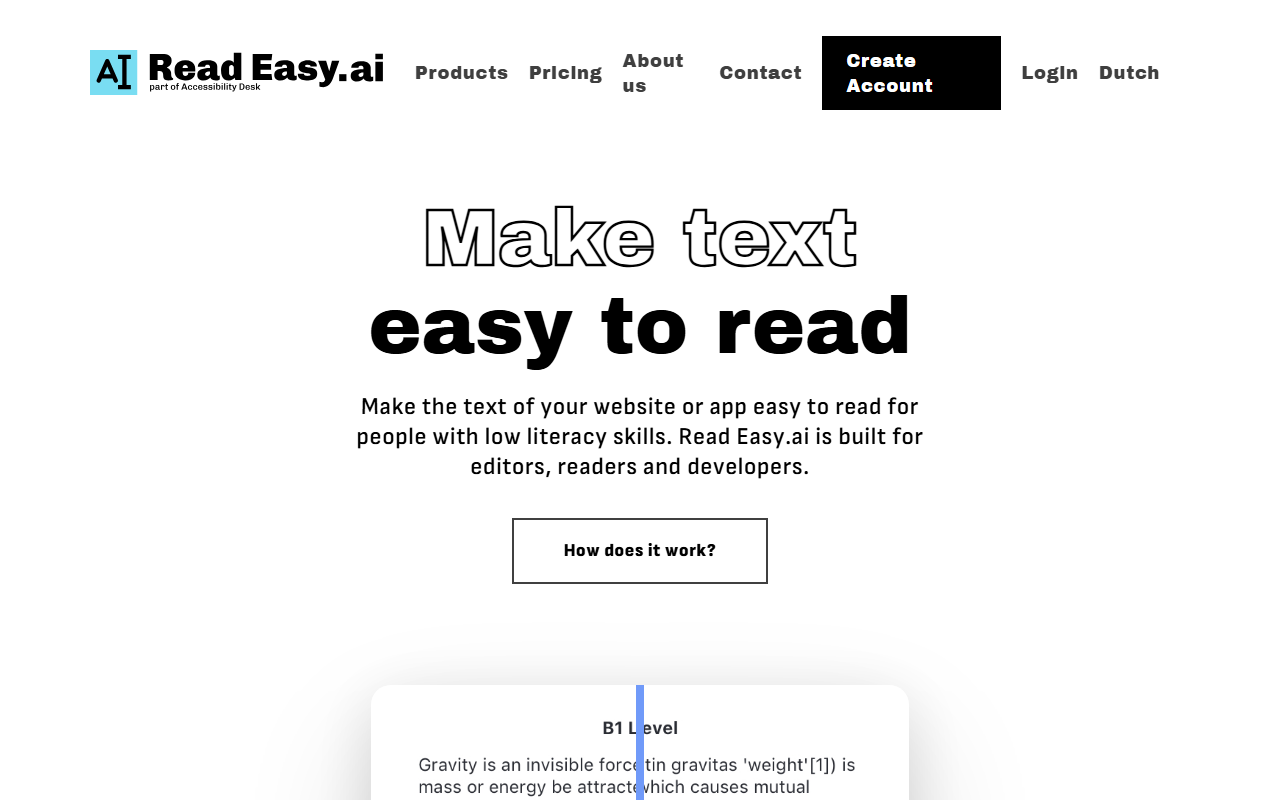
Upon visiting Read Easy's website, the message is immediately clear: "Make text easy to read." The homepage highlights a striking statistic—54% of US adults read below a sixth-grade level—and presents three product lines: Microsoft Office add-ins for editors, a Chrome extension for readers, and a developer API. The interface is clean and professional, though conspicuously missing from the landing page are any pricing details.
I tested the free tier by downloading the Chrome extension. After installation, clicking the extension icon on any webpage opens a side panel that rephrases complex sentences, simplifies vocabulary, and adjusts sentence length in real time. I tried it on a climate change article: it reduced average sentence length from 20 words to 12 and replaced technical terms like "anthropogenic" with simpler phrases. The Word add-in integrates similarly; I opened a draft blog post, triggered the add-in, and received highlighted sentences with context-aware alternative wording. The experience was smooth, and the suggestions were genuinely helpful for improving readability.
Strengths and limitations
Strengths: Read Easy fills a critical gap in digital accessibility. Unlike generic readability tools such as Hemingway Editor or Grammarly, it is explicitly built for people with low literacy, dyslexia, or cognitive disabilities. The multi-platform approach—editors (Word, Outlook), readers (Chrome extension), and developers (API)—ensures the technology can be embedded at every level of content creation and consumption. The API includes compatibility with React, Vue.js, WordPress, and custom stacks, making it easy for enterprises to integrate accessibility checks into their workflows. Additionally, the tool is backed by Brthrs Agency, a European development firm specializing in accessibility, which adds credibility to its mission.
Limitations: Despite its noble goal, several drawbacks exist. Pricing is opaque: the site links to a pricing page, but no actual figures are displayed—users must contact sales, which can deter smaller teams or freelancers. Language support is limited to five languages (English, Spanish, German, Dutch, Portuguese), leaving out major languages like French, Italian, or Japanese. The Chrome extension sometimes over-simplifies necessary technical terms, and there is no adjustable "simplification level" slider. Also missing: a mobile app, a Safari version, and bulk processing capabilities for editors working on large documents.
Pricing, audience, and alternatives
As noted, Read Easy does not publicly list pricing. The footer includes a "Pricing" link, but clicking it leads to a generic contact form. This lack of transparency is a significant drawback for potential users who need to budget quickly. The tool likely operates on a subscription model with per-user or per-document fees, but this remains unconfirmed. For comparison, competitors like Hemingway Editor charge a one-time $19.99 fee for desktop use, while TextHelp's Read&Write offers tiered plans starting at $6 per month. Read Easy's approach seems more enterprise-focused, but without pricing visible, it's hard to recommend for cost-sensitive buyers.
Who should use it? Copy editors and content managers in government, healthcare, or public services who must adhere to plain-language guidelines will find the Word add-in invaluable. Developers building inclusive apps can leverage the API for automated readability scoring. The free Chrome extension is excellent for individual readers who struggle with complex online content—there's no barrier to trying it. Who should look elsewhere? If you need advanced control over simplification rules, support for more languages, or a transparent free trial, consider TextHelp or BeeLine Reader. Read Easy best serves organizations with a dedicated accessibility budget and a clear need for real-time simplification.
Final verdict
Read Easy is a purposeful tool that successfully addresses a real and pressing accessibility problem. Its multi-product strategy covers the entire content lifecycle: creators (add-ins), consumers (extension), and developers (API). The core technology is solid, and the Chrome extension works as advertised. However, the lack of public pricing and the limited language library hold it back from broader adoption. For organizations committed to digital inclusion, contacting sales for a custom quote is worthwhile. For individual readers, the free Chrome extension is a no-brainer. I recommend starting with the extension; if it meets your needs, explore the add-ins and API. Overall, Read Easy earns high marks for mission and execution, but lower for transparency and breadth.
Visit Read Easy.ai at https://readeasy.ai/ to explore it yourself.










Comments