

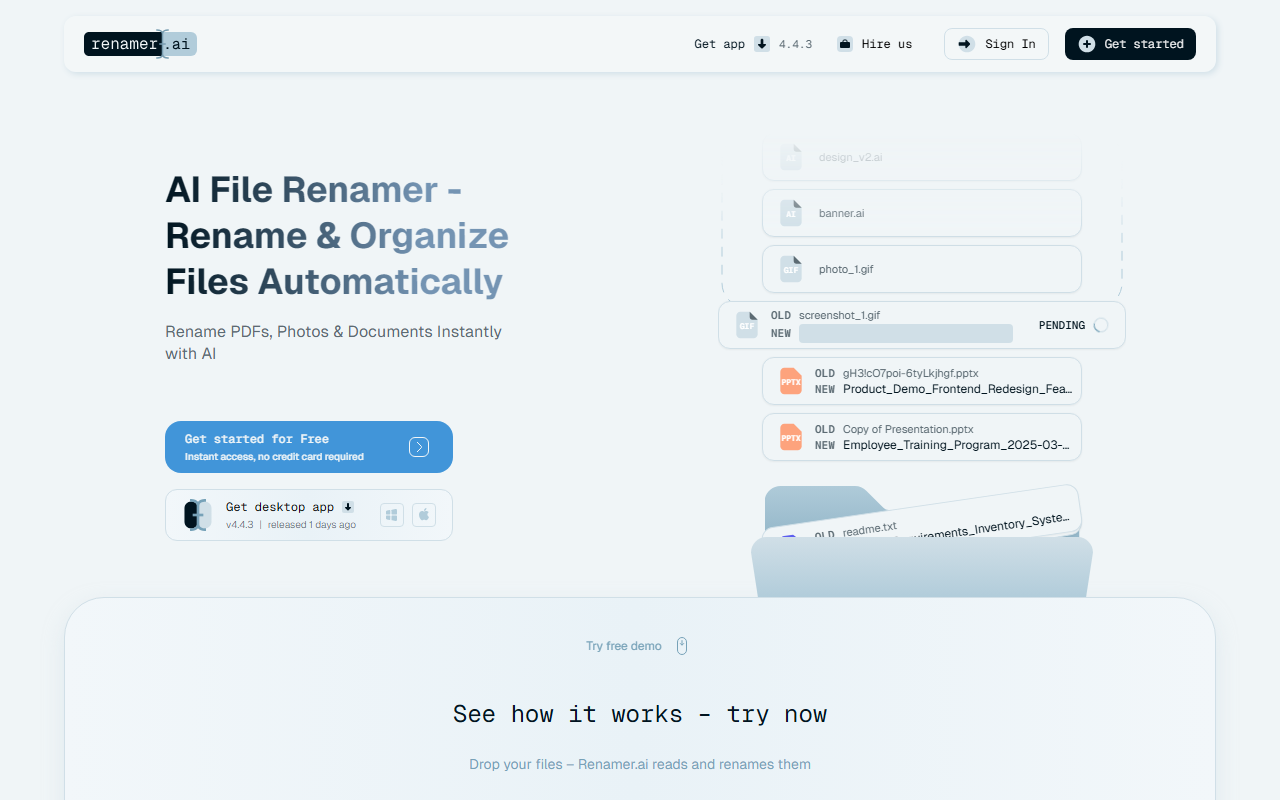
First Impressions: A Clean and Focused Onboarding Experience
Upon visiting renamer.ai, I was greeted by a sleek landing page that immediately lets you drop files for a free demo. No sign-up required initially—just drag and drop. The interface is minimal: an upload zone, a few example before/after comparisons, and a clear call-to-action for the desktop app. The demo worked smoothly; I uploaded a handful of PDFs and images, and within seconds the AI proposed new filenames based on detected content. For a PDF of a bank statement, it suggested something like "2024-03-15_BankStatement.pdf". For a photo of a sunset, it produced "Sunset_at_Beach_2024-08-01.jpg". The accuracy was impressive, though one invoice with mixed languages got a slightly jumbled name. Overall, the onboarding is frictionless and showcases the core value immediately.
How the AI Transforms File Naming
Renamer.ai reads the actual content of your files—text in documents, metadata in photos, and even OCR-like extraction for scanned PDFs—to generate meaningful, context-aware names. It supports over 25 file formats including PDF, JPG, PNG, DOCX, and more. The Smart AI renaming engine processes files locally via the desktop app (Windows and Mac) or temporarily on the cloud in the web version, where files auto-delete after 24 hours. Key features I tested include Bulk Rename with custom templates, Magic Folders that automatically rename files dropped into designated folders, and Renaming Templates to enforce consistent naming conventions across teams. The multilingual support is a standout—it accurately processed files in German, Chinese, and Spanish during my tests. For enterprise users, the privacy-first approach (encryption, no permanent cloud storage) is reassuring.
Pricing: From Free Trials to Heavy-Duty Plans
Renamer.ai offers four tiers. The Starter (Free) plan gives 25 renames per month—enough to test the waters. Pro at $9.95/month (billed annually) unlocks 200 files/month, batch rename, and Magic Folders. Power User at $29.95/month increases to 1,000 files/month and adds priority support. Ultimate at $99.95/month supports 5,000 files/month for heavy-duty use. Compared to manual tools like Bulk Rename Utility or even AI alternatives such as FileBot (which focuses on media files), Renamer.ai’s AI-driven content understanding gives it an edge for document-heavy workflows—though the free tier is quite limited for anyone with more than a handful of files per day. The desktop app is included in all paid plans, which is a plus for offline use.
Strengths, Limitations, and the Verdict
Renamer.ai’s main strength is its ability to save hours of manual renaming by actually understanding file content. The Magic Folders feature is a game-changer for teams that constantly ingest new files. However, limitations exist: the AI occasionally misinterprets ambiguous content (e.g., a file with no clear title), and the free tier’s 25-rename cap feels more like a teaser than a trial. Additionally, there is no apparent API for custom integrations, which might deter developers. For accountants, digital asset managers, and anyone drowning in unorganized invoices or research papers, Renamer.ai is a powerful investment. For casual users with fewer than 50 files a month, the free tier may suffice but will frustrate if you need more. Bottom line: Renamer.ai delivers on its promise and deserves a try for anyone serious about file organization. Visit Renamer.ai at https://renamer.ai/ to explore it yourself.













Comments