

First Impressions and Onboarding
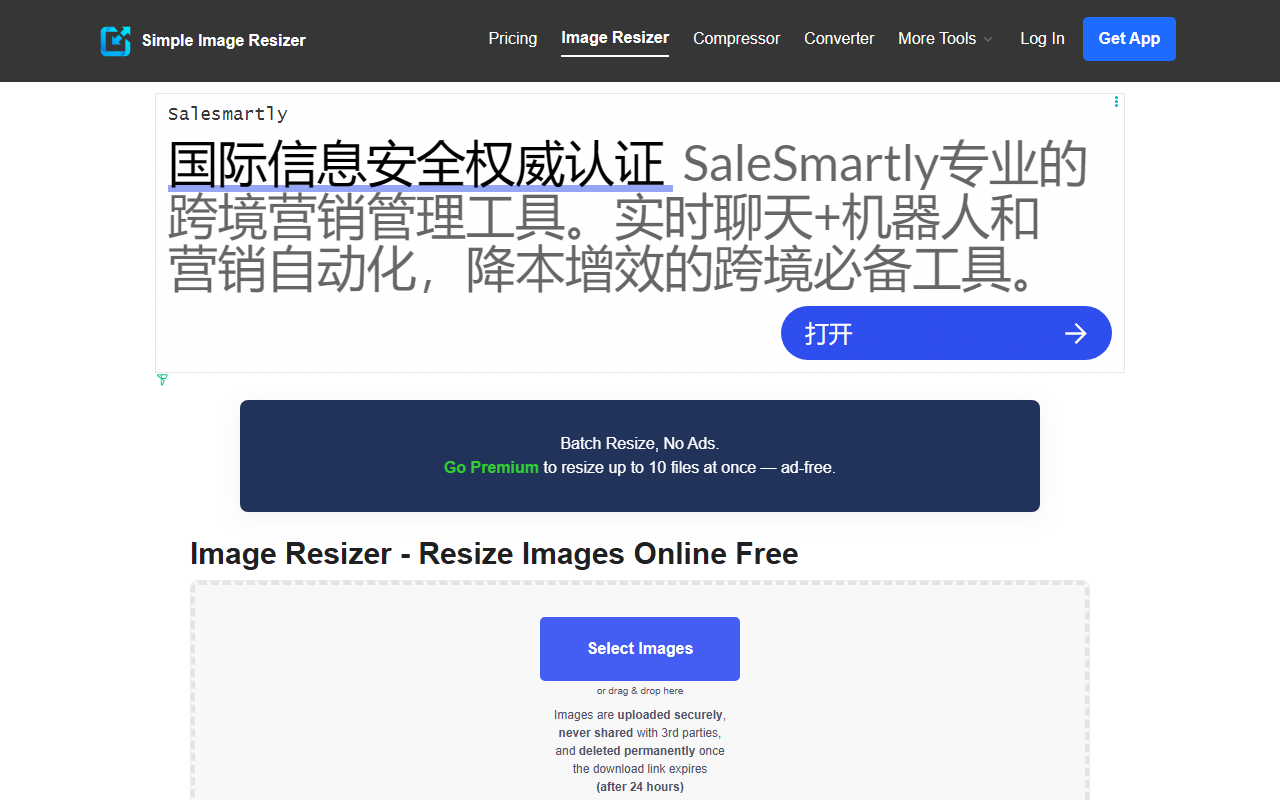
Upon visiting Simple Image Resizer at simpleimageresizer.com, the interface is refreshingly sparse. There is no sign-up wall or tutorial overlay. The dashboard shows a large drop zone with the message “Select Images or drag & drop here” and a clear indication that up to 3 files can be uploaded for free. I immediately tested the free tier by dragging a 4K JPEG file into the browser window. The upload took under two seconds, and a preview appeared with options to resize by percentage or exact dimensions in pixels. The layout is clean, with no distracting ads on the main interaction area—though ads appear after resizing. The mobile app is promoted via a subtle banner, and the FAQ section is collapsible, keeping the page uncluttered.
Core Functionality and User Experience
The tool supports JPEG, JPG, PNG, WEBP, HEIC, BMP, and GIF files. When I resized my test image by 50% using the percentage option, the “Keep aspect ratio” checkbox was enabled by default—a sensible choice. The resizing completed in about three seconds, and the download link appeared instantly. I also tried the “Dimensions (px)” mode, entering a specific width of 800 pixels. The tool automatically calculated the height, and the resulting file maintained excellent sharpness. For images that need a specific aspect ratio, the tool offers a choice of Stretch, Auto Crop, Manual Crop, Fit, and background color options (white, black, blur). This is more flexible than many competitors that only provide simple scaling. All images are processed on the server side; the website claims they are uploaded securely, never shared with third parties, and deleted after 24 hours. A “Download” button appears after resizing, and you can also choose to “Resize new Image” or “Crop Image” without re-uploading. The batch processing limitation (3 files on free) is the main bottleneck for heavy workflows.
Pricing, Limitations, and Market Comparison
Simple Image Resizer is free for up to 3 images per batch. The “Premium” tier removes ads and allows batch processing of up to 10 images, but the specific price is not publicly listed on the website—you must click through to see it. This lack of transparency is a minor drawback. For comparison, tools like TinyPNG (which focuses on compression) and ILoveIMG (which offers more batch capacity for free) are alternatives. However, Simple Image Resizer excels in simplicity and mobile support: it has a dedicated iOS and Android app with a 4.6 rating and over 25 million downloads. Unlike many browser-based resizers, this one does not require any plugins and works smoothly on smartphones. The major limitation is the absence of AI-driven enhancements—despite being categorized under “AI Design,” it does not use AI algorithms for upscaling or content-aware resizing. The tool simply uses standard resampling algorithms. It also lacks bulk folder processing (only sequential single-file uploads).
Final Verdict
Simple Image Resizer is a straightforward, no-fuss tool best suited for casual users who need to quickly resize a few images for social media, email attachments, or e-commerce listings. Its strength lies in its crisp interface, fast processing, and high-quality output that minimizes quality loss. The free tier covers most occasional needs. Power users who frequently batch-resize many files should look toward premium tools or desktop software. The mobile app is a nice bonus for on-the-go editing. Despite the “AI” label, expect traditional resizing, not intelligent enhancements. If you value simplicity and a clean workflow over advanced features, this is an excellent choice. Visit Simple Image Resizer at https://simpleimageresizer.com/ to explore it yourself.













Comments