

First Impressions and Onboarding
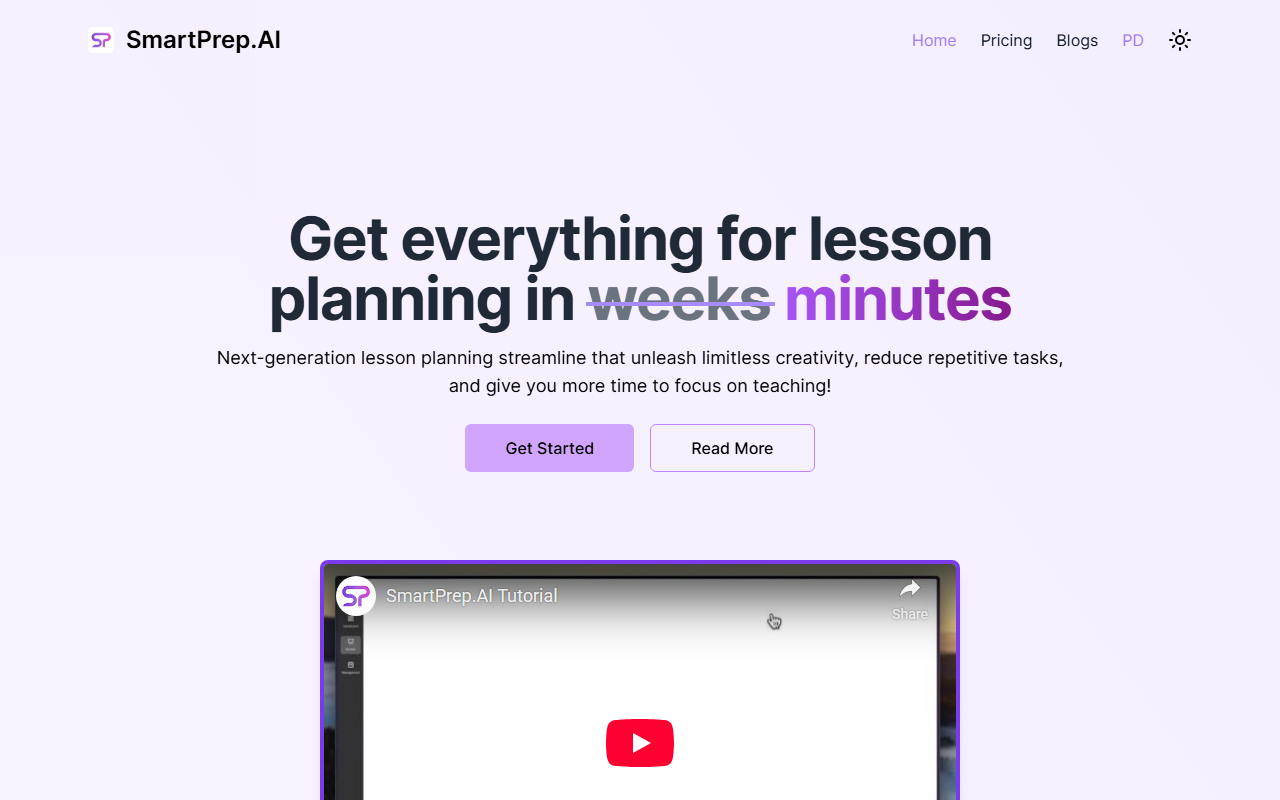
Upon visiting SmartPrep.ai, the homepage immediately signals its target audience: teachers. The tagline “Get everything for lesson planning in weeks minutes” (presumably a typo for “weeks into minutes”) is accompanied by glowing testimonials from educators like Emma Thompson and Daniel Smith. I clicked the “Get Started For Free” button and was guided through a simple sign-up flow that asked for my email, subject area, and grade level. The entire onboarding took under two minutes. The dashboard is minimalist: a left sidebar with options for creating a new lesson plan, accessing saved plans, and viewing resource collections. There is no clutter, which I appreciate for a busy teacher’s workflow.
Core Features and Workflow
SmartPrep’s flagship feature is its lesson plan generator, which supports multiple pedagogical frameworks, including Understanding by Design (UbD), Project-Based Learning (PBL), In Quest Learning (IQL), and Flipped Classroom. I tested the UbD template with a middle school science topic. The AI asked me to provide a standard, essential questions, and learning objectives. Within 30 seconds, it produced a full plan: a list of engaging activities, a collection of curated web resources (videos, images, articles), and a set of customizable assessments (multiple-choice quiz, essay prompts, and a rubric). The quality was solid—comparable to a thoughtful first draft that I could then tweak. I particularly liked the “Instant Resource Collection” feature, which saves hours of Googling. The assessment generator also allows you to export quizzes to Google Forms or print them directly.
Beyond lesson creation, the platform includes a blog with practical articles (e.g., “Unlocking the Mystery of Liquid Measurement with Gallon Man”), showing a commitment to teacher professional development. However, I noticed that the AI sometimes produces generic activities—for example, suggesting a group discussion when a hands-on lab would be more appropriate. You’ll need to inject your own subject-matter expertise to polish the output.
Pricing and Limitations
Pricing is not publicly listed on the website. A free plan is confirmed (via the “Get Started For Free” button), and it likely includes a limited number of generations per month. I was not able to find a detailed pricing page in the site’s navigation; this lack of transparency is a significant limitation. Academics or schools looking to purchase a district-wide license will need to contact sales directly. Additionally, SmartPrep currently supports only English, which excludes non-English-speaking educators. Another limitation: the tool focuses solely on lesson planning—it does not integrate with major Learning Management Systems like Canvas or Google Classroom (though you can export assessments). For teachers who need seamless assignment distribution, alternatives like Eduaide or LessonBud may be better suited.
Final Verdict
SmartPrep is a genuine time-saver for K–12 teachers who follow structured planning methods like UbD or PBL. Its strength lies in bundling standards alignment, resource curation, and assessment creation into one streamlined workflow. The free tier is generous enough to evaluate its value. However, the lack of public pricing and LMS integration holds it back from being an all-in-one solution. I recommend every teacher try the free version for a week—if you value speed over granular control, SmartPrep will quickly become your go-to planning assistant. Visit SmartPrep at https://smartprep.ai/ to explore it yourself.













Comments