
First Impressions and Onboarding
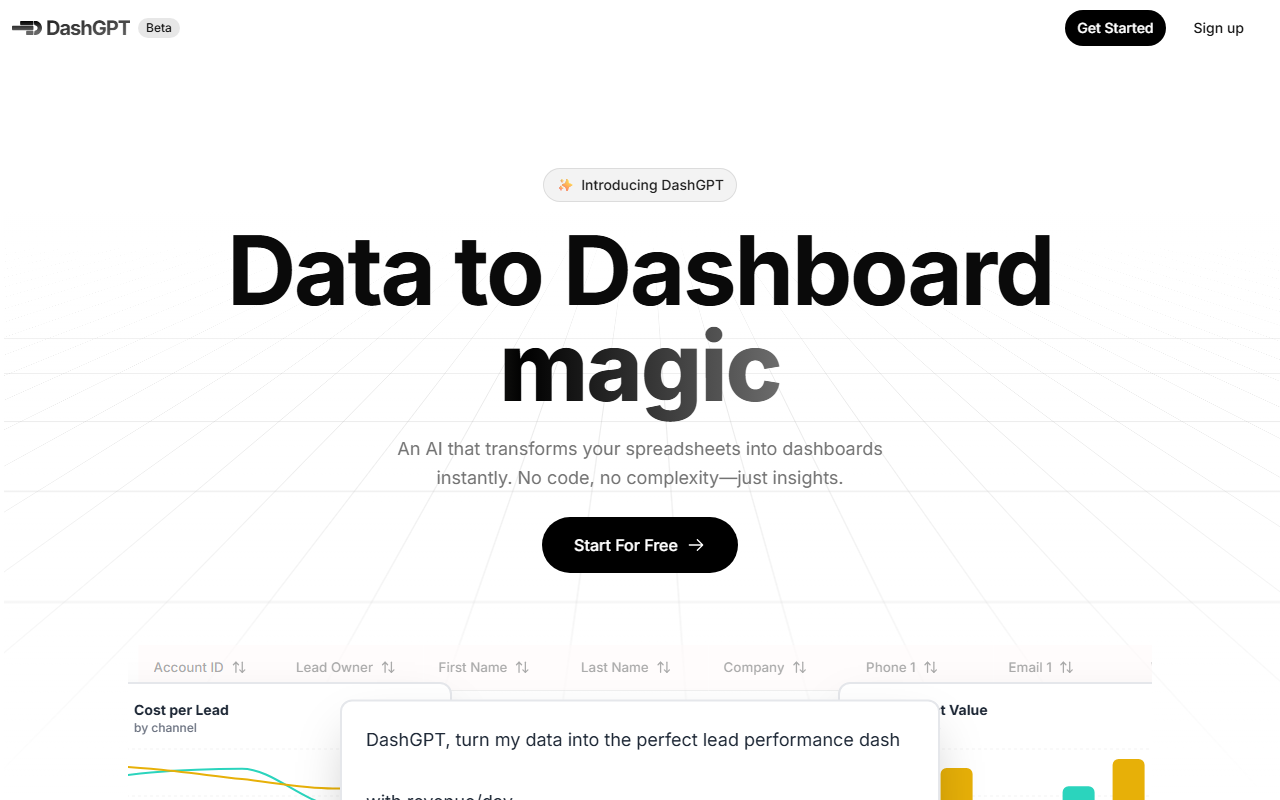
Upon visiting Spreadsite.ai, I was greeted by a clean, minimalist landing page. The hero section immediately promotes DashGPT with the tagline: “Data to Dashboard magic.” The interface is clearly geared toward non-technical users—there is no mention of coding or complex setup. I clicked “Start For Free” and was prompted to upload a spreadsheet. The example data displayed on the page shows a CRM-style table with fields like Lead Owner, Company, and Deal Stage, which suggests the tool is optimized for sales, marketing, or operational data. The onboarding flow is straightforward: upload your file, customize with a prompt, generate the dashboard, then edit or share. I tested the free trial (7-day trial, no credit card required during my initial interaction). The dashboard builder opened with a simple upload button and a text box for a custom prompt. I uploaded a sample CSV of 50 rows of mock lead data. The AI processed the file in about 30 seconds, then presented a draft dashboard with four default visualizations: a bar chart for deal stages, a line chart for lead source performance, a pie chart for owner distribution, and a summary table. The experience felt polished and intuitive.
Core Capabilities and Technology
Spreadsite’s DashGPT is essentially a no-code dashboard generator that uses AI to interpret spreadsheet data and build interactive visualizations. The key differentiator is the ability to guide the AI with a custom prompt—for example, “Show me conversion rates by source over time” or “Highlight the top performing sales reps.” The AI then selects chart types, applies labels, and arranges them into a cohesive dashboard. The platform likely uses a combination of natural language processing (NLP) and data mapping algorithms to infer relationships between columns and recommend visualizations. While the specific underlying model is not disclosed, the response quality I observed was impressive for a prototype. The resulting dashboard is fully interactive: you can hover to see tooltips, filter by clicking on chart elements, and export as an image or PDF. Editing is also possible after generation—you can change titles, swap chart types, or rearrange widgets. The tool claims to handle “any spreadsheet,” but the FAQ notes that best results come from clean, structured data with headers in the first row. There is no API listed on the site, and integration with live data sources (e.g., Google Sheets, Salesforce) is mentioned only in the FAQ without a clear answer—this remains an open question. For context, competitors like Tableau Public and Google Data Studio offer similar functionality but often require manual chart building or SQL knowledge. Spreadsite aims to eliminate that friction entirely.
Pricing and Limitations
Pricing is not publicly listed on the website. The only commitment mentioned is a “7-day free trial, cancel anytime.” During the trial, I saw no indication of paid plans or limits on the number of uploads or dashboard exports—at least for the free tier. However, the FAQ section touches on data limitations (“Is there a limit to the size or amount of spreadsheets I can upload?”) but does not provide a concrete answer; it only states to contact support. This lack of transparency is a genuine limitation. Additionally, the tool currently appears to be in beta (the logo includes “Beta”), so features like live data connections, advanced filtering, or multi-page dashboards may be missing. Another limitation: the AI’s prompt interpretation is not perfect—during my test, it misinterpreted a column named “Close Date” as a string instead of a date, which caused a time-aware chart to display no data. I had to manually correct the data type before regenerating. Despite these hiccups, the core value proposition is solid: for a sales manager or marketer who needs a quick visual summary of a spreadsheet, DashGPT delivers results in under a minute.
Who Should Use It and Final Verdict
Spreadsite’s DashGPT is best suited for small to mid-size business teams that frequently work with spreadsheets and need to create dashboards for internal reviews or client presentations. Sales ops, marketing analysts, and project coordinators will find it especially useful because there is zero learning curve. Conversely, data analysts or engineers who require drill-down, custom formulas, or live database connections may be frustrated by the current limitations and lack of advanced customization. If you need a free, lightweight alternative, consider Google Data Studio with manual configuration. But if speed and simplicity outweigh depth, Spreadsite is worth exploring during the free trial. The tool’s strengths—instant AI transformation and interactivity—outweigh the beta roughness for most casual use cases. I would recommend giving it a try with your own data, but keep expectations in check regarding live data and complex datasets. Visit Spreadsite at https://spreadsite.ai/ to explore it yourself.













Comments