

First Impressions and Onboarding
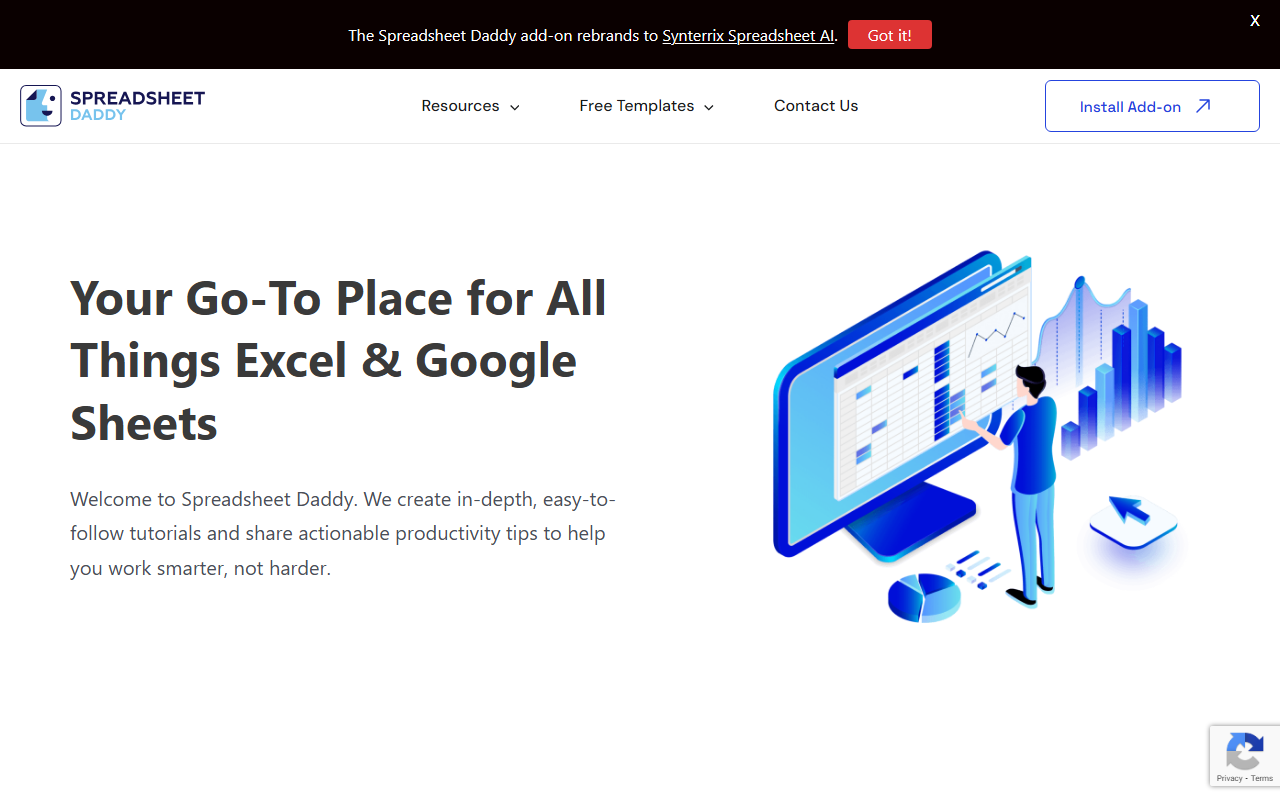
Upon visiting Spreadsheet Daddy, I landed on a clean, tutorial-heavy homepage. The site immediately presents itself as your go-to place for Excel and Google Sheets knowledge, with categories like Excel 101, VBA, and GPT for Google Sheets. There’s no flashy demo or AI chatbot—just a straightforward educational layout. The only AI component is the add-on, which rebrands to Synterrix Spreadsheet AI. Signing up is simple: a login form appears with a note offering “2 more free API Calls” after authentication. That was my first hint of the AI functionality lurking beneath the surface.
Exploring the Core Features
The dashboard essentially functions as a library. You get easy-to-follow tutorials for both Excel and Google Sheets, plus free templates (scoreboard, marketing ROI, customer satisfaction, etc.). When testing the free tier, I noticed the AI integration lives inside the add-on—once installed, it can generate formulas, clean data, or answer spreadsheet questions. I tried the “GPT for Google Sheets” section and found it mostly links to third-party reviews of other AI tools. The actual Synterrix add-on seems to be the proprietary AI engine, but the site doesn’t detail its underlying model (likely a GPT variant). The interface feels more like a resource portal than an active AI workspace. For someone looking to learn and grab templates, it’s excellent; for instant AI spreadsheet generation, the add-on promises that capability but with limited public documentation.
Pricing, Integrations, and Alternatives
Pricing is not fully displayed on the website. After signing in, I saw an offer for two free API calls, suggesting a freemium model. There is no clear pricing page with tiers. Integration-wise, the add-on works directly with Google Sheets (and likely Excel via its own add-in), but I couldn’t find API availability or native mobile support. For context, alternatives like GPT for Sheets (by OthersideAI) and SheetAI offer more transparent pricing and dedicated AI features. Spreadsheet Daddy differentiates itself by bundling education and templates with the AI add-on, making it a broader productivity toolkit.
Who Should Use Spreadsheet Daddy?
This tool is best suited for spreadsheet beginners and intermediate users who want a single source of learning materials, templates, and a lightweight AI assistant. Power users who need robust AI automation, custom functions, or enterprise integrations should look elsewhere—the tutorial-heavy site may feel slow if you just want raw AI. A genuine strength is the depth of free templates and guides. A real limitation is the lack of transparency around the AI add-on’s capabilities and pricing. Overall, try Spreadsheet Daddy if you value guided learning over pure AI generation and don’t mind signing up to unlock the AI features.
Visit Spreadsheet Daddy at https://spreadsheetdaddy.com/ to explore it yourself.













Comments