

First Impressions and Interface Overview
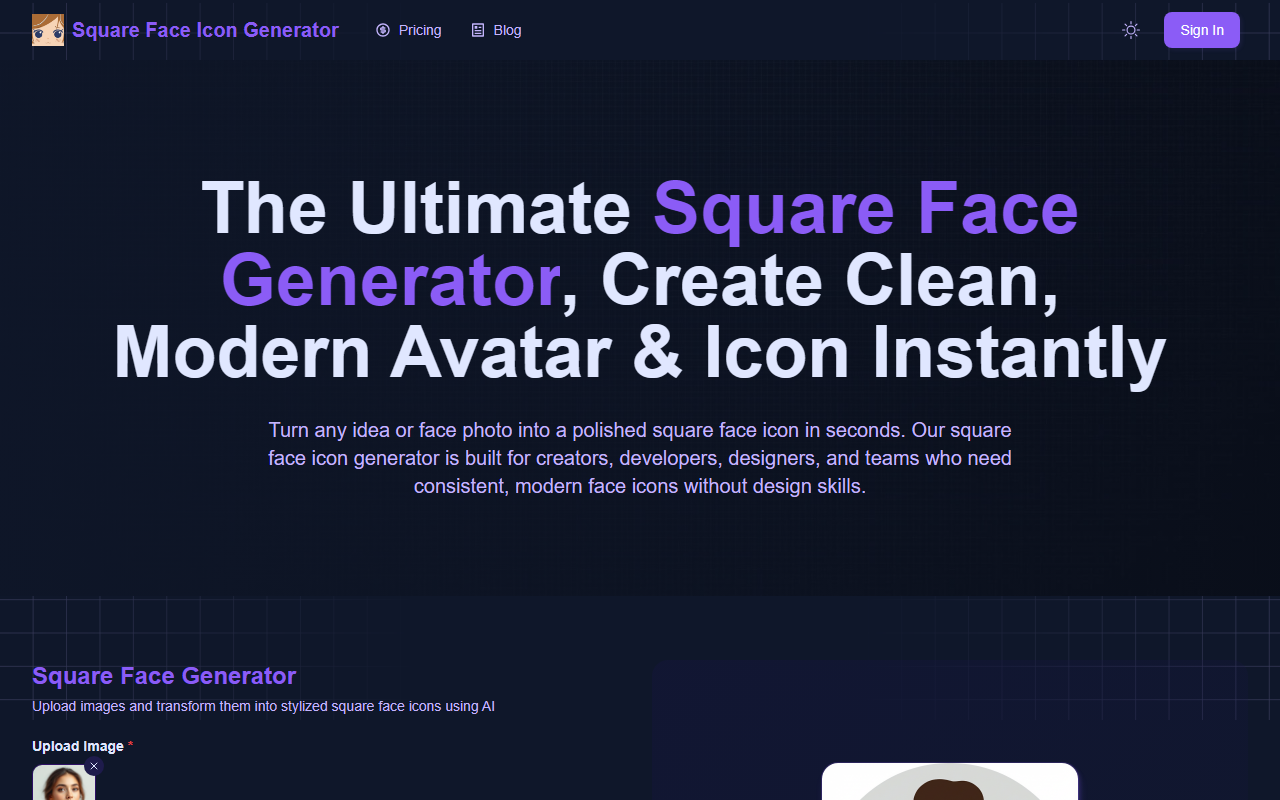
Upon visiting Square Face Icon Generator, I was greeted by a clean, modern dashboard with a clear call to action: upload an image or enter a text prompt. The layout centers on a large upload button and a prompt field, with a credit counter showing '10 credit'——though the pricing model is not fully disclosed without logging in. The homepage showcases before-and-after slider examples demonstrating dramatic transformations from ordinary photos to polished square icons. The sign-in button suggests a freemium model, but exact tiers remain hidden until authentication. The overall onboarding is intuitive, requiring no design experience, as stated in their FAQ. I tested the free tier by uploading a sample photo; the interface immediately offered options to generate, save, and download the icon.
How It Works and Key Features
The tool solves a specific problem: creating consistent, square-proportioned face icons for digital platforms. Its core strength lies in dual input: you can upload a real face photo or describe a face via prompt. The AI then transforms the input into a stylized square icon while preserving facial identity. I observed that the 'Prompt-to-Icon Generation' works accurately for simple descriptions, though complex prompts may require fine-tuning. The 'Photo-to-Icon Conversion' preserved recognizable features but applied a consistent artistic filter. All outputs are automatically cropped to perfect squares, with centered facial features——a critical feature for app icons and team avatars. The tool exports high-resolution PNG and JPG files without watermarks, making them commercial-ready. The three-step workflow (choose input, generate, download) is seamless, with results appearing in under 10 seconds. Consistent style sets are supported, allowing multiple icons to share the same visual aesthetic for branding.
Pricing and Market Positioning
Pricing is not publicly listed on the website; instead, a credit system is used (10 credits shown for non-logged-in users). This suggests a pay-per-use or subscription model, but specifics remain unclear without an account. Unlike general avatar tools such as Adobe Express or Canva, which offer broader customization but lack dedicated square optimization, Square Face Icon Generator specializes in uniform, balanced square icons. It is best suited for developers needing consistent avatars for apps, designers building branding kits, or teams requiring uniform profile pictures. For users needing full-body illustrations or varied aspect ratios, competitors like Midjourney or Stable Diffusion offer more flexibility but with a steeper learning curve. The tool lacks API documentation or team collaboration features, limiting its appeal for enterprise workflows. However, for its niche, it delivers reliable, polished results quickly.
Verdict and Recommendation
Square Face Icon Generator excels in its focused mission: generating clean, modern square face icons with minimal effort. Its strengths include dual input modes, high-resolution exports, and commercial licensing——all without requiring design skills. The main limitation is the opaque pricing and lack of integration options, which may frustrate power users. Additionally, the output style is fixed, offering no customization over artistic filters or color schemes. For creators, developers, or small teams who need a rapid, consistent icon solution for apps, social media, or websites, this tool is a solid choice. I recommend trying the free tier to evaluate quality before committing. If you require more design control or batch processing, look elsewhere. Visit Square Face Icon Generator at https://squarefaceicongenerator.net/ to explore it yourself.










Comments