

What Is Squoosh?
Squoosh is an open-source image compression tool originally created by Google Chrome Labs. It runs entirely inside your browser, using modern codecs like MozJPEG, WebP, AVIF, and even the experimental QOI format. Unlike many online compressors that upload your images to a remote server, Squoosh processes everything locally on your device. This design makes it both fast and privacy-friendly – no image ever leaves your computer. The tool’s primary purpose is to reduce file size while maintaining visual quality, making it a go-to for web developers and designers who need to optimize assets for faster page loads.
Hands-On Experience with the Interface
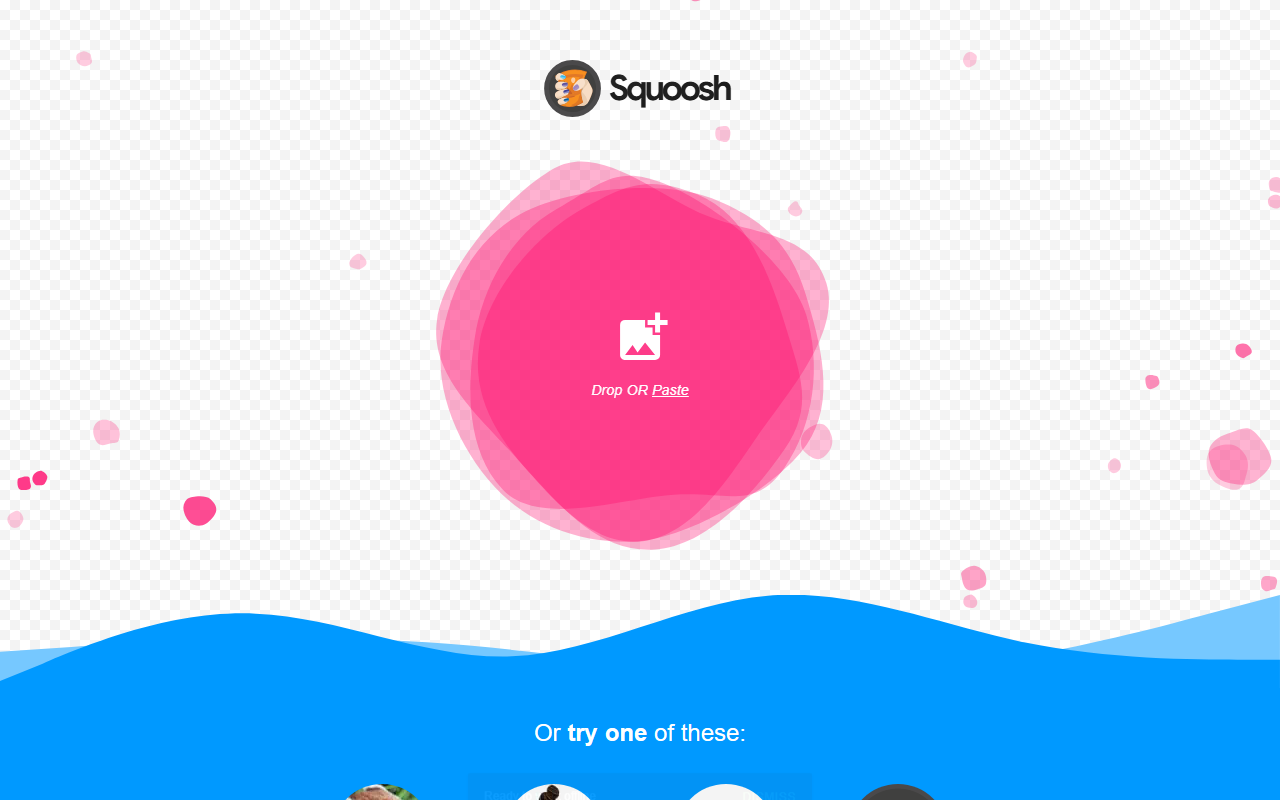
Upon visiting the site, you’re greeted with a clean interface featuring a large drop zone labelled “Drop or Paste.” You can drag and drop an image, paste from clipboard, or click one of the sample images provided (a few small JPEGs and a 13KB artifact). I tested the free tier by dropping a 2.8MB photograph. Within a second, Squoosh displayed the original and compressed version side by side, with a slider to compare details. The header above shows file size reduction in real time. Default compression uses MozJPEG at quality 75—I saw a 72% reduction with minimal visual loss. You can switch codecs, adjust quality sliders, and enable “advanced” options like chroma subsampling and metadata stripping. The interface also shows a perceptual similarity score (butteraugli) and an estimated savings bar. Saving the compressed image is instant – it downloads directly without any server interaction. One minor frustration: there is no batch upload support; you must process images one by one.
Performance, Pricing, and Limitations
Squoosh is completely free – no accounts, no hidden subscriptions, and no usage limits. The tool is also self-hostable as a Progressive Web App, and its source code is available on GitHub. Performance is excellent for single images, even large ones (I tested a 6000×4000 RAW conversion and it handled it smoothly on Chrome). However, because everything runs client-side, performance depends on your hardware. On older devices, processing high-resolution images may be slower. Another limitation: Squoosh lacks AI-powered features like intelligent upscaling, background removal, or generative fill that you’ll find in tools like Adobe Photoshop or ClipDrop. Compared to TinyPNG, Squoosh offers more advanced codecs and better transparency compression (e.g., lossy WebP with alpha), but TinyPNG supports batch uploads of up to 20 images. Squoosh is also less effective for very large batches unless you automate via its CLI version. Privacy is a genuine strength – since no data leaves your device, it’s safe for sensitive images, unlike cloud-based compressors.
Who Should Use Squoosh?
Squoosh is best suited for front-end developers, performance engineers, and designers who need precise control over image compression with instant visual feedback. It’s ideal for compressing individual assets for a website or app, especially when you want to experiment with newer formats like AVIF. However, if you’re a content creator handling hundreds of images daily, you’ll miss batch processing and may prefer a desktop app like ImageOptim or a cloud API like TinyPNG. Similarly, if you need AI-driven enhancements (e.g., upscaling, denoising), look elsewhere. Squoosh stays true to its core mission: simple, secure, pixel-perfect compression. I recommend trying it for your next one-off optimization task – the visual diff slider alone is worth the visit.
Visit Squoosh at https://squoosh.app/ to explore it yourself.













Comments