

First Impressions and Onboarding
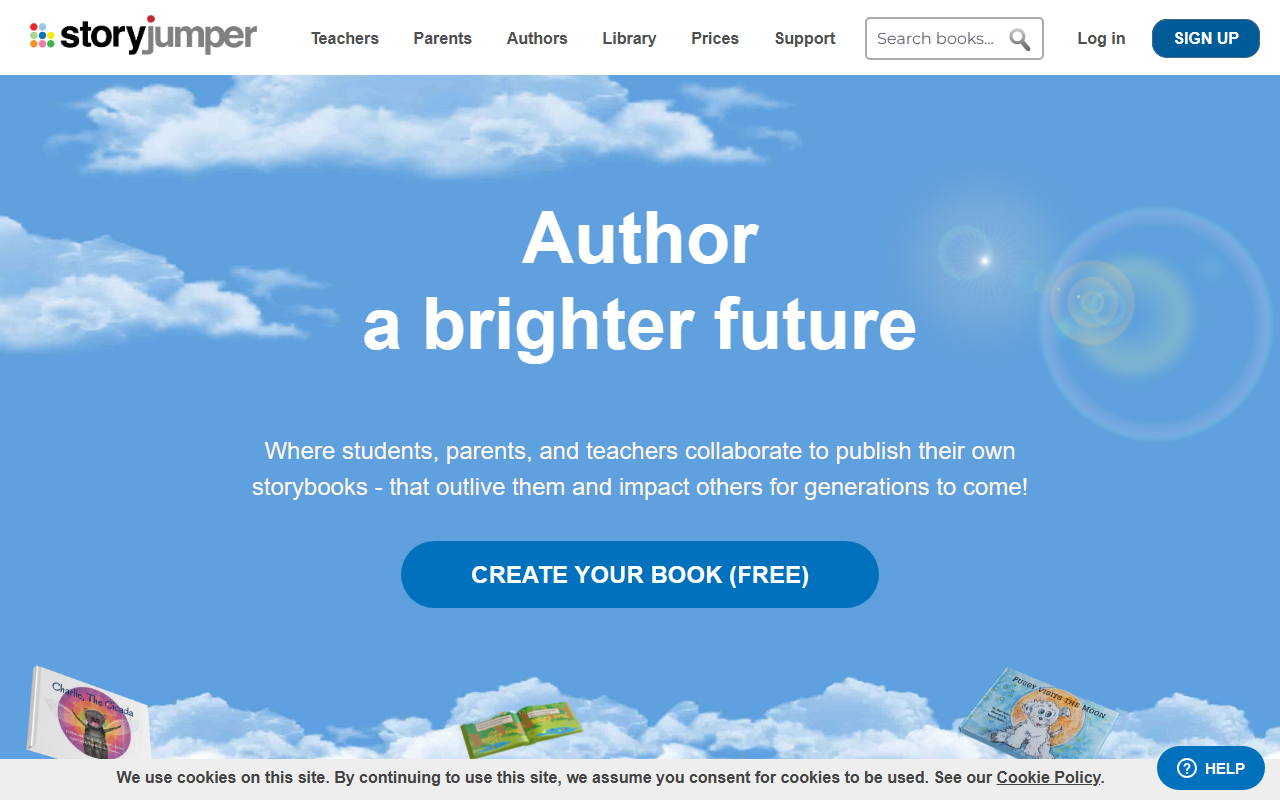
Upon visiting the StoryJumper website, I was greeted with a clean, friendly interface that immediately highlights three key user groups: teachers, parents, and authors. The homepage features a prominent call-to-action to create a book for free, which I decided to test. Sign-up was straightforward—I simply clicked the 'Sign Up' button, entered an email and password, and I was in. The dashboard shows a simple layout with options to create a new book, browse the public library, and access guides. There is no complex onboarding tutorial; instead, the platform lets you dive right into the book editor.
When I started a new book, I chose the 'Author' role (as opposed to teacher or parent). The editor presents a blank canvas with a sidebar for adding pages, text, images, and narration. I was able to drag and drop backgrounds, upload my own photos, and even design a custom character using a simple avatar builder. The process felt intuitive, even for someone new to digital book creation.
Core Features and Workflow
StoryJumper is purpose-built for collaborative storybook creation. Its standout feature is the ability to co-author a book in real-time—multiple users can add text, images, and voice narration simultaneously. This makes it an excellent tool for classrooms or family projects. During my test, I invited a colleague to join a shared book; we could see each other’s edits instantly, similar to Google Docs but specialized for book formatting.
The multimedia capabilities are richer than many competitors. You can record voice narration for each page—I recorded a short line using my laptop microphone—and the tool seamlessly syncs it to the page turn. Uploading custom imagery is also smooth, with support for JPG and PNG. Additionally, the 'Design Characters' feature lets you create unique avatars by choosing skin tone, hair, clothing, and expressions. While the character options are not infinite, they cover a decent range for children’s storybooks.
The resulting book can be previewed in a digital flipbook format, and then published to the public library or printed as a hardcover. StoryJumper handles the printing and shipping, turning your digital file into a physical book. This end-to-end workflow is a major time-saver for educators and aspiring authors.
Pricing and Audience
StoryJumper's pricing is not publicly listed on the website. The homepage has a 'Prices' link, but clicking it leads to a page that requires logging in or completing a form. From user discussions, I gather that basic digital publishing is free, while hardcover printing costs start around $14.99 per book plus shipping. Classroom accounts may have volume discounts, but exact tiers are opaque. This lack of transparency is a limitation—users cannot easily evaluate the full cost before committing time to the platform.
The tool is best suited for teachers who want to run collaborative writing projects, parents creating personalized gifts, and children who want to see their stories in print. It is less suitable for professional authors seeking complex layout controls or advanced typography. Compared to alternatives like Book Creator (which focuses on digital-only curation) or Storybird (which emphasizes art-driven stories), StoryJumper stands out for its combination of collaborative editing, multimedia narration, and physical printing. It claims to be the #1 rated site for creating storybooks, and based on user numbers and longevity (founded in 2008), it has a solid reputation in educational circles.
Final Verdict
StoryJumper delivers a polished, accessible platform for collaborative storybook creation. Its real-time co-authoring, voice narration, and print-on-demand service are genuine strengths. However, the hidden pricing and somewhat limited character customization are notable drawbacks. For teachers, parents, and casual authors, it is a fantastic way to turn ideas into tangible keepsakes. If you need advanced design tools or transparent upfront costs, you might want to look elsewhere. I recommend trying the free digital version—it gives you enough room to assess whether the workflow fits your needs.
Visit StoryJumper at https://storyjumper.com/ to explore it yourself.











Comments