

First Impressions and Onboarding
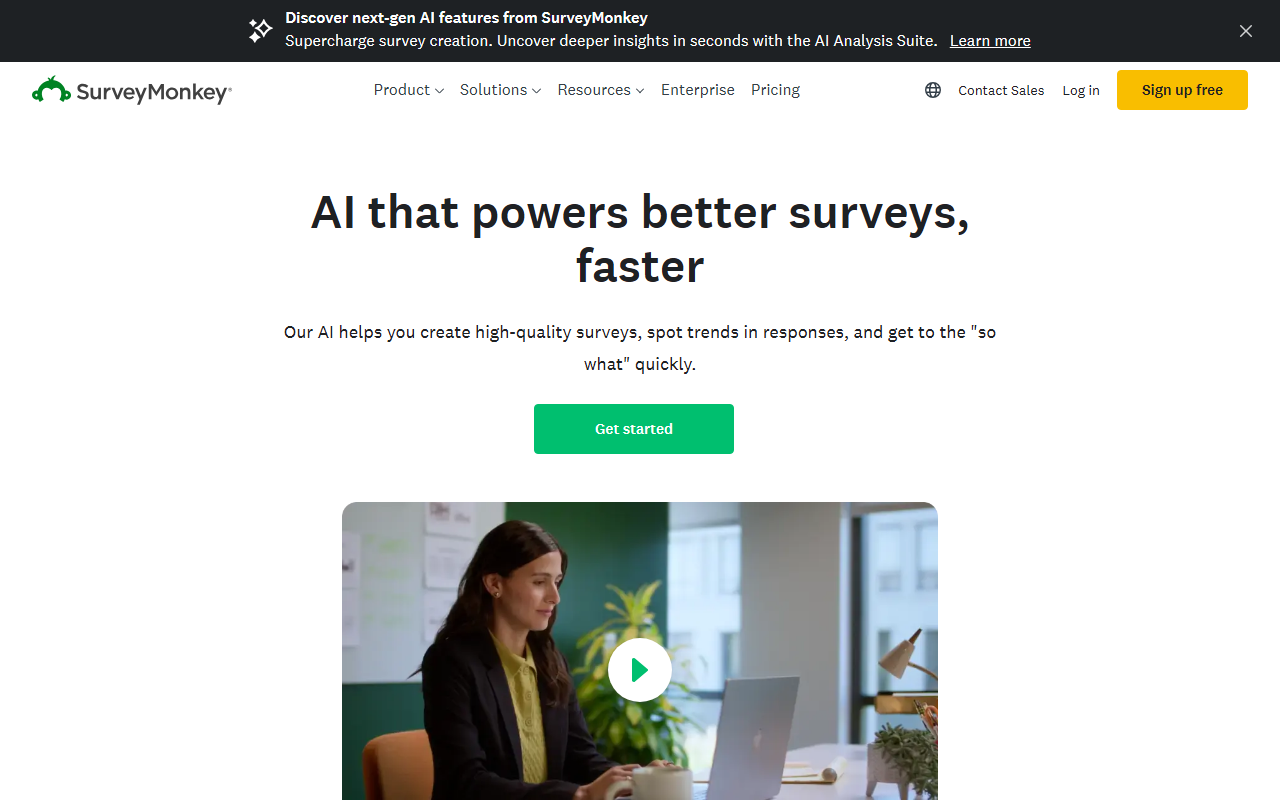
Upon visiting SurveyMonkey, the landing page immediately highlights its AI-powered tools and a free tier. The dashboard is clean and intuitive, guiding you through survey creation with a visible prompt bar for AI-generated surveys. I tested the free tier and found the AI survey builder remarkably fast: typing a simple prompt like “measure employee satisfaction” generated a polished draft in seconds, complete with multiple question types. The onboarding flow suggests starting with a template from over 500 options, which I found well-organized by use case like customer experience and market research. The interface feels professional, and the AI integration is front and center, not buried in menus.
Core AI Features and Workflow
SurveyMonkey’s AI isn’t just for drafting questions—it also assists in analysis. After collecting a few responses, the analytics dashboard uses AI to detect patterns and highlight trends, offering visual summaries without manual effort. I observed the “AI-polished” feature during survey creation: it cleaned up ambiguous phrasing and reordered questions for logical flow. For targeting, you can send surveys via email, social media, or tap into their global audience panel of over 335 million respondents. The platform also boasts 200+ integrations with tools like Salesforce and Slack, enabling automated workflows. The entire experience feels like an always-on insights engine, not just a one-time survey tool.
Pricing and Target Audience
SurveyMonkey offers a Basic plan for free, allowing unlimited surveys but only 25 responses per survey—a clear limitation for serious researchers. Individual plans start around $34 per month for advanced logic and export options, while Teams plans (pricing not publicly listed per plan) add collaboration and branding controls. Enterprise plans require contacting sales for custom security and admin features. Compared to Typeform, SurveyMonkey focuses more on analytics and large-scale panel access, while Google Forms is simpler but lacks AI insights. This tool is best for mid-to-large organizations needing robust market research, employee feedback, or customer experience tracking. Solo users or small teams on a tight budget might find the free tier too restrictive.
Final Verdict
SurveyMonkey’s strength lies in its AI-driven speed and depth of analysis, making it a powerful choice for teams that treat feedback as a continuous data stream. The 500+ templates and panel access are genuine assets. However, the free tier’s 25-response cap and lack of white-labeling (even on paid plans) are real drawbacks for cost-conscious users or agencies. If you need scalable, insight-rich surveys with minimal manual work, this is a top contender. I recommend starting with the free trial to test the AI features firsthand. Visit SurveyMonkey at https://surveymonkey.com to explore it yourself.













Comments