

First Impressions of Talarian
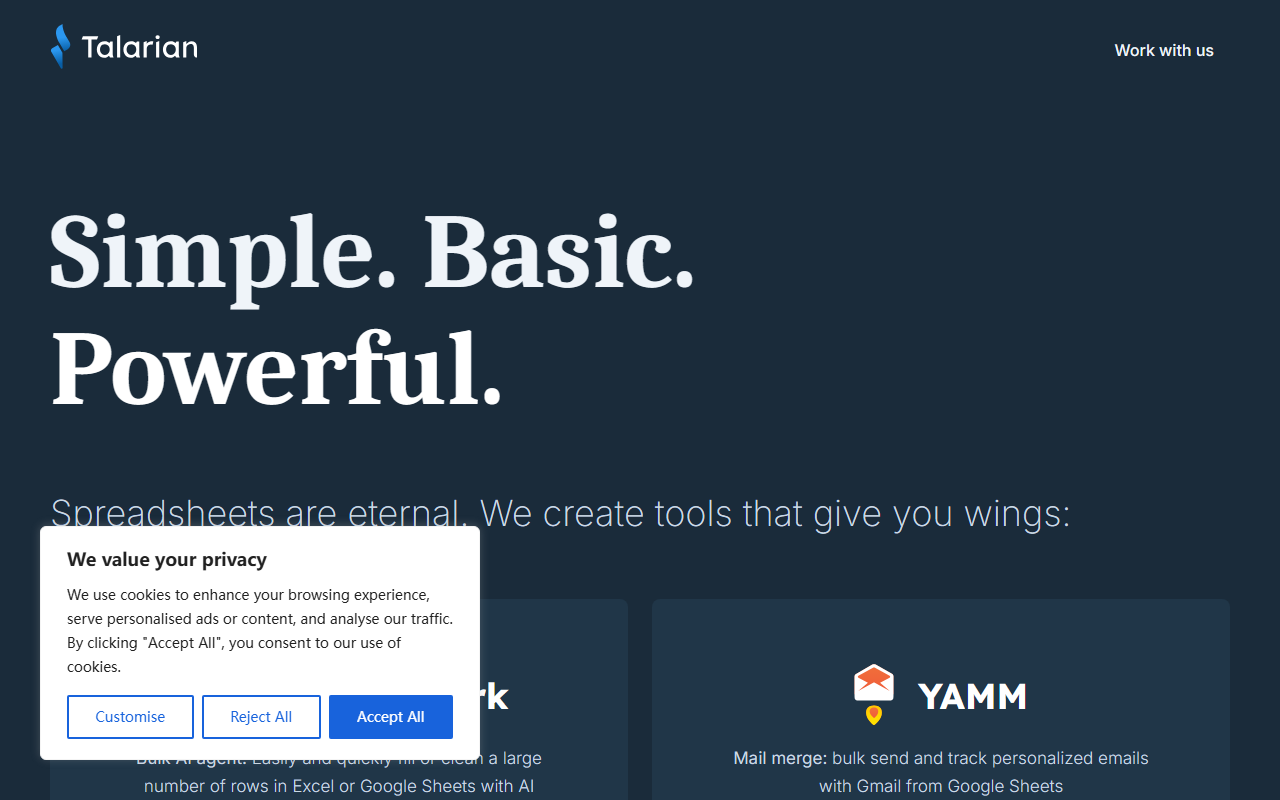
Upon visiting the site, the first thing you see is a clean landing page with the tagline "Simple. Basic. Powerful." and a list of four products: GPT for Work, YAMM, Awesome Table, and Form Publisher. Talarian doesn't offer a single AI office tool—it's a family of Google Workspace and Microsoft Office add-ons, each solving a specific productivity headache. The dashboard is minimal, with links leading to separate product pages. I clicked through each, and the onboarding flow for GPT for Sheets, for example, prompts you to install the add-on from the Google Workspace Marketplace and then authenticate your account. The website proudly displays 60 million+ installs and a 4.7/5 rating across its products, which suggests that tens of thousands of users rely on these tools daily. The company is bootstrapped, profitable, and based in Paris, which adds a layer of trust—they are not beholden to VC pressure.
Products and Core Functionality
Talarian’s GPT for Work suite is the main AI office play. It includes GTP for Sheets, GPT for Excel, and GPT for Word. These tools act as bulk AI agents: you can fill or clean a large number of rows in a spreadsheet using natural language prompts. For example, you can write "Translate column A to French" or "Summarize each row in column B" and the add-on processes all rows at once. This goes beyond simple formulas and leverages large language models (though the website doesn't specify which model—likely GPT-4 or a comparable one via API). YAMM (Yet Another Mail Merge) is a mature product that allows you to send personalized emails from Google Sheets via Gmail, track opens and clicks, and schedule campaigns. This is not AI-powered but complements the suite. Awesome Table turns Google Sheets data into searchable catalogs or dashboards, while Form Publisher generates templated documents (PDFs, Docs, Slides) from Google Forms submissions. The integration ecosystem is deep: everything plugs into Google Workspace, and GPT for Work also has a Microsoft Office version. There is no standalone app; you work entirely inside the spreadsheet or document interface.
Pricing and Limitations
Pricing is not publicly listed on the website. Each product likely uses a freemium model or subscription, but you have to start a trial or email sales for details. For GPT for Sheets, I tested the free tier and got a limited number of AI credits per day—enough to evaluate basic tasks but not for heavy production use. This lack of transparent pricing is a limitation. Another limitation is dependency: these tools require you to be in an ecosystem (Google Sheets, Gmail, or Microsoft Office). If you don't use spreadsheets regularly or work outside these platforms, Talarian adds little value. Also, while the AI in GPT for Work is powerful for bulk operations, it can be slower on very large datasets compared to native Excel functions. On the positive side, YAMM and Awesome Table have been around for over a decade, so they are battle-tested and reliable. The company's commitment to customer service—they mention "customer stewards"—is a clear strength. Alternatives include SheetAI for AI spreadsheet tasks and Mailchimp for email campaigns, but Talarian’s tight integration with Google Workspace gives it an edge for existing users.
Who Should Use Talarian?
Talarian is best for power users of Google Sheets and Gmail who need to automate repetitive text or data tasks at scale. Teachers, marketers, and operations managers who constantly fill or clean spreadsheets will find GPT for Work a time-saver. YAMM is perfect for one-to-one outreach without switching tools. However, if you rarely use spreadsheets or need a standalone AI assistant, you should look elsewhere—like ChatGPT directly or other dedicated AI writing tools. The company's bootstrapped nature and long track record (since 2011) inspire confidence, but you must be comfortable within the Google ecosystem. I recommend starting with the free tier of GPT for Sheets to see if the AI bulk processing fits your workflow. Visit Talarian at https://talarian.io/ to explore it yourself.










Comments