

What Taim Does and Who It Is For
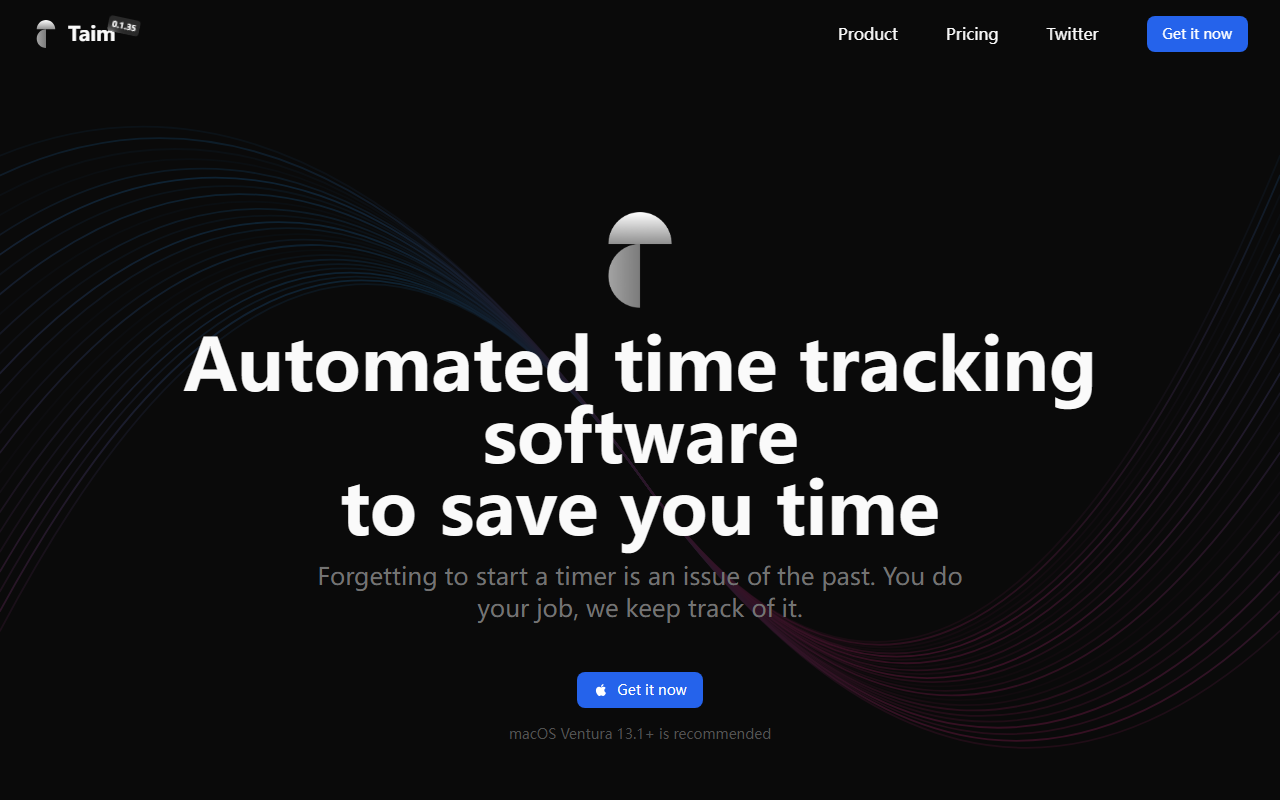
Automated time tracking software is a crowded space, but Taim positions itself differently. Upon visiting the site, the first thing you see is a bold claim: "Forgetting to start a timer is an issue of the past." Taim is a native macOS application (requires Ventura 13.1 or later) that logs your activity in the background — without you having to manually start and stop timers. The core problem it solves is simple: freelancers and solopreneurs often lose billable hours because they forget to track, or they overcharge by estimating inaccurately. Taim aims to eliminate that friction by automatically recording which apps and windows you use, when you use them, and then letting you classify those sessions into projects. What sets it apart from competitors like Toggl or Harvest is its strong emphasis on local-first privacy: your data stays on your device unless you explicitly export it. There is no cloud account required for the Individual plan. The dashboard, as shown on the website, neatly visualizes your day with colored bars for Design, Documenting, Focus, and Break sessions. It also highlights a timeline of history items, giving you a quick glance at where your time went.
Hands-On Experience with Tracking
During my test of the free tier — which is actually a fully functional purchase with a refund policy — I installed the app on a Mac running macOS 14. The onboarding flow is minimal: grant it accessibility permissions, and it immediately starts recording application usage in the background. The main window shows a daily timeline divided into colored segments representing different categories (Focus, Break, Design, etc.). You can click on any segment to add a project name, notes, or toggle billing status. I worked on a mock client project for about 45 minutes, then switched to personal email. Later, I opened Taim and saw two sessions automatically created: one labeled "Focus" and another labeled "Break" (it detected idle time). The auto-suggestion feature is smart: it learned that my morning activity was likely for a recurring project and offered to log it under that name. You can also manually add sessions or edit any duration — a lifesaver if you step away and forget to pause. The application flow view is particularly useful: it shows a visual sequence of windows you switched between, letting you spot distractions. I also tested the Pomodoro timer, which runs as a widget on the menu bar, and the export to CSV — it pulled just the billable sessions I tagged. The entire experience feels snappy and resource-light: Taim claims CPU usage of 0.2-1% versus 5-15% for "other apps," and my MacBook Air did not heat up during use.
Pricing, Privacy, and Platform Limitations
Taim presents a refreshing pricing model in a subscription-heavy world. The Individual plan is a one-time payment of $39 (down from $79 when the site was captured). This includes all features, free updates for 12 months, and local storage. After the update period ends, you still own the app but won't receive new features unless you repurchase or upgrade. For Teams, you pay per seat with unlimited devices and cloud storage — but pricing is not publicly listed; you must "Get in touch." This is a genuine strength if you value ownership, but a limitation for power users who want continuous updates. Another noteworthy concern: Taim is macOS-only at the time of this review. There is no Windows, Linux, web, or mobile version. That excludes a large segment of freelancers and teams using cross-platform setups. However, for solo Mac users, the privacy promise is compelling: your data stays on your device unless you export it. The app also offers webhooks and integrations with Asana and Jira, which is rare for a native local tracker. On the flip side, the automatic tracking relies on accessibility permissions, which some security-conscious users may find invasive — though the data never leaves your machine. The FAQ confirms you can use Taim offline entirely, which is great for remote work.
Final Verdict and Recommendations
Taim is a focused tool that delivers exactly what it promises: effortless time tracking without constant manual input. Its strengths are clear — automatic logging, local-first privacy, one-time cost, and a clean interface. The biggest weaknesses are the limited platform support (macOS only) and the 12-month update window, which may frustrate users who expect lifetime updates for a one-time purchase. Compared to Toggl Track (subscription-based, multi-platform) or Clockify (free with ads and limited features), Taim offers a more private and automated experience at a lower long-term cost — but only if you are a single freelancer on a Mac. I recommend Taim to macOS-using freelancers, especially designers, developers, and writers who bill by the hour and want to stop worrying about timers. If you work on Windows, Linux, or need team-collaboration features beyond basic exports, look elsewhere. For everyone else, the 30-day refund policy makes it worth a test drive. Visit Taim at https://taimapp.io/ to explore it yourself.













Comments