

First Impressions and Onboarding
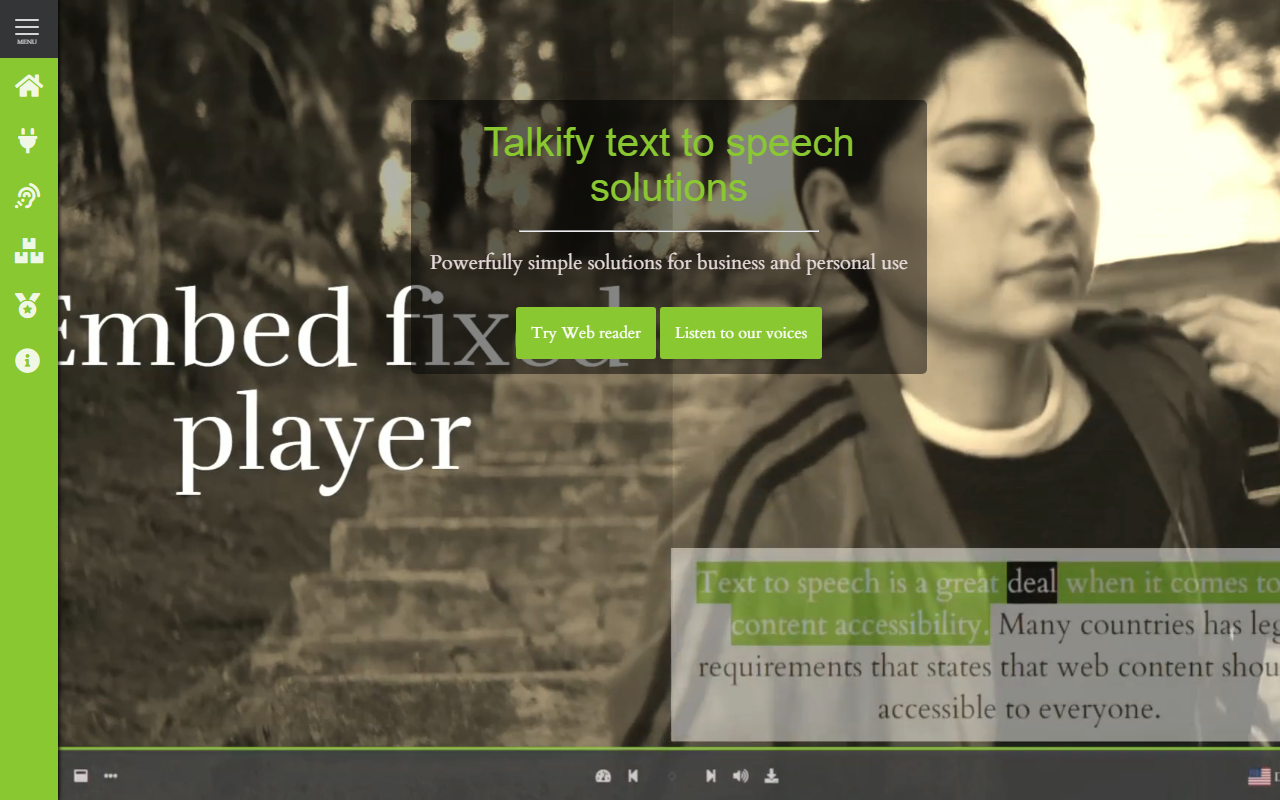
Upon visiting talkify.net, I was greeted by a clean, accessibility-focused homepage that immediately communicates its mission: making web content audible for everyone, especially those with dyslexia or visual impairments. The navigation is minimal, leading quickly to the "Try Web reader" button. When I clicked it, I was taken to a demo page where I could paste up to 100 characters and have them read aloud. The interface is straightforward: a dropdown to select a voice (I noticed "Whisper" and other options), sliders for volume and pause between words, and a character counter. The demo read my test sentence clearly, with natural intonation—surprisingly good for a free tier. The site also features a "Read entire page aloud" option, which is handy for evaluating long-form content. Overall, the onboarding took less than two minutes, and the tool felt intuitive even for a first-time user.
Core Features and Technical Architecture
Talkify is not just a simple TTS tool; it is a platform designed to speech-enable applications. Its key value proposition is the "One API to rule them all" approach: it integrates with multiple top-tier TTS voice providers (though the specific providers are not named on the site) and exposes them through a unified API. On top of that, there is an advanced JavaScript library that can also use built-in browser voices, including offline ones. For WordPress site owners, a dedicated plugin leverages that library, making integration accessible without deep coding knowledge. The product suite includes: a Web Reader (free with premium options), E-book Reader, Form Reader, TTS-Studio (for fine-tuning pitch, rate, volume, pauses), Text Document Reader, Text Selection Reader, Table Reader, and a basic reader for PDFs. During testing, I used the Text Selection Reader and found the highlighting accurate, which is crucial for reading along. The open-source nature of the JavaScript library is a strong point for developer transparency and customization.
Pricing and Positioning
Pricing is not publicly listed on the website. The home page mentions a "free to use Web reader" and "Premium services to unlimited access to all voices," but no dollar amounts or tiers are shown. This is a limitation for potential customers who need to budget. In terms of market positioning, Talkify differentiates itself from competitors like Amazon Polly or Google Cloud Text-to-Speech by focusing specifically on accessibility and WCAG compliance. It provides ready-made UI components and a simple integration path, whereas the cloud giants require more custom development. Talkify is best suited for educational institutions, web app owners, and WordPress administrators who need to meet accessibility requirements without building a TTS system from scratch. Developers looking for a lightweight, open-source audio generation API might also find it appealing. However, if you need ultra-low latency or massive scale (millions of requests daily), you may be better served by a hyperscaler’s direct API.
Final Verdict and Recommendations
Talkify delivers on its promise of "powerfully simple" text-to-speech. Its strength lies in the breadth of pre-built integrations—from WordPress to custom JS—and the focus on web accessibility. The audio quality in my test was impressive, and the highlighting feature enhances comprehension for users with reading difficulties. On the downside, the lack of transparent pricing is a major friction point; businesses will need to contact sales to gauge cost. Additionally, the free tier’s 100-character limit is quite restrictive for serious evaluation. Despite these drawbacks, Talkify is a solid choice for non-technical site owners who want to add TTS quickly, or for organizations that must meet WCAG standards without hiring a dedicated speech engineer. If you manage a school, a public-sector site, or a content-heavy WordPress blog, give Talkify a try. Visit Talkify at https://talkify.net/ to explore it yourself.










Comments