

First Impressions and Onboarding
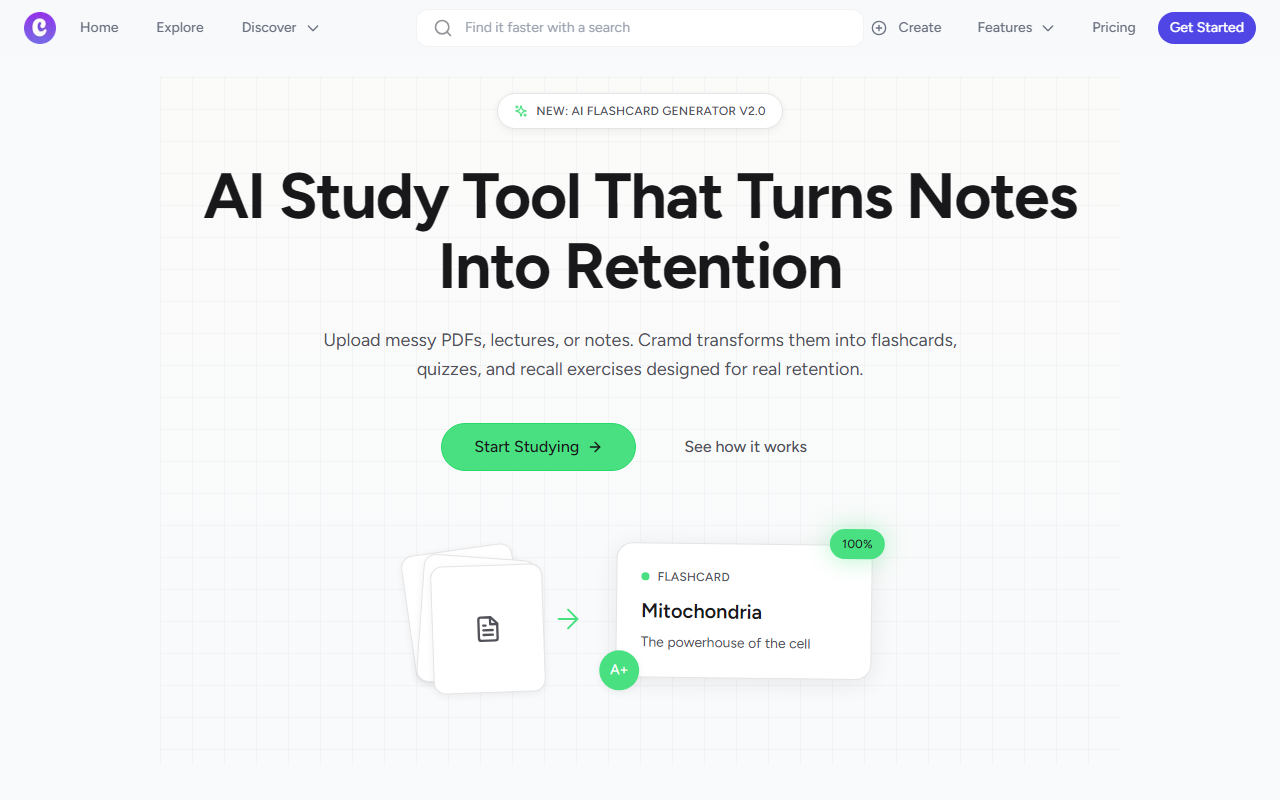
Upon visiting trycramd.com, the landing page immediately pitches its value proposition: turn messy PDFs, lectures, or notes into flashcards, quizzes, and recall exercises designed for real retention. A prominent call-to-action button labeled “Start Studying” invites you to dive right in. I clicked it and was taken to a clean, modern interface. The dashboard presents a simple upload area with drag-and-drop support for PDFs, Word documents, images, and even YouTube links. There’s also a text input box where you can paste notes directly. The onboarding flow is minimal — you upload something, and the AI processes it within seconds. I tested the free tier by uploading a sample biology PDF. The AI parsed the content and generated a set of flashcards with terms like “Mitochondria” on one side and “The powerhouse of the cell” on the other. A click-to-flip animation works smoothly. Each flashcard includes a confidence button (100% or A+), suggesting the tool tracks your self-rated retention. A spaced repetition engine is claimed to be built in, though I didn’t see the algorithm’s parameters during my test. The overall experience feels fast and intuitive, especially for students who want to skip manual flashcard creation.
Key Features and Technical Underpinnings
Cramd’s core strength is its ability to ingest multiple content types. Beyond standard PDFs and text, it supports handwritten notes (via photo upload), slides, and voice memos. The “YouTube Mode” is particularly interesting — I pasted a link to a 15-minute lecture video, and within a minute the AI generated a set of flashcards based on the transcript. This is a significant time-saver for students who rely on video courses. The tool also includes an “Exam Simulation” feature that adapts questions based on your weak spots, tracking progress toward exam day. Under the hood, Cramd uses what it calls “advanced AI” — likely a fine-tuned large language model, though the website doesn’t specify which model or API it uses. There’s no mention of custom model training or local processing, so it’s probable the data is processed on Cramd’s servers. The platform also claims a “Universal Import” that works with Quizlet sets, though I didn’t test that integration. The spaced repetition engine is a welcome addition, aligning with cognitive science principles. However, I noticed no option to adjust review intervals manually, which some power users might miss.
Pricing, Alternatives, and Market Position
Pricing is not publicly listed on the website. This is a notable limitation — users cannot evaluate cost before signing up. Typically, such tools offer a freemium model with limited uploads per month. For context, competitors like Quizlet premium cost around $3 per month (annual plan) for ad-free studying and basic AI features, while dedicated spaced repetition apps like Anki are free (with a small iOS fee). Cramd positions itself as an all-in-one solution that eliminates the manual labor of creating study materials. It claims to be used by thousands of students, and testimonials from pre-med, law, and engineering students lend some credibility. However, without transparent pricing, it’s hard to compare value. The AI flashcard generation quality is decent — my biology test yielded accurate definitions, though complex diagrams were not well captured. This tool is best suited for students who have dense text-heavy materials and want to quickly produce review content. It may not be ideal for subjects that rely heavily on visual recognition (e.g., anatomy diagrams) unless the photo upload quality is high. Another alternative is the study platform Knowt, which also offers AI-generated flashcards and is free.
Strengths, Limitations, and Final Verdict
Cramd’s genuine strengths include its rapid ingestion of various file formats, the integration of spaced repetition, and the YouTube-to-flashcard pipeline — all of which genuinely reduce study prep time. The interface is clean and responsive, making it accessible even to less tech-savvy users. However, the lack of visible pricing information is a major drawback. Users are forced to create an account just to see if the free tier meets their needs, and without pricing, it’s impossible to budget. Another limitation is the AI’s reliance on text extraction: handwritten notes with messy formatting may produce inaccurate flashcards. The tool also doesn’t offer collaborative features, which could be a downside for study groups. In summary, Cramd is a promising AI study tool with a strong focus on active recall and convenience. I recommend it for individual students who have messy digital or physical notes and want an automated way to generate flashcards. If you need robust pricing transparency or rely heavily on complex diagrams, you might be better off with Anki or Quizlet Plus. Visit Cramd at https://trycramd.com to explore it yourself.













Comments