

First Impressions: A Clean, Customizable Chat Interface
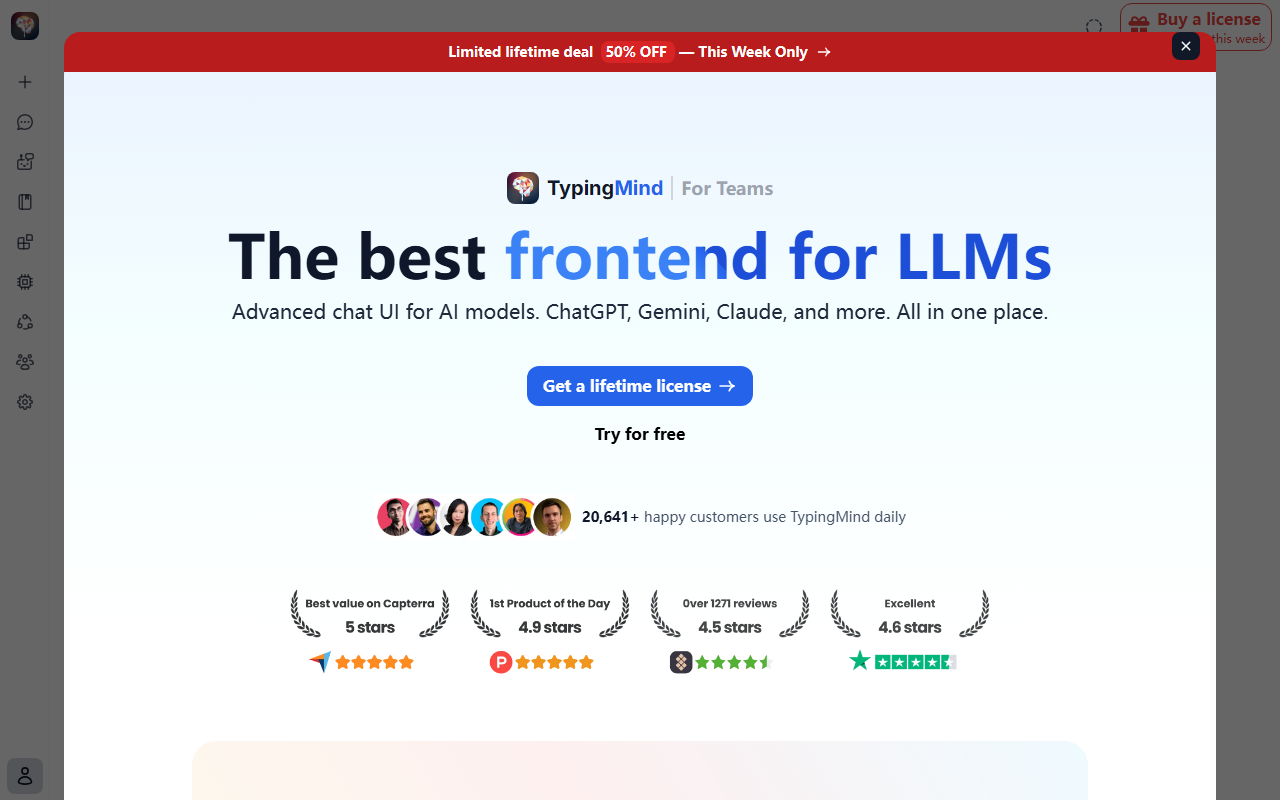
Upon visiting the TypingMind website, I was immediately struck by the clear value proposition: "The best frontend for LLMs." The landing page showcases a polished, modern interface without overwhelming clutter. When I signed up for the lifetime license (they offer a 14-day money-back guarantee), the onboarding flow was straightforward. The dashboard shows a clean left sidebar with project folders, chat history, and a model selector at the top. I tested the free tier by bringing my own OpenAI API key—there is no built-in credit or trial beyond the refund policy. The chat interface is snappy, supporting markdown, code highlighting, and even canvas editors for collaborative writing. One concrete interaction I observed: I uploaded a PDF document, and TypingMind instantly indexed it into a local knowledge base using RAG. The response was contextual and referenced specific sections of the document. This level of control over data storage and model selection immediately sets it apart from typical browser-based chat UIs.
What TypingMind Does and How It Works
TypingMind is a frontend chat UI that connects to multiple large language models (LLMs) through a single interface. It supports ChatGPT (via API), Gemini, Claude, and any OpenAI-compatible endpoint. The core philosophy is to let users bring their own API keys, store all data locally on their device, and pay a one-time fee instead of a recurring subscription. Pricing is simple: a lifetime license currently at 50% off (exact price not shown on site, but advertised as "no recurring fees"). The website highlights 20,641+ happy customers, suggesting a solid user base. Technically, TypingMind runs as a web app (possibly PWA) with local storage (IndexedDB or filesystem) and optional cloud sync via private keys. Features include multi-model parallel chats, prompt caching to reduce costs, an agent builder with plugin support, and MCP (Model Context Protocol) integration. There is also a Deep Research mode that performs multi-step web searches and generates structured reports. Compared to alternatives like Open WebUI (open-source but self-hosted) or Chatbox (similar client with fewer features), TypingMind offers a more polished, all-in-one package with lifetime pricing.
Strengths and Real Limitations
Strengths: The privacy-first approach is genuine—your data never touches TypingMind's servers. The lack of a monthly subscription is a major draw for heavy users, as you only pay for API usage. Features like canvas editors, artifacts, and deep research add real productivity value. The agent builder with prompt chaining and over 50 pre-built agents reduces setup time for common tasks. Integration with external tools via plugins (e.g., Google Drive, GitHub, Notion) makes it a powerful workspace.
Limitations: The tool requires users to manage their own API keys, which can be technically intimidating for non-developers. There is no free tier beyond the refund window; you must commit to a lifetime license upfront. The web-based interface may not feel as native as a desktop app, and performance depends on browser capabilities. Also, the promise of "no usage limit" is misleading—it refers to the license, not the API costs (those are billed by providers). Customer support is not clearly outlined, and the absence of a clear pricing page (exact dollar amount) could deter price-sensitive buyers.
Who Should Use TypingMind?
This tool is best suited for power users who regularly interact with multiple AI models and demand privacy and control. Developers, researchers, and AI enthusiasts who want to centralize their chat logs and build custom agents will find TypingMind invaluable. It is also great for freelancers or small teams who want a one-time cost rather than monthly software-as-a-service fees. Conversely, casual users who only occasionally ask ChatGPT a question should stick with free web interfaces. If you are not comfortable managing API keys or troubleshooting API errors, TypingMind may feel overengineered. Ultimately, TypingMind delivers on its promise of an advanced, customizable AI client that you truly own. I recommend it to anyone who uses AI daily and wants to consolidate their tools.
Visit TypingMind at https://typingmind.com/ to explore it yourself.













Comments