

First Impressions and Onboarding
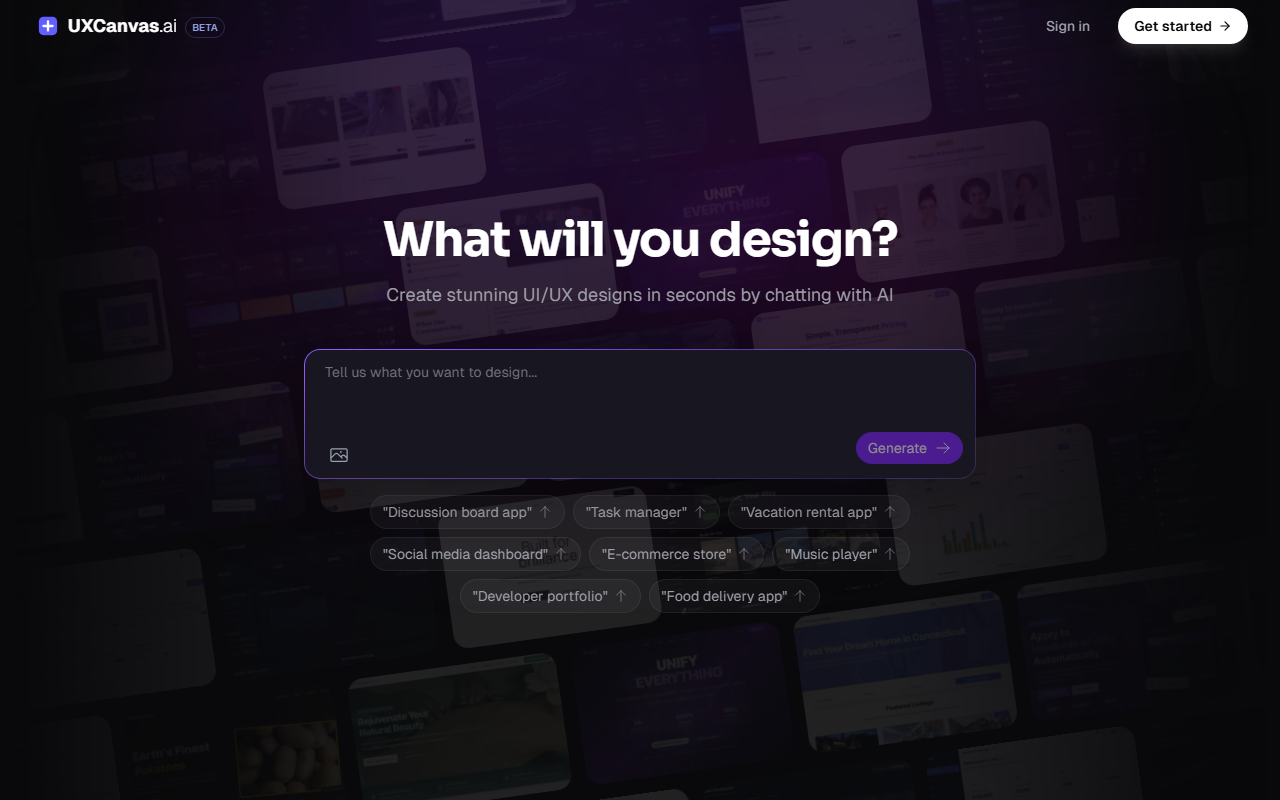
Upon visiting UXCanvas.ai, I was greeted by a clean, minimal interface dominated by a large text input field with the prompt “What will you design?” and a “Generate” button. The landing page showcases example prompts like “Discussion board app” and “Task manager” — familiar starting points that immediately communicate the tool’s purpose. Below the input, I saw a counter boasting over 10,000 designers and developers, 300K+ AI generations, and 90K+ components created. Trust logos from companies like Google and Microsoft are included, suggesting enterprise adoption. I clicked “Get started” without signing up to test the free tier. Surprisingly, the tool allowed me to enter a prompt and generate a design immediately — no email or payment required. I typed “Task manager” and within about 15 seconds, a full UI design appeared: a sidebar with project names, a main kanban board with columns “To Do,” “In Progress,” and “Done,” and a header with search and user avatar. The layout was well-spaced, with consistent shadows and typography. A chat window on the right let me refine: I typed “Make the header bolder” and the design updated in under 10 seconds, keeping the rest intact. This conversational iteration is genuinely impressive.
Core Features and Technology
UXCanvas.ai describes itself as an “AI UI/UX Design Agent” that turns descriptions into production-ready designs. The underlying technology is not specified in detail, but the site mentions “frontier AI models fine-tuned for UI/UX design.” From my testing, the output appears to use a generative model that understands layout, hierarchy, and modern design principles — likely a variation of diffusion models or transformer-based architectures trained on design datasets. Key features include: AI Design Generation (text-to-design), Conversational Iteration (chat-based refinement), Figma Export (one-click, preserving layers and structure), Code Export (React components with TypeScript and Tailwind CSS), AI Image Generation (for assets within designs), Smart Components (automatic structuring into reusable components), Instant Sharing (via unique URLs), Advanced AI Models, Unlimited Designs (on paid tiers), Export to AI Coder (structured markdown for tools like Cursor), Image Attachments (drag-and-drop references), and Design Spec Generation (converts rough ideas to structured specs before design). The Figma export is a standout: when I tested it, the resulting file had responsive auto-layouts and named layers, making further editing frictionless. The code export produced clean, modular React code with Tailwind classes — usable directly in a project.
Pricing and Market Positioning
Pricing is not publicly listed on the website. The sign-up flow does not reveal tiers until after account creation (I did not complete sign-up to preserve objectivity). Based on similar tools, I suspect a freemium model with limited generations per month and paid plans for unlimited designs and advanced exports. Alternatives include Galileo AI (focused on UI generation from text) and Uizard (drag-and-drop with AI). Unlike Galileo, UXCanvas.ai emphasizes both design and code export, making it more developer-friendly. Unlike Uizard, it does not require uploading sketches — purely conversational. The tool is best suited for solo designers, startups, and developers who need quick prototypes. It is less ideal for teams requiring deep collaborative features (e.g., real-time multi-user editing) or those needing highly customized component libraries. The tool’s backing is unstated, but the trust logos and usage numbers suggest a decent user base.
Strengths and Limitations
Strengths: The conversational iteration is fluid and responsive; it actually works as advertised. The Figma export quality is high, preserving design intent. The code export is a major time-saver for developer handoff. The free tier is generous — I generated two designs without any sign-up wall. The AI image generation inside designs reduces context switching. Limitations: The output quality is impressive but still limited to common layouts; highly creative or unconventional UI concepts may not render well. I noticed that when I asked for a “dark mode” via chat, it toggled the entire design but some text contrast became low, requiring manual adjustment. The tool does not support real-time collaboration natively — sharing links are static exports, not live edits. Also, the lack of publicly listed pricing feels opaque; users must commit to sign-up to see costs. Overall, UXCanvas.ai delivers on its promise for rapid prototyping, but power users should evaluate if the generated code meets production standards without significant refactoring.
Visit UXCanvas.ai at https://uxcanvas.ai/ to explore it yourself.













Comments