

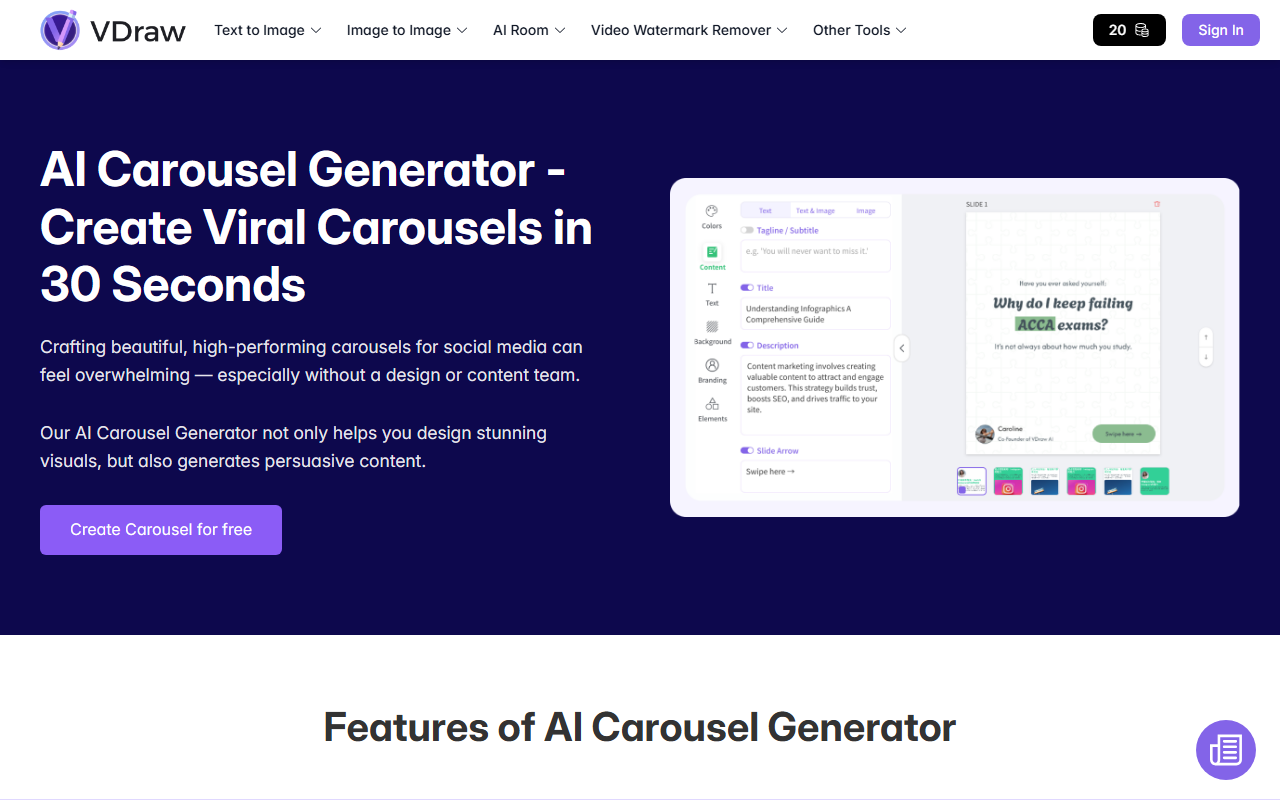
First Impressions: A Clean Dashboard with Instant Gratification
Upon visiting VDraw's homepage, I noticed a minimalistic layout that immediately highlights the core value proposition: turning ideas into visuals in seconds. The interface greets you with a prominent text prompt box and a selection of style controls — no sign-up wall for the basic tools. I tested the AI Image Generator by typing a prompt for a neon-lit cyberpunk cityscape. Within about 4 seconds, the tool generated four high-quality variations. The dashboard clearly segments features: Image Generator, Image Editor, Video Watermark Remover, AI Room, and an upcoming Image to Text tool. Each section loads quickly, and the free tier allows unlimited usage without visible rate limits — a huge plus for casual creators.
Core Features What Works and What Doesn't
The AI Image Generator is VDraw's flagship. You can choose from several artistic styles (realistic, anime, 3D render, oil painting) and image sizes (square, portrait, landscape). The underlying model is not disclosed, but results are competitive with Midjourney v5 in terms of coherence and detail — though sometimes text in generated images is garbled. The free tier generates images with a small watermark, which can be removed by logging in (still free).
The Video Watermark Remover works reliably for short clips. I uploaded a 15-second test video with a logo overlay; the AI automatically detected and removed it in about 30 seconds with almost no artifacts. For longer videos (over 2 minutes) the processing became slower, but still impressive for a free tool. The AI Image Editor offers basic adjustments (background swap, lighting, retouching) but lacks layer support or advanced filters. The AI Room feature generates interior/exterior designs from prompts — I tried a cozy modern bedroom and got realistic renders, but furniture placement sometimes looked unnatural. The Image to Text feature is listed as coming soon, so no evaluation yet.
Pricing is not publicly listed on the website. The tool is entirely free to use with account registration, though there may be future premium tiers. Compared to Canva's AI, VDraw offers faster generation but fewer editing capabilities. Unlike Adobe Firefly, it's completely web-based and requires no subscription — making it a risk-free starting point.
Strengths and Real Limitations
Strengths:
- Zero-cost entry: All core features are free, with no hidden paywalls or credits. This is rare in the AI image generation space.
- Speed: Image generation takes 3-5 seconds, which is faster than most competitors on their free tiers.
- Video watermark removal: A niche feature that works consistently well, saving hours of manual masking.
- Good prompt adherence: The AI understood complex prompts like “a steampunk owl wearing a top hat” and produced four distinct, usable images.
Limitations:
- No advanced editing: The AI Image Editor lacks layers, masking, text overlay, and granular controls. Users needing serious retouching will need a separate tool.
- Inconsistent quality: While many outputs are excellent, some suffer from distorted hands or mismatched lighting. The model struggles with faces in group scenes.
- No batch processing: You cannot generate multiple images or edit videos in bulk, which slows workflows for power users.
- Limited integrations: No API, no direct export to social platforms, and no team collaboration features.
Who Should Use VDraw AI?
VDraw is best suited for individual content creators, social media managers, and small business owners who need quick, decent visuals without spending money. It excels for brainstorming concepts, generating social media graphics, and cleaning video clips for TikTok or Instagram. Students and hobbyists will appreciate the no-commitment access.
If you're a professional graphic designer, photographer, or video editor who needs precise control, high-resolution exports, or batch automation — look elsewhere. Tools like Adobe Photoshop with Generative Fill or Runway ML offer deeper capabilities, though they require subscriptions.
Overall, VDraw delivers on its promise: a free, fast, and easy-to-use AI visual toolkit. It lacks the polish of premium suites, but for 90% of everyday creative needs, it's more than sufficient. Visit VDraw at https://vdraw.ai/ to explore it yourself.













Comments