

First Impressions and Onboarding
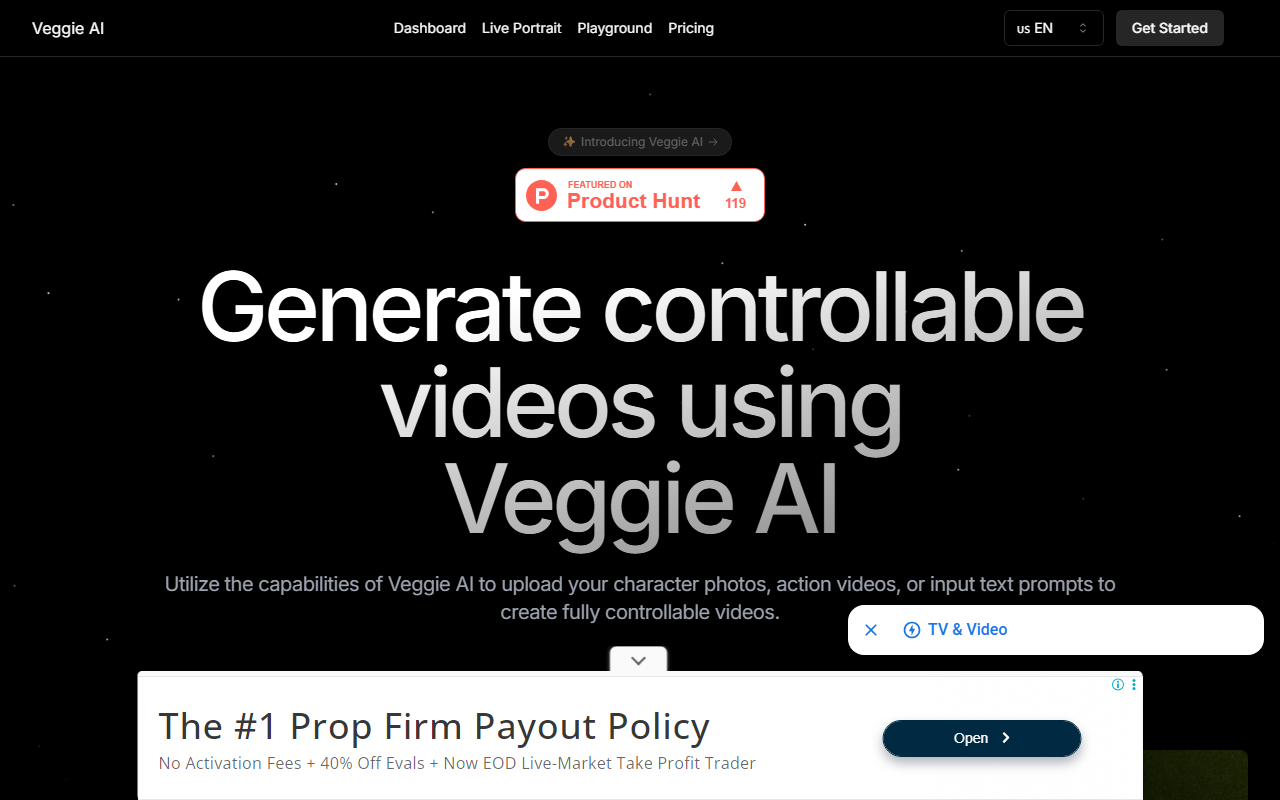
Upon visiting Veggie AI, the landing page immediately presents a clean, modern dashboard with a clear value proposition: 'Generate controllable videos using Veggie AI.' The navigation bar offers quick access to Dashboard, Live Portrait, Playground, and Pricing. I decided to test the free tier by clicking 'Get Started for free.' No sign-up was required for a quick demo—I was prompted to upload a character image or video. The interface is intuitive, with four mode cards displayed prominently below the hero section. Each mode has a short explanation and a 'Try this magic for yourself' link. The onboarding flow is seamless for a first-time user; I uploaded a JPEG photo of a friend and an MP4 of someone waving. Within about 40 seconds, the tool generated a video where my friend performed the waving motion. The output was realistic, with decent frame alignment, though the mouth area showed slight artifacts. This immediate feedback loop makes Veggie AI feel highly accessible.
Capabilities and Mode Breakdown
Veggie AI offers four distinct creation modes, each solving a specific problem for content creators. In Mix Mode, you upload a character image and a reference action video to combine them. I tested this with an anime-style illustration and a video of a person dancing. The result preserved the character's style while matching the dance moves accurately. Animate Mode lets you upload a character image and type a text motion prompt. I typed 'jumping jacks' for a photo of a cartoon cat, and the output showed the cat performing the exercise—a surprisingly smooth animation. Ideate Mode is purely text-based: you describe a character and an action, and the AI generates everything. I tried 'a robot chef slicing carrots,' and the video quality was solid, though the robot's design felt generic. Stylize Mode combines a character photo, a text style prompt, and a motion prompt. I uploaded a portrait, typed 'painting in Van Gogh style,' and added 'turning head.' The final video had an impressionist filter applied to the face, with head movement that tracked reasonably well. The technology behind Veggie AI appears to be a custom diffusion model fine-tuned for video generation, though no specific model name is disclosed. The tool processes inputs entirely in the browser using WebGL, which means no server-side queue—generation happens quickly for short clips (5-10 seconds). Batch processing is not supported yet, but the FAQ indicates you can contact support for custom solutions.
Pricing and Value Proposition
Veggie AI's pricing is straightforward and targets both individuals and teams. The Basic plan costs $7.9 per month and includes 100 credits, high-quality video output, faster generation speed, and downloadable videos. That equates to roughly 100 short clips per month—more than enough for a hobbyist trying out AI video. The Pro plan at $13.9 per month offers 500 credits, a commercial license, and 'more parameters to adjust' (though these aren't explicitly listed on the site). For professional use, this is a solid middle ground. The Unlimited plan at $199 per year gives unlimited credits, fastest generation, and commercial rights. Compared to alternatives like Runway ML ($15/month for 625 credits) or Pika Labs ($10/month for limited generations), Veggie AI's Basic tier is slightly cheaper but offers fewer credits. However, Veggie AI's four-mode flexibility and controllable character-action separation give it a unique edge for creators who need precise motion guidance. The Unlimited plan is a clear winner for agencies or frequent users who want to avoid credit counting. Payment is handled via Stripe, and there is no free trial beyond the initial demo. Pricing is not hidden, which builds trust.
Strengths, Limitations, and Final Verdict
Veggie AI's strongest asset is its controllability: the ability to decouple character appearance from motion using separate inputs. This is a genuine step forward compared to competitors that treat video generation as a single prompt. The interface is beginner-friendly, and generation speeds are impressive—most clips finish in under a minute. On the downside, the video quality is not yet cinematic. Faces can warp during fast movements, and background consistency sometimes flickers. Additionally, the tool currently only outputs short clips (maximum around 10 seconds based on my tests). There is no API available, and batch processing is absent, which limits scalability for power users. The Live Portrait and Playground tabs appear to be under development or require additional subscription, adding some friction. That said, for social media content creators, indie game developers needing quick character animations, or marketers testing video concepts, Veggie AI is a practical and affordable solution. I recommend trying the free demo first to see if the output quality meets your standards. If you need longer, higher-fidelity videos, consider Runway or Pika. For controllable, character-driven short clips at a low price point, Veggie AI is a strong choice. Visit Veggie AI at https://veggieai.net to explore it yourself.













Comments