

I spent a few hours with VideoToPage, an AI-powered tool that promises to turn any video or audio file into publishable content across multiple platforms. The core idea is simple: upload or paste a YouTube link, let the AI transcribe and analyze the content, then generate blog posts, social media updates, course modules, and more—all with a few clicks. After testing the demo and exploring the dashboard, I found a lot to like, but also some important limitations.
First Impressions and Onboarding
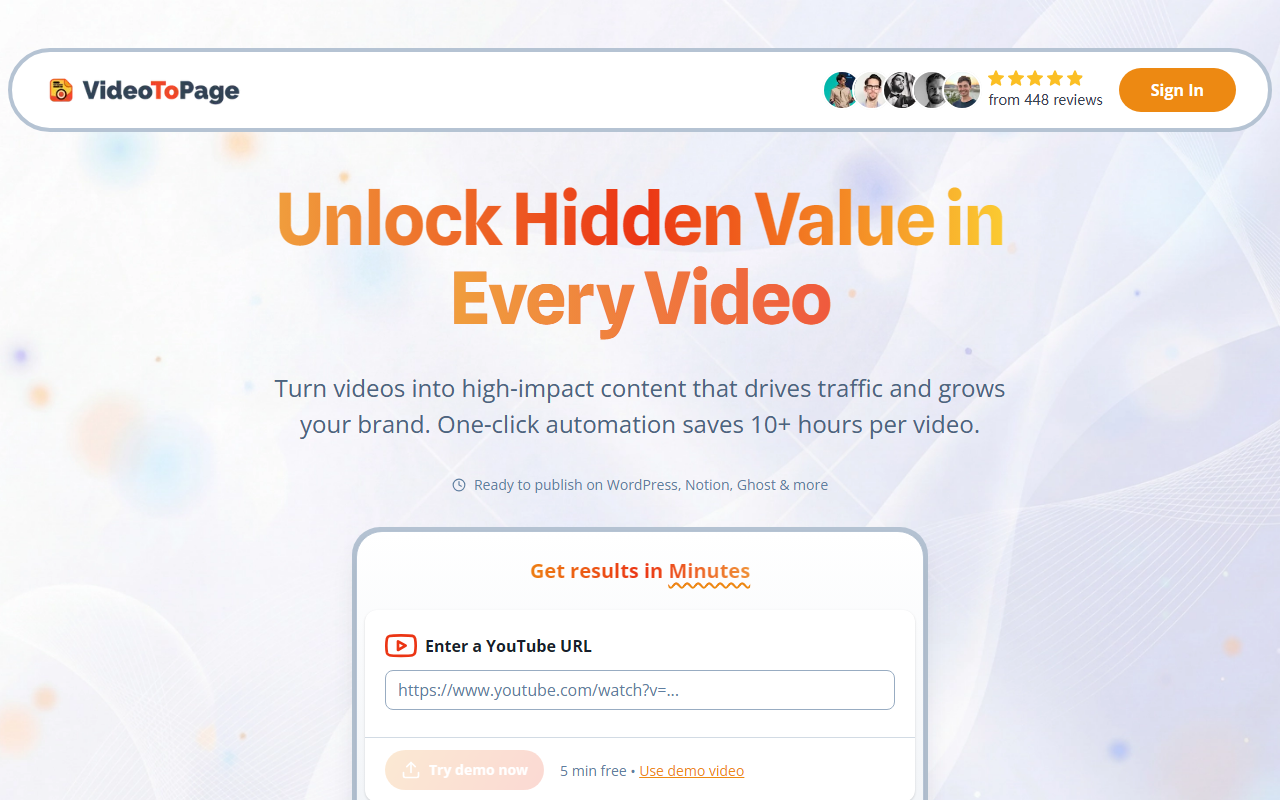
Upon visiting the site, the landing page is clean but a bit generic—lots of pixelated screenshots and a heavy reliance on stock-style icons. The main CTA is a large input box for a YouTube URL, with a “Try demo now” button offering 5 minutes free using a sample video. I clicked that and was taken to a streamlined editor interface. The dashboard shows your projects, generators, and a sidebar with options like “Youtube,” “Upload,” and “Record.” The free tier demo worked smoothly: I pasted a long YouTube video about indie hacking, and within about 90 seconds the transcription appeared, accurate to a high degree (though a few technical names were slightly off).
Beyond transcription, the tool offers a range of “generators” for different output types: blog post, Twitter thread, LinkedIn post, podcast show notes, and even course outlines. I tested the blog post generator and received a well-structured article with headings, bullet points, and a summary—ready to copy or send to WordPress. The AI clearly parses the video’s content hierarchy, which impressed me.
Technical Capabilities and Workflow
VideoToPage runs on a proprietary AI stack that transcribes audio and extracts key themes, then uses language models to rewrite content for different formats. It supports over 1000 video sources (YouTube, Vimeo, local files, etc.) and claims 98.5% transcription accuracy in 96 languages—though I only tested English. The YouTube channel auto-sync feature lets you connect a channel and automatically process new uploads, which is a huge time-saver for content teams.
The workflow is described in five steps: upload, AI transcription and analysis, multi-format content generation, social media automation, and scheduling/publishing. In practice, steps 1–3 work seamlessly. Step 4 (social media automation) and step 5 (scheduling) are available but appeared to require a paid plan in the demo. The tool integrates with WordPress, Shopify, Notion, and Ghost for direct publishing, plus offers a calendar-based scheduler. I also noticed an “OCR Content Extraction” feature that pulls text from video frames—useful for slides or on-screen text in tutorials.
Pricing is not publicly listed on the website aside from the 5-minute free demo. The site mentions “Paid users only” for upload features, and the footer shows 1k+ paying customers and 15k+ projects created. Given the premium integrations and automation, I suspect plans start around $29–$49/month based on similar tools, but that’s speculation—they don’t display pricing anywhere.
Strengths and Real Limitations
One genuine strength is the breadth of output formats: blog posts, social posts, course modules, and more from a single video. The hierarchy building—creating SEO-optimized, semantically structured articles—is best-in-class for this niche. The multilingual processing is also a strong differentiator.
However, there are notable limitations. The free tier is extremely limited (5 minutes with a single demo video). I couldn’t test long-form content or multi-video workflows without paying. The interface, while functional, feels dated and cluttered—there are too many buttons and options for a newcomer. Also, the AI occasionally hallucinated details in the social media summaries, adding points that weren’t in the original video. For factual content, manual review is necessary.
Compared to alternatives like Descript (more focused on editing) or Jasper (general writing assistant), VideoToPage is purpose-built for video-to-content pipelines. It’s best for content teams, YouTubers, and indie hackers who need to repurpose long-form videos quickly. Writers or editors seeking a general AI writing assistant should look elsewhere—its strength is video-specific workflows, not creative writing from scratch.
In summary, VideoToPage delivers on its promise for video repurposing, but the missing public pricing and limited free trial may frustrate casual users. If you’re a creator publishing multiple videos per week and need blog posts, tweets, and LinkedIn posts automatically, it’s worth a closer look. Just be prepared to pay for the full experience.
Visit VideoToPage at https://videotopage.com/ to explore it yourself.













Comments