

First Impressions and Onboarding
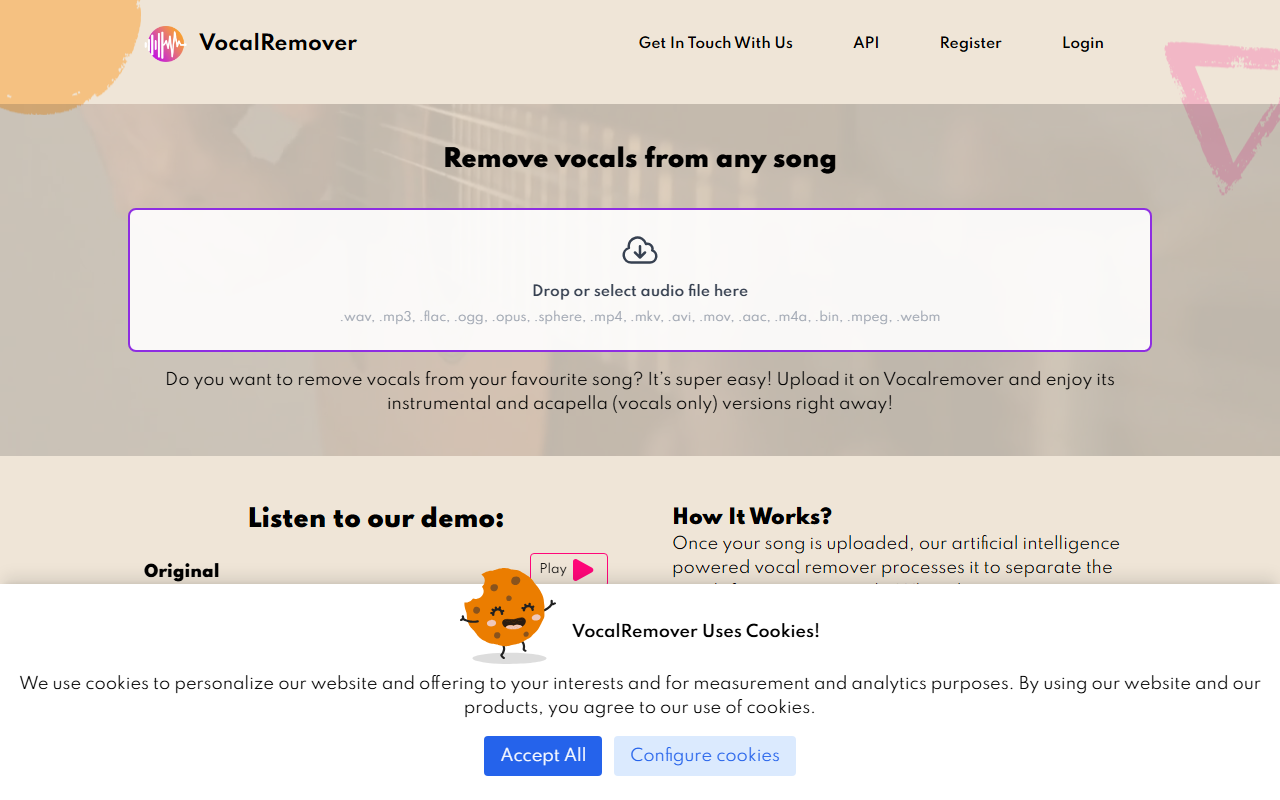
Upon visiting vocalremover.com, the interface is immediately clear: a large drag-and-drop zone dominates the center of the page, accepting audio and video files in formats as diverse as .wav, .mp3, .mkv, .mov, and .aac. There is no registration wall; uploading a file to test the free tier is straightforward. Clicking the upload area triggers a file selector, and after dropping a short .mp3 track, the tool began processing within seconds. A progress bar appears with the label "Uploading...%" before switching to "Processing..." — a smooth, minimalist workflow. The demo section below lets you preview an original track alongside its separated vocals and instrumental stems, giving a quick taste of output quality before you commit to an upload. Customer reviews are prominently displayed, many describing the tool as "perfect" and "the best," though a few note the minor annoyance that the conversion type selection resets each session.
Core Features and Performance
Behind the simple interface lies an AI-powered processing engine that can isolate not only vocals but also bass, drums, piano, and full instrumentals. The tool can handle video files up to 10GB, extracting a karaoke track or vocal-only version from movies, DJ mixes, or standard songs. Output quality is claimed to be lossless, and during my test the separated stems retained clarity with minimal artifacts — impressive for a web-based service. The FAQ confirms files are processed in the same format as the original, and converted files are stored for 30 days for one-time users (or as long as a subscription is active). Processing took about 90 seconds for a three-minute song, which is competitive with desktop alternatives. One workflow nuance I observed: after conversion, the download page offers separate links for "Vocals" and "Instrumental" tracks, making it easy to grab exactly what you need. A minor limitation is that file storage is temporary, so users must download quickly.
Pricing and Market Positioning
Pricing is not publicly listed on the website, but the FAQ reveals a credit-based system: "packages" are defined by the number of conversion minutes you purchase (e.g., 10 minutes can convert two 5-minute songs). The system rounds track length to the nearest whole minute. Reviews consistently mention a paid version, and the "Frequently Asked Questions" section discusses subscription cancellation and trial periods, indicating a subscription model or one-time minute top-ups. Unlike competitors such as LALAL.AI (which offers a freemium tier with sample lengths) or iZotope RX (a professional desktop suite), Vocal Remover focuses entirely on ease of use and browser-based convenience. It is best suited for musicians, karaoke hosts, podcast editors, and content creators who need fast, accurate stem separation without installing software. Users requiring offline processing, batch automation, or advanced editing may prefer a desktop alternative. The strong collection of 5-star reviews suggests a loyal user base, though the absence of transparent pricing may deter budget-conscious buyers.
Strengths include high-quality separation across multiple stem types, support for large video files, and a frictionless upload experience. Limitations comprise temporary file storage, the lack of a persistent conversion type setting, and the need for a paid plan beyond initial tests. Overall, Vocal Remover delivers on its promise for quick, reliable vocal removal.
Visit Vocal Remover at https://vocalremover.com/ to explore it yourself.










Comments