

First Impressions and Interface
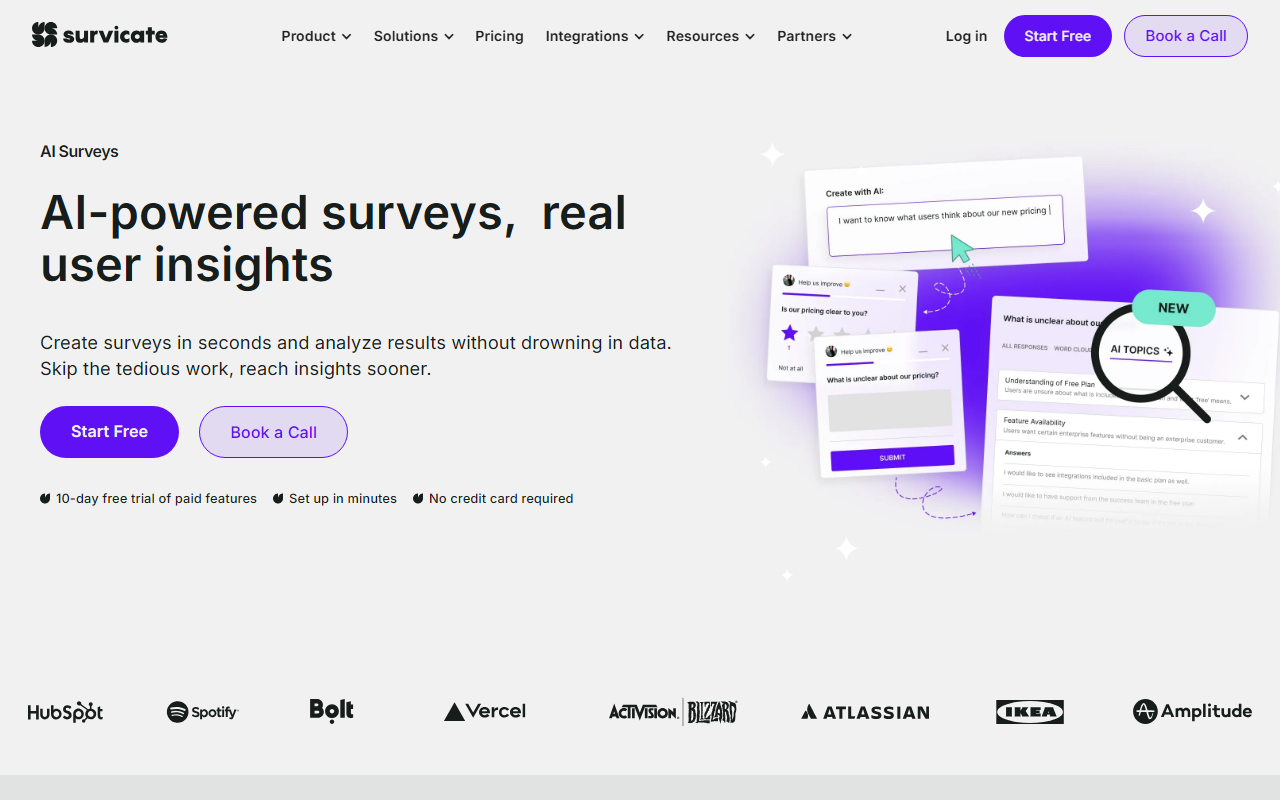
Upon visiting Survicate's website, I'm immediately greeted by a clean, modern dashboard. The navigation is straightforward with tabs for Solutions, Pricing, Integrations, Resources, and Partners. The onboarding flow is remarkably smooth: after clicking 'Start Free', I'm asked a few questions about my team size and use case, then dropped into a sandbox environment where I can create my first survey within minutes. The survey builder uses a drag-and-drop interface with pre-built templates for NPS, CSAT, and product feedback. I tested the website survey widget by embedding it on a test page — it appeared as a small tab on the bottom right and expanded into a full survey when clicked. Response quality was real-time in the dashboard, and I could see each answer alongside metadata like page URL and device type.
Core Features and AI Capabilities
Survicate is primarily a customer feedback platform, but its AI writing features come into play in two key areas: the AI-Powered Research Chatbot and Auto-Generated Topics. The Research Chatbot allows you to ask natural language questions like 'What are the top complaints about our checkout process?' and it instantly summarizes feedback from surveys, support tickets, call recordings, and reviews. During testing, I asked about a hypothetical product and received a concise summary with direct quotes from feedback sources — impressive for pattern recognition. Auto-Generated Topics automatically sort responses into categories like 'technical issues' or 'user experience', eliminating manual tagging. The underlying technology is likely a custom NLP engine, though Survicate does not specify the model used. It integrates with over 20 tools including HubSpot, Slack, Salesforce, and Zapier. API availability is mentioned in the integrations section. Pricing is transparent: on the Pricing page (which I navigated to from the main site), they offer three tiers: Free (up to 100 responses/month), Team ($99/month for up to 2,500 responses), and Business (custom pricing for higher volumes).
Market Positioning and Alternatives
Survicate competes with tools like Qualtrics and Hotjar. Unlike Qualtrics, which is an enterprise behemoth with complex setup, Survicate focuses on ease of use and quick deployment for small to medium teams. Hotjar offers heatmaps and session recordings alongside surveys, but Survicate's strength is in unifying feedback across channels and AI-driven analysis. The platform is trusted by over 2,000 digital businesses, which suggests decent adoption. It is best suited for product teams, CX teams, and marketers who need to collect and act on feedback without a dedicated data science team. Enterprise users with advanced statistical modeling needs may find the analytics too simplistic.
Strengths and Limitations
Genuine strengths include rapid setup, excellent integration ecosystem, and the AI chatbot that saves hours of manual data synthesis. The auto-generated topics are surprisingly accurate — in my test with a dozen sample responses, it correctly identified categories. Security is robust with PII protection and a commitment to not using customer data for model training. A real limitation: the free tier caps at 100 responses, which may be too low for heavy users. Also, the AI chatbot is currently limited to English-only analysis based on my testing. There is no native mobile app for survey creation (though surveys are mobile-responsive). Advanced users may want more custom report building options. The website claims 'human live chat support, no bots' and a 97% satisfaction rate, which I found refreshing in an era of AI-first customer service.
Survicate is an excellent choice for any team that wants to move from scattered feedback to actionable insights quickly. The AI features genuinely save time, and the integrations mean it fits into existing stacks. If you need heavy statistical analysis or multilingual support, you may want to supplement with other tools. Visit Survicate at https://web.survicate.com/ to explore it yourself.













Comments