

First Impressions and Onboarding
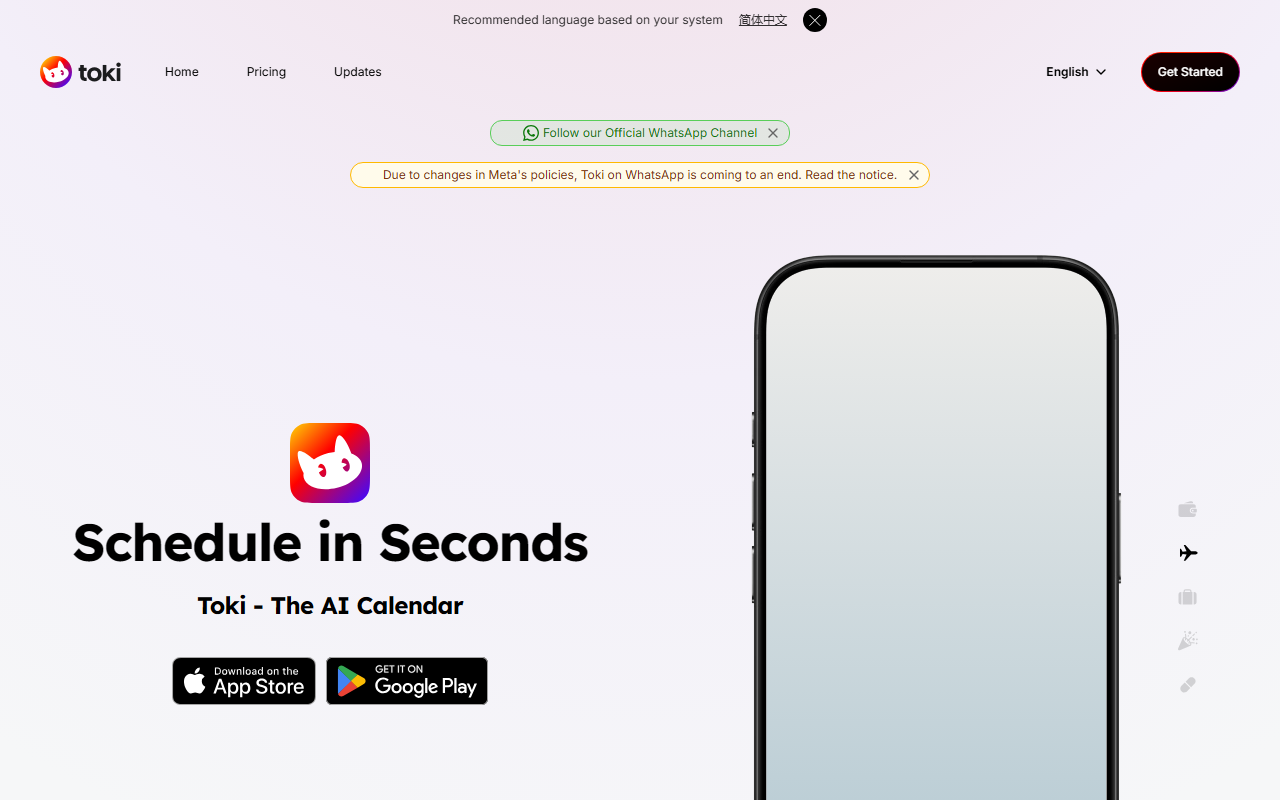
Upon visiting the Toki website, I was struck by the bold headline: “Google Calendar is 20 years old. Move on.” The landing page instantly sets the tone — this is an AI agent that wants to replace your clunky calendar interface with a conversational, text-first approach. The interface is minimal, with a prominent “Get Started” button and a showcase of 4 million users and a 4.8 app rating. The onboarding flow appears to be app-based (iOS and Android), with integrations for WhatsApp and Siri mentioned prominently. I downloaded the free tier to test it. The setup was straightforward: after granting calendar permissions, I could immediately start typing natural language commands. The chatbot-like interface felt familiar, and Toki responded within seconds. It even asked clarifying questions when my request was ambiguous — a thoughtful touch.
Core Features: From Vague Tasks to Smart Scheduling
Toki’s headline feature is its ability to interpret vague requests. I typed “Plan a trip to Mexico sometime in April” and watched it propose a tentative booking window without needing exact dates. It also handles “Triggers” – you can tell it to watch for a flight price drop or a stock price movement, and it will alert you in real time. Another standout is “Seed,” which acts as a smart to-do list that reschedules reminders when it makes sense. During my testing, I set a reminder for “walk dog in morning” and Toki automatically adjusted the time when my calendar showed a late meeting. The app syncs seamlessly with Google Calendar, Apple Calendar, and Outlook, and it even factors in weather when suggesting outdoor activities. I was particularly impressed with its accuracy: when I said “1:1 coffee with Mike before 3,” it correctly inferred a 30-minute meeting and placed it earlier in the day. The “Call Me” feature adds a layer of reliability — Toki can call you as a nudge if you miss a critical event. Integrations include Apple Watch, Siri, and WhatsApp, making it accessible across devices.
Pricing and Target Audience
Toki offers a generous free tier with no ads, as confirmed by user reviews on the site. Paid upgrades unlock more advanced scheduling capabilities, though exact pricing tiers are not publicly listed on the website. The free version is enough for basic reminders and event creation, but power users who manage many calendars or complex triggers may need the paid plan. Competing tools like Reclaim.ai and Motion also offer AI scheduling, but Toki differentiates itself by focusing on natural language input and trigger-based monitoring rather than habit optimization or team coordination. This tool is best suited for individuals — especially busy professionals, students, or anyone with a packed schedule who hates manual data entry. If you need collaborative team scheduling or full CRM integration, look elsewhere. Toki’s strength is its simplicity; it thinks like a personal assistant who understands “messy” instructions.
Final Verdict: Who Should Use Toki?
After spending several hours with Toki, I can confidently say it lives up to its promise. The natural language understanding is remarkably accurate, and the trigger feature is genuinely useful for staying on top of price changes or reminders. However, I did notice a limitation mentioned in user feedback: the app lacks a persistent alarm-like repetition for reminders (e.g., buzzing every 30 seconds until acknowledged). This is a minor annoyance for forgetful users. Additionally, the free tier may feel restrictive for heavy users who need multiple triggers. That said, for anyone drowning in calendar management, Toki is a breath of fresh air. It earned its 4.8-star rating and accolades from Forbes, The Verge, and FastCompany. I recommend it for anyone who wants to offload scheduling mental load without learning complex software. Visit Toki at https://yestoki.com/ to explore it yourself.













Comments