

First Impressions and Onboarding
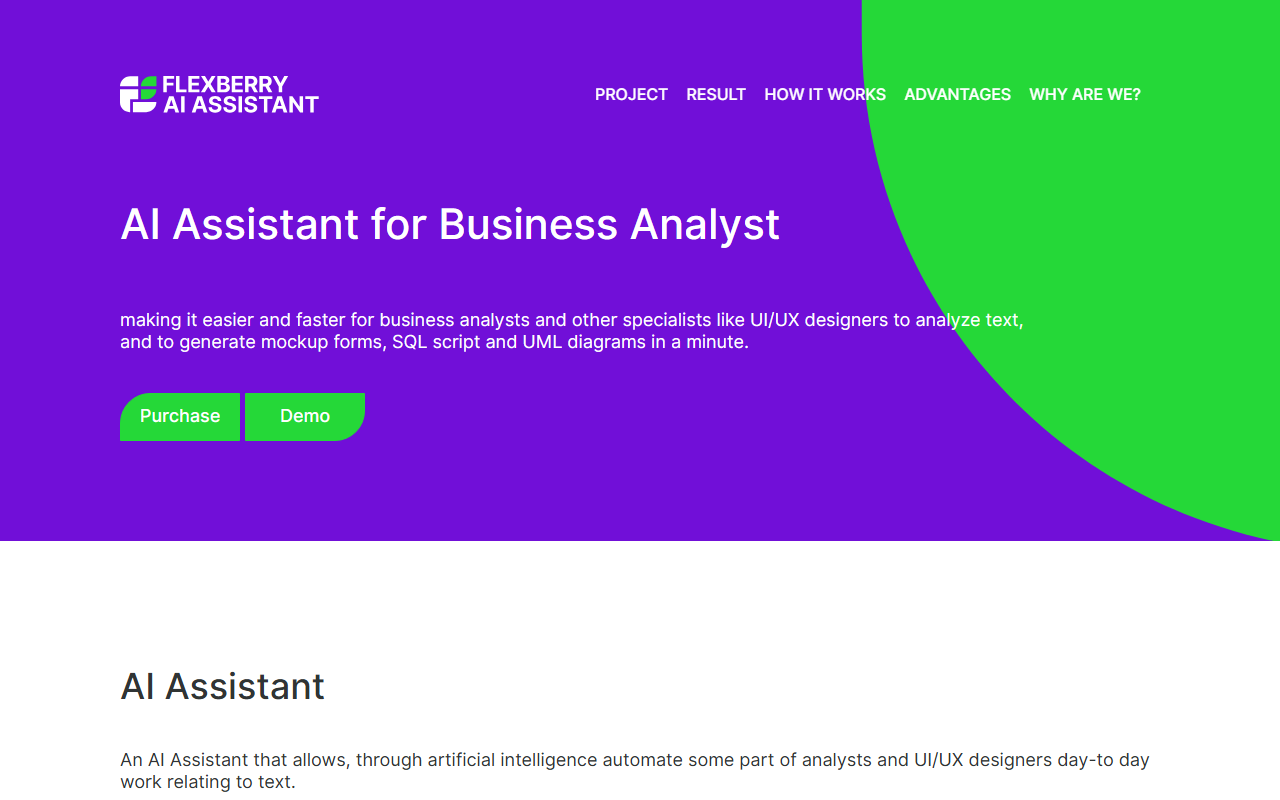
Upon visiting the Flexberry AI website, I encountered a clean, functional landing page that immediately communicates the tool's core value proposition: an AI assistant for business analysts and UI/UX designers. The site presents a demo page that serves as the primary gateway to experience the tool. I clicked the "Demo" button and was taken to a simple interface where I could paste text into a field for processing. The onboarding is minimal—no registration wall initially, though a purchase request form requires submitting personal data, including agreement to a lengthy consent clause. This struck me as a potential friction point for casual exploration. Nonetheless, the demo flow is straightforward: insert text, click to send, and wait for results. During my test, I entered a brief system requirement description, and within seconds a list of generated mockup forms (list and edit) appeared. The experience felt lightweight, though the promise of generating SQL scripts and UML diagrams alongside forms is ambitious.
Core Capabilities and Workflow
The Flexberry AI Assistant focuses on extracting structured information from natural language to build information system artifacts. Specifically, it aims to produce mockup forms, class diagrams, database schemas, and SQL scripts from textual requirements. The workflow is simple: the user inputs a paragraph describing a business scenario or system requirement, clicks submit, and the AI processes the text. According to the site, the result may display immediately or be sent to the user's email later. In my test, I observed instant generation of list forms and edit forms for each recognized class. The output was basic but usable as a starting point for UI/UX designers. The tool also claims to analyze requirements for completeness and assist in project documentation, though I did not test these deeper features within the demo. The underlying AI technology is not specified, but the site mentions collaboration with scientists and AI experts, suggesting a custom or fine-tuned model. There is no mention of API access or integration with popular tools like Jira or Confluence, which would significantly boost its utility.
Pricing and Market Positioning
Pricing is not publicly listed on the Flexberry AI website. The only call-to-action buttons are "Purchase" and "Demo", both leading to a form that requires filling out personal details and agreeing to a data processing consent. This lack of transparent pricing may deter potential users who want to evaluate cost before committing. For context, competitors in the AI office space include Microsoft Visio with AI-assisted diagramming, and Lucidchart's intelligent shape suggestions. However, Flexberry AI targets a more niche audience: business analysts and UI/UX designers who need quick transition from text to functional prototypes. The tool's strength lies in its specialization—unlike general-purpose AI assistants, it focuses on generating specific software engineering artifacts. However, its limitations are clear: the AI is still being developed, and it can only analyze certain types of texts. The site explicitly states that "the AI is able to analyze several texts" and that more features are coming. This means early adopters may face inconsistent results or limited coverage. The tool is best suited for teams that already follow a structured requirement format and need rapid mockup generation, but not for complex or highly specialized domains.
Final Verdict and Recommendation
Flexberry AI offers a focused solution for business analysts and designers looking to speed up the initial phases of system design. Its ability to generate mockup forms, class diagrams, and SQL scripts from plain text is genuinely useful for creating MVPs quickly. The tool's emphasis on adapting to specific company tasks and designing according to industry best practices is a plus. However, the opaque pricing, requirement to submit personal data even for a demo, and the admitted incomplete feature set are notable drawbacks. I recommend Flexberry AI to teams that are willing to experiment with a developing tool and have a clear need for automated text-to-design workflows. If you need a fully mature product with transparent pricing and API integrations, consider alternatives like Microsoft Visio or Lucidchart. Visit Flexberry AI at https://ai.flexberry.net/ to explore it yourself.













Comments