

First Impressions: A Litigator's AI Command Center
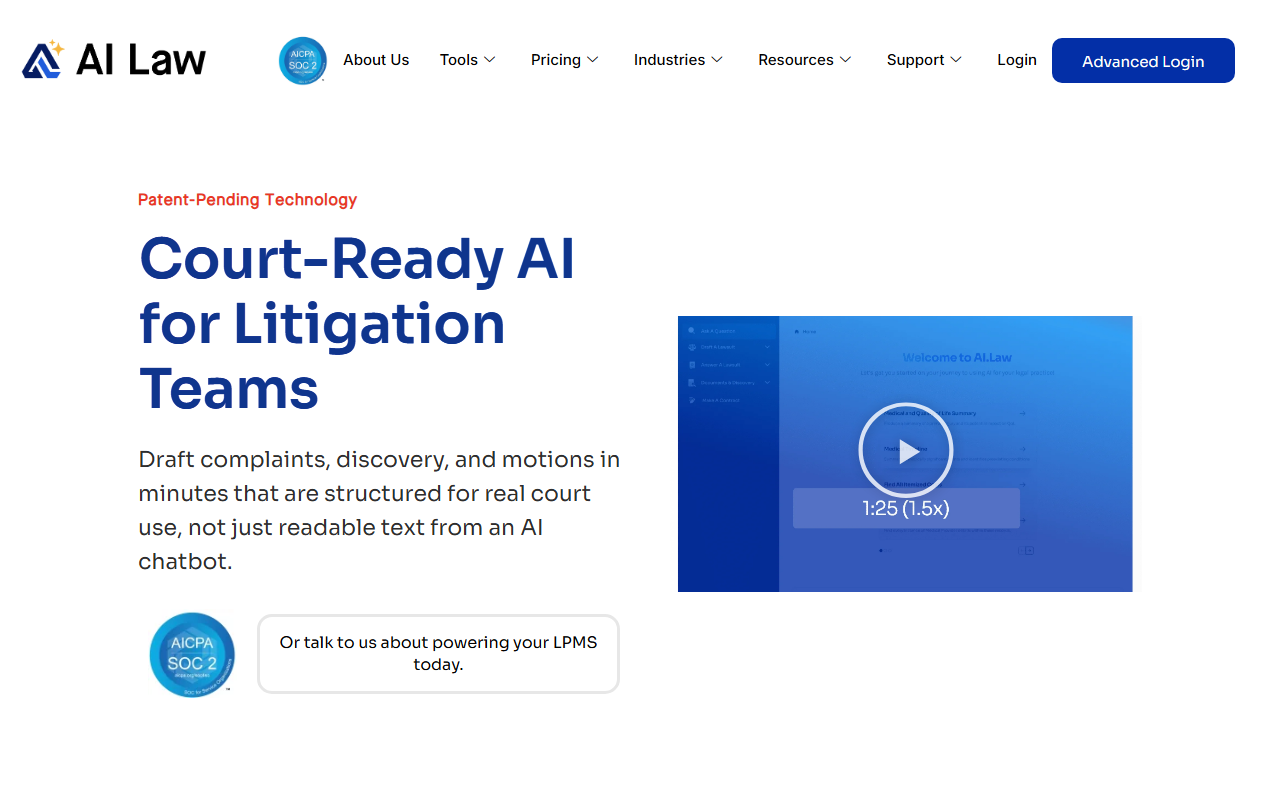
Upon visiting AI.Law, I was struck by its singular focus: litigation. The landing page immediately declares “62 AI-Powered Litigation Tools. One Platform. Free to Start.” No distractions for corporate attorneys or transactional work. The interface is clean, with a left sidebar listing at least 60 tools organized by workflow stages: Win Clients, Manage Cases, AI Intelligence, Draft Documents, and Run Your Firm. I started a free case without a credit card, as promised. Within minutes, I uploaded a sample case file (a PDF of a personal injury complaint and discovery responses). The system processed the document and indexed every page. I then tested the “Chat With Your File” tool, asking “What did the defendant say about the traffic signal?” The AI returned an answer cited directly to the source document and page number. No hallucinated citations. That alone sets AI.Law apart from generic legal chatbots.
How AI.Law Transforms Case Workflows
Unlike piecemeal tools like Casetext (now part of Thomson Reuters) or standalone drafting assistants, AI.Law reads your entire case file once and makes that intelligence available across every tool. Under AI Intelligence, I tested the AI Associate tool. I typed a complex query: “Does the defendant's timeline contradict the police report?” Within seconds, the tool returned a cited paragraph referencing both documents. The Legal Research tool injects your complaint into the search. I asked about affirmative defenses under Rule 8(c), and it surfaced verified case law with exact citations. No fake cases. The Issue Spotter identified negligence per se and dram shop claims from my sample complaint, complete with supporting case law. For drafting, I used the Lawsuit Drafting tool to generate a complaint. It complied with Iqbal/Twombly standards and Rule 9(b) particularity. The output was structured, jurisdiction-specific, and editable. The Drafting tool for demand letters includes a 32-section template with AI-generated medical illustrations. I also explored the free tools: CRM, client intake, deadline tracking, and billing. These are genuinely free forever, with no upsells hidden.
Pricing, Positioning, and Practical Considerations
AI.Law offers a free tier with 13 tools: CRM, document management, calendar, billing, and conflict checks. Paid plans are not listed on the website, so I assume they are custom quotes after a demo. This lack of transparent pricing may frustrate budget-conscious firms. However, the free tier is generous and functional. Supported by U.S. Patent No. 12,461,932 and SOC 2 Type II certification, the platform is built by a litigation attorney with over 2,200 matters handled. It claims to follow ABA Opinion 512 guidelines. One limitation: the case law database only covers every U.S. jurisdiction. International firms or those dealing with foreign law will not find this tool suitable. Another limitation: the tool is heavily focused on litigation. If your practice involves contracts, corporate, or estate planning, you’ll be better served by general legal AI like LexisNexis’s Lexis+ AI or even ChatGPT with custom instructions.
Who Should Adopt AI.Law and Final Verdict
This tool is best for solo practitioners and mid-size litigation firms in the U.S. who want a single platform to manage cases, draft documents, and run research. The free tier alone is worth testing for its CRM and document management. The deeper AI tools (Issue Spotter, Evidence War Room, Dismissal Analyzer) can save hours on routine analysis. However, large firms with existing investments in Clio, NetDocuments, or Westlaw may find integration overlaps. For litigators tired of juggling separate research, drafting, and practice management tools, AI.Law is a compelling all-in-one solution. I genuinely recommend starting a free case to see how it handles your own files. Visit AI.Law at https://ai.law/ to explore it yourself.













Comments