

First Impressions and Onboarding
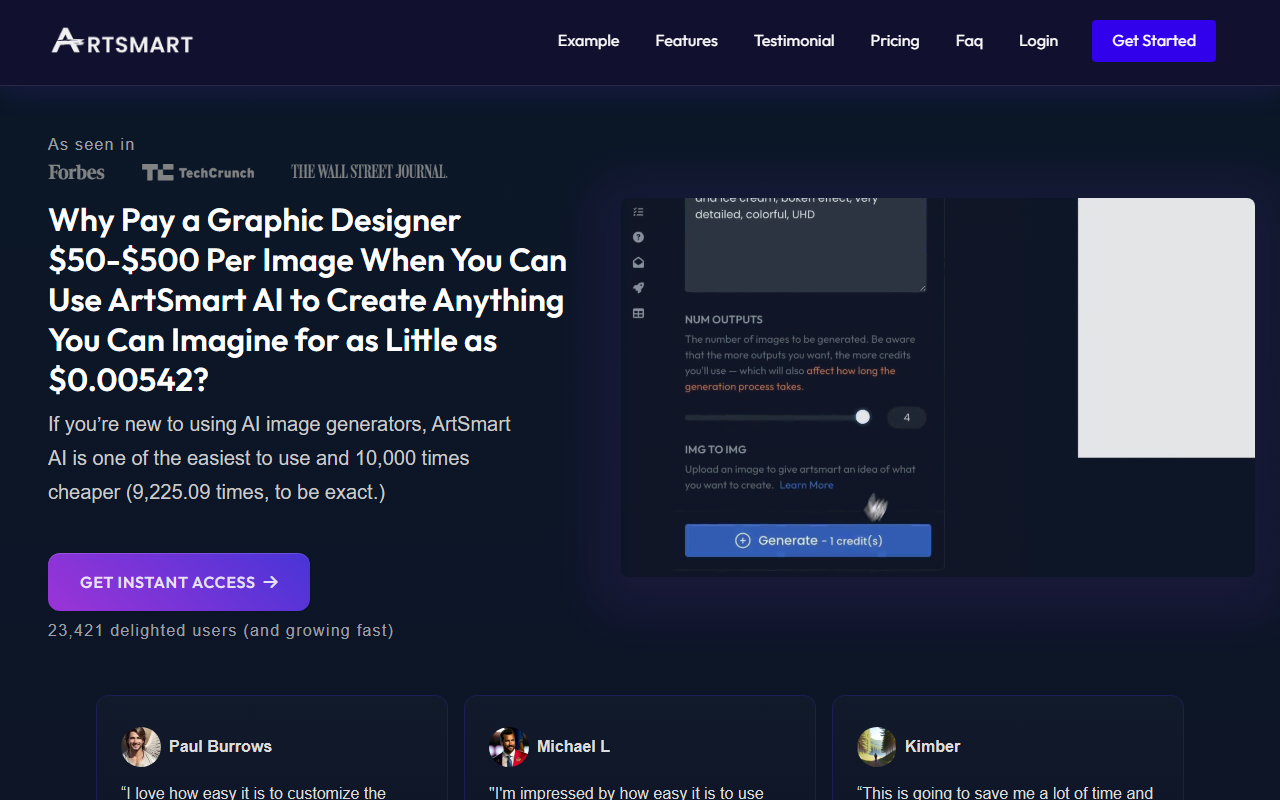
Upon visiting the ArtSmart AI website, I was immediately struck by the clear emphasis on simplicity and affordability. The homepage proudly proclaims that you can create images for as little as $0.00542, a direct challenge to the high costs of hiring graphic designers. The dashboard, once I signed up, is refreshingly uncluttered. A large text prompt box sits at the center, flanked by a few preset style toggles and aspect ratio options. There is no overwhelming array of sliders or technical jargon. The onboarding flow walks you through your first generation in seconds; I typed “a serene mountain lake at sunset” and hit generate. Within about 12 seconds, four decent variants appeared. The interface felt snappy and intuitive, exactly what a beginner needs.
Key Features and Workflow
ArtSmart AI packs a surprising number of features behind its clean facade. The core text-to-image engine is solid, but what sets it apart are the two pose control tools: PosePerfect and PoseCopycat. PosePerfect lets you manipulate a digital skeleton to specify the exact posture of a character in your image. I tested this by adjusting an arm to point upward, and the generated figure mirrored that pose accurately. PoseCopycat extracts the pose from an uploaded reference photo, which is incredibly useful for maintaining consistent body language across multiple images. Other tools include inpainting (brush-based object addition/removal), outpainting (extending image borders), background removal, and an AI avatar generator called Tunes. The upscaler works well, sharpening low-res images without introducing artifacts. An API is also available for enterprise integration. All these workflows are accessible from a single left-side navigation menu, making it easy to jump between tasks.
Pricing and Market Positioning
Pricing is not publicly listed on the website in tiered detail, though the homepage claims a per‑image cost as low as $0.00542. This suggests a credit-based or pay‑per‑generation model, likely with volume discounts. For context, Midjourney starts at $10/month for about 200 images, while DALL‑E 3 charges roughly $0.04 per image. ArtSmart’s claim would make it significantly cheaper per image, but without explicit tiers it is hard to confirm. The platform has 23,421 users, according to the site, and positive testimonials from bloggers and SEO professionals. Unlike Midjourney’s Discord-based interface or Stable Diffusion’s technical setup, ArtSmart focuses entirely on ease of use. It is best suited for small business owners, print-on-demand sellers, and content creators who need rapid, inexpensive visuals without a steep learning curve. Power users seeking the highest fidelity or custom model training may prefer Leonardo AI or Runway ML.
Final Verdict
ArtSmart AI delivers on its promise of beginner-friendly, affordable image generation. The standout pose control features are genuinely innovative and well-executed, saving time when designing characters or product mockups. However, the lack of transparent pricing tiers and the absence of advanced options like seed control or negative prompts may frustrate experienced users. The image quality is good but not yet at the level of Midjourney for highly stylized art. I recommend this tool for anyone who wants to generate a high volume of decent images quickly and cheaply without learning complex workflows. It is a practical choice for bloggers, e‑commerce listings, and social media graphics. Visit ArtSmart at https://artsmart.ai/ to explore it yourself.













Comments