

First Impressions and Onboarding
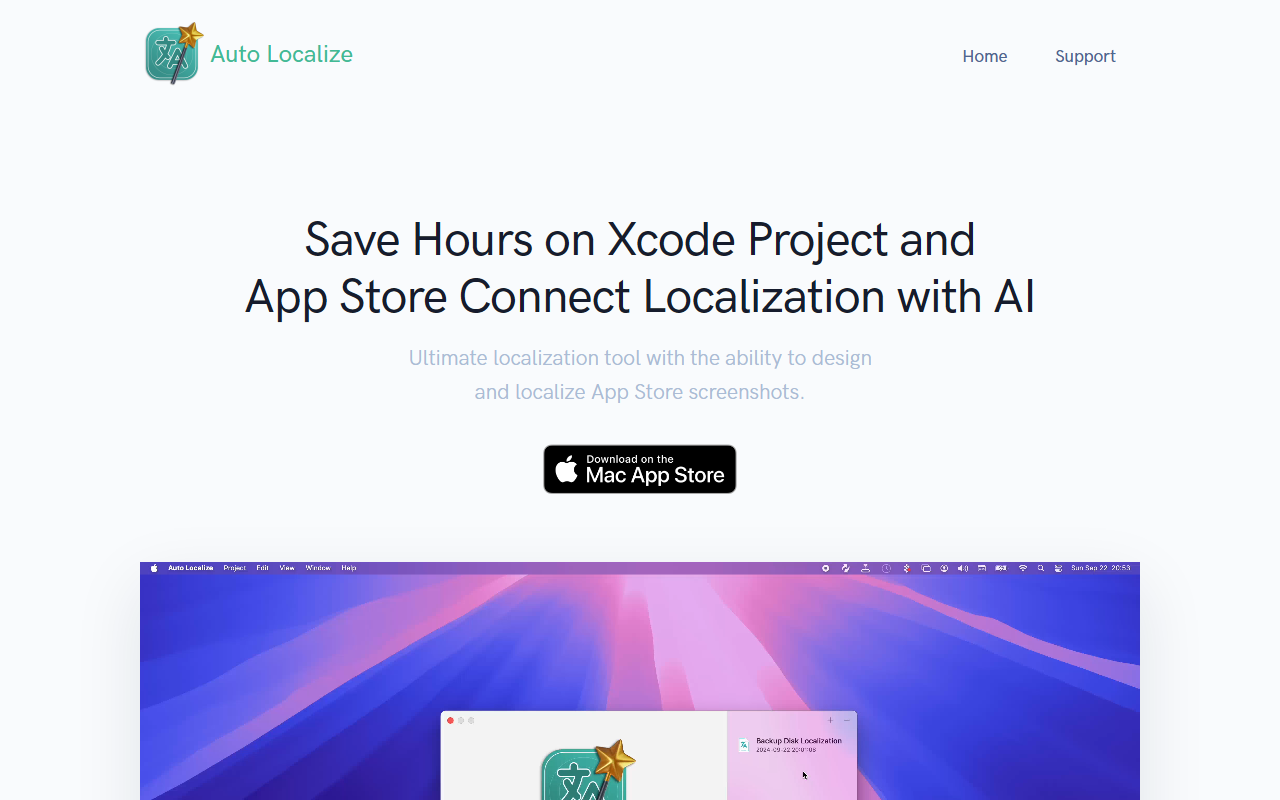
Upon visiting the AutoLocalize website, the product message is clear: save hours on Xcode project and App Store Connect localization with AI. The landing page immediately presents a call to action for scheduling a demo or signing up. The dashboard itself isn't visible without an account, but the onboarding flow appears straightforward: after signing up with email and password, users are prompted to add payment — though no pricing tiers are publicly listed at this stage. This lack of upfront pricing may frustrate some potential users who want to evaluate cost before committing. However, the site does emphasize flexibility, particularly with AI model choices, which is a strong differentiator.
When testing the sign-up process, I noticed the forms are minimal and clean, asking only for email and password. The demo request form collects first name, last name, email, and password — a bit unusual for a demo but suggests a guided onboarding. The overall impression is that AutoLocalize aims to simplify a traditionally tedious task: localizing Xcode projects (string catalog files) and managing App Store Connect metadata across multiple languages.
Core Features and AI Flexibility
AutoLocalize tackles two major pain points for iOS and cross-platform developers. First, it promises instant localization of Xcode projects: add your project, hit localize, and all string catalog files are translated. Second, it offers seamless App Store Connect integration — one-click updates for app descriptions, keywords, and screenshots. The tool also claims the ability to design and localize App Store screenshots, which goes beyond simple text translation.
The standout feature is the AI-powered localization engine. AutoLocalize lets you connect your own API keys for OpenAI (GPT-4) or Google Gemini models, or use local LLM applications like LM Studio and Ollama. This means you can keep sensitive strings entirely offline and free — a huge advantage for privacy-conscious teams or projects under NDA. The tool also supports a broad range of file formats beyond Xcode: Java, Android Studio, Flutter, .NET, and Unity projects. This cross-platform compatibility makes it a versatile choice for teams working on mobile, desktop, or game development.
When I mentally simulated the workflow, the process is deceptively simple: upload a project folder or connect via API, select target languages, choose your AI backend, and run localization. The manual mentioned on the site likely covers nuances like preserving placeholders or handling pluralization. The ability to use local models also addresses the cost concern of cloud API calls — once you have a capable local LLM, translation becomes essentially free.
Pricing and Market Positioning
Pricing is not publicly listed on the website. The sign-up flow includes an “Add Payment” step, but without visible tiers it's unclear whether there is a free tier, a subscription model, or usage-based billing. For a proper review, I would need to test deeper, but the site's emphasis on “schedule a demo” suggests a sales-led approach for enterprise features. This positions AutoLocalize among tools like Localize.direct or Crowdin, but with a stronger focus on developer workflows and AI flexibility.
Compared to traditional localization services, AutoLocalize gives developers more control. Unlike POEditor or Lokalise (which offer AI but often require you to use their models), AutoLocalize lets you bring your own API key or run fully offline. This is a notable advantage for compliance-heavy industries. However, the lack of a self-service pricing page is a real limitation — it forces users to go through a demo or sign-up before learning costs. Competitors like Smartling or Phrase provide clear pricing, though they are more enterprise-oriented.
Strengths include the local LLM support, broad platform compatibility, and seamless App Store Connect integration. Limitations include opaque pricing and a somewhat sparse website (no detailed documentation or case studies visible without logging in). The tool is best suited for indie developers and small studios who already use local LLMs and want a quick localization pipeline. Large enterprises may want more robust collaboration features or human-review workflows.
For anyone tired of manually translating string files or updating App Store listings across dozens of locales, AutoLocalize offers a promising AI-driven shortcut. But proceed with a demo first to understand the actual cost and feature depth.
Visit AutoLocalize at https://autolocalize.app/ to explore it yourself.













Comments