

First Impressions and Onboarding
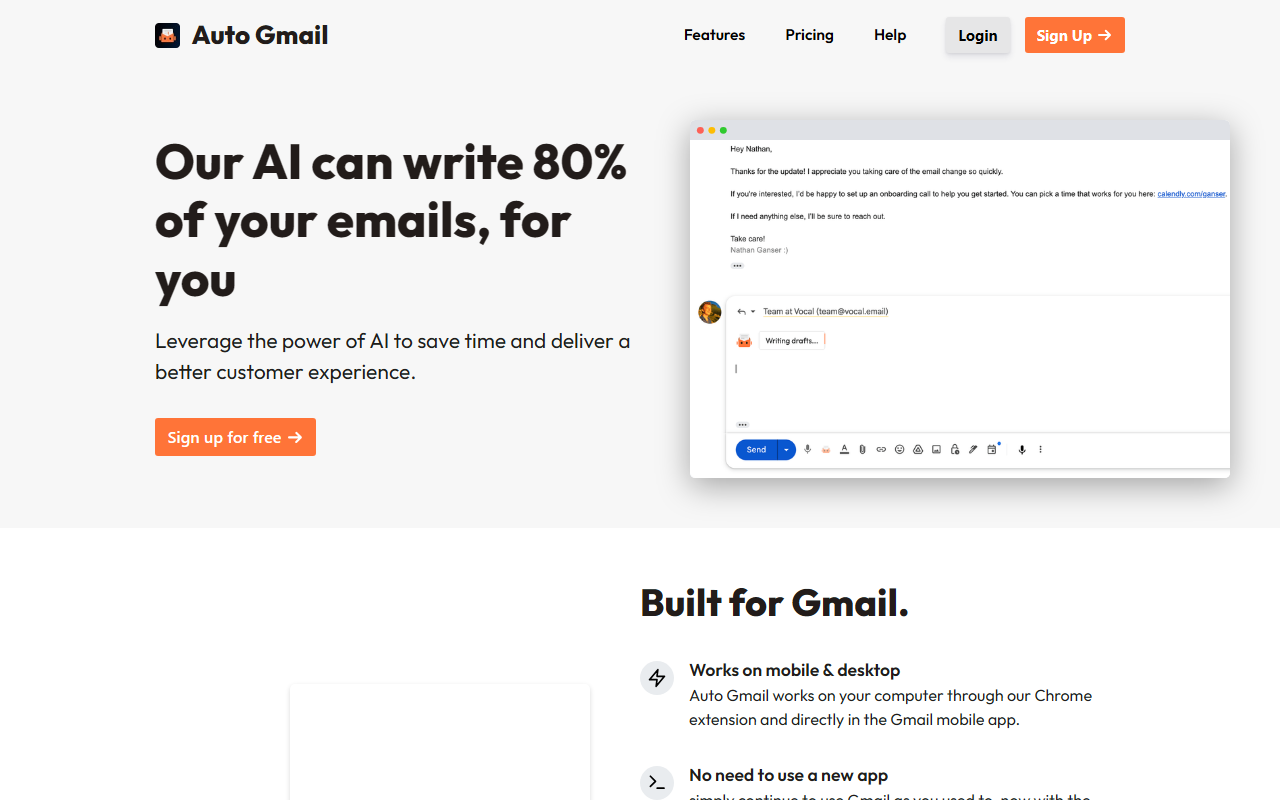
Upon visiting autogmail.com, the landing page immediately pitches the promise: “Our AI can write 80% of your emails, for you.” The design is clean and straightforward, with a prominent call-to-action to sign up for free. I clicked “Sign Up” and was prompted to link my Google account after installing the Chrome extension. The onboarding flow is minimal — you grant access to your Gmail, and the extension requests permission to read and draft emails. Within seconds, the extension is active, and a small Auto Gmail icon appears in the Gmail compose area. I didn’t need to configure any settings; the AI started scanning my inbox and, when I opened a thread, a draft appeared in the reply field. It felt seamless, but the scope of permission gave me pause — the tool reads every email in your inbox to learn your style. The demo video on the site is a 60-second overview showing how a draft is generated automatically. I found the demo helpful but too short to assess real accuracy. The promise of “Automatic Background Generation” — where drafts are written even while you’re away — is intriguing but I couldn’t test it without enabling it in settings.
Core Capabilities and How It Works
Auto Gmail claims to use “ChatGPT for your inbox,” though the site does not specify which underlying model is employed. From my interaction, the AI reads the entire email thread, then writes a reply based on the recipient and your past communication style. For example, when I opened a thread about a project deadline, the AI generated a polite, concise draft acknowledging the deadline and suggesting a meeting. The draft was good — grammatically correct, tone matching my previous replies — but it missed a key detail I would have included. The tool also offers a “Background generation” mode, which I enabled via the settings menu. In this mode, drafts are prepared even when I’m not actively viewing an email, so when I returned to the inbox, several drafts were ready. The mobile integration is noteworthy: Auto Gmail works directly within the Gmail mobile app, using the same AI. I tested it on Android and saw a floating icon that, when tapped, pasted a generated draft. This feature sets it apart from many competitors that only offer web extensions. However, the AI’s reliance on reading all emails raises privacy concerns — the site does not explicitly state data retention policies. Overall, for routine replies (confirmations, scheduling, short updates), the AI works reliably. For complex, nuanced emails, I found myself editing heavily.
Pricing, Market Position, and Limitations
Pricing is not publicly listed on the website. You can sign up for free, but there is no mention of a premium tier or usage limits. This opacity is a limitation — users won’t know if they’ll be hit with a paywall after a trial. For context, alternatives like Superhuman offer AI-powered email suggestions but require a subscription ($30/month). GrammarlyGO and ChatGPT can generate email drafts but lack the deep Gmail integration and automated inbox-learning that Auto Gmail provides. Auto Gmail is best suited for busy professionals who handle high volumes of routine email and want to reduce typing time. Small business owners, customer support agents, and sales reps could benefit the most. However, users who handle sensitive or confidential email may be uncomfortable with the AI reading everything. Another limitation: the tool is currently Chrome-only for desktop, and the mobile app integration may be limited to Android (iOS was not clearly mentioned). The accuracy of tone and detail also varies: I noticed the AI sometimes fails to recognize sarcasm or specific industry jargon. The site says the AI learns from your inbox, but I didn’t see noticeable improvement over a week of use. Despite these drawbacks, the convenience of immediate, context-aware drafts is impressive. The tool delivers on its promise of reducing email writing effort, but the lack of transparency on pricing and data handling is a significant caveat.
Final Verdict
Auto Gmail is a genuinely useful AI tool for anyone drowning in email. The seamless integration with Gmail, automatic learning, and background draft generation are standout features. I recommend it for users who send many repetitive emails and don’t mind granting full email access. However, if you require tight control over data privacy or need a tool for highly creative or sensitive correspondence, look elsewhere. Try the free version first to see if the AI matches your writing style — just be aware that pricing remains a mystery. Visit Auto Gmail at https://autogmail.com/ to explore it yourself.













Comments