

First Impressions and Onboarding
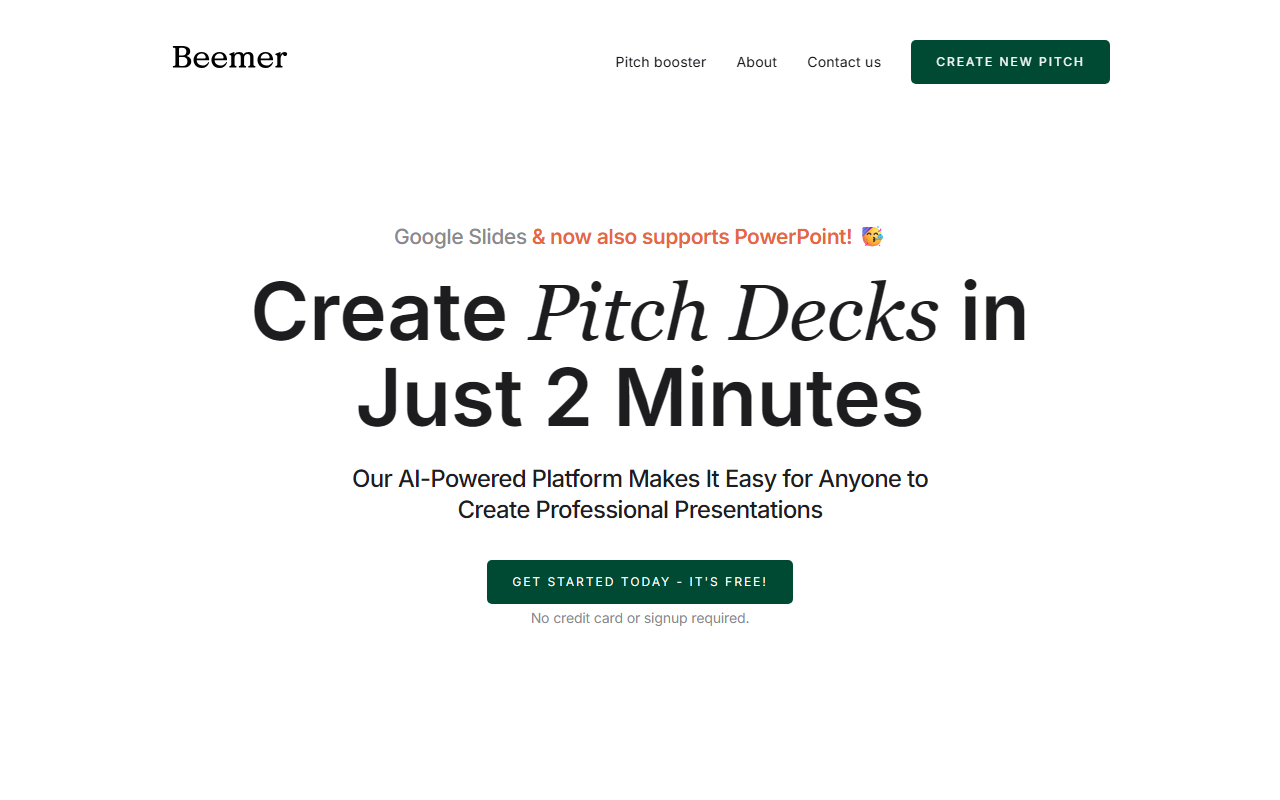
Upon visiting beemerdocs.com, I was greeted with a clean landing page that immediately highlights the core value proposition: create a pitch deck in just two minutes. The call to action is prominent, and there is no barrier to entry—no credit card, no signup required. I clicked "Get Started for Free" and was taken directly to the generator interface. The onboarding is minimal: the tool asks for a brief description of your business, and within seconds, it produced a full slide deck. I was impressed by the speed and the fact that the output was immediately available in Google Slides format. The template itself is minimalistic and modern, following design trends without being overly flashy. The entire experience felt frictionless, which is exactly what a busy startup founder needs.
Features and Core Functionality
The AI pitch deck generator is the core offering. It uses natural language processing to parse your business description and automatically structures the pitch around proven investor-friendly sections: problem, solution, market size, business model, team, and traction. I tested it with a mock startup idea and was pleased with the structure. The deck is not just a random collection of slides; it follows a logical narrative. The tool currently supports export to Google Slides and PowerPoint, with collaboration possible through those platforms. Beemer also offers a premium add-on called "The Pitch Booster" at $10. This package adds an executive summary, three investor email drafts, a customized marketing campaign, and 35 extra slide layouts. While the free tier gives you a solid foundation, the booster adds polish and additional resources to tailor the pitch further. The roadmap mentions more customization options and integrations, which suggests the product is still evolving. I noticed that the website also mentions "create a website" and Webflow integration, but that seems to be a separate feature not yet fully documented—perhaps a future addition.
Pricing and Value for Money
Beemer's pricing is straightforward: the base pitch deck generator is completely free, with no hidden charges. The paid add-on is "The Pitch Booster" at $10 per use. This is a one-time fee, not a subscription, which makes it budget-friendly for bootstrapped startups. For comparison, services like Tome and Gamma offer AI presentation generation but often require monthly subscriptions. Beemer's pay-per-deck model is attractive if you only need a few decks. However, the free tier may limit you to a set number of slides or less customization. The website does not explicitly state limitations, but given the booster offers extra layouts and content, it's safe to assume the free version is more basic. If you need repeated upgrades, the per-deck cost could add up, but for most founders using it sporadically, $10 per pitch is reasonable. There is no enterprise plan visible, which might be a gap for larger teams needing multiple decks.
Who Should Use Beemer?
Beemer is clearly designed for early-stage startup founders who need to create a polished pitch deck quickly without designer or copywriting skills. The tool excels at saving time and providing a structured, investor-ready narrative. I would recommend it to anyone preparing for a pitch competition, accelerator application, or initial investor meetings. However, founders who want deep customization, unique branding, or interactive elements may find the templates too rigid. Similarly, those who need advanced analytics or collaboration beyond Google Slides may prefer a full-featured tool like Canva or Slidebean. Beemer also lacks a native collaboration interface; you rely on the export platform's sharing capabilities. Overall, for a quick, high-quality pitch deck at minimal cost, Beemer is a strong choice. The free tier allows you to test the quality before committing any money. If you need extra polish, the $10 booster is a worthwhile investment. Just be aware that the product is still maturing, and the website could be more polished (the Lorem ipsum placeholders in the feature sections are a minor red flag). But the core AI generation works well. Visit Beemer at https://beemerdocs.com/ to explore it yourself.













Comments