

First Impressions and Onboarding
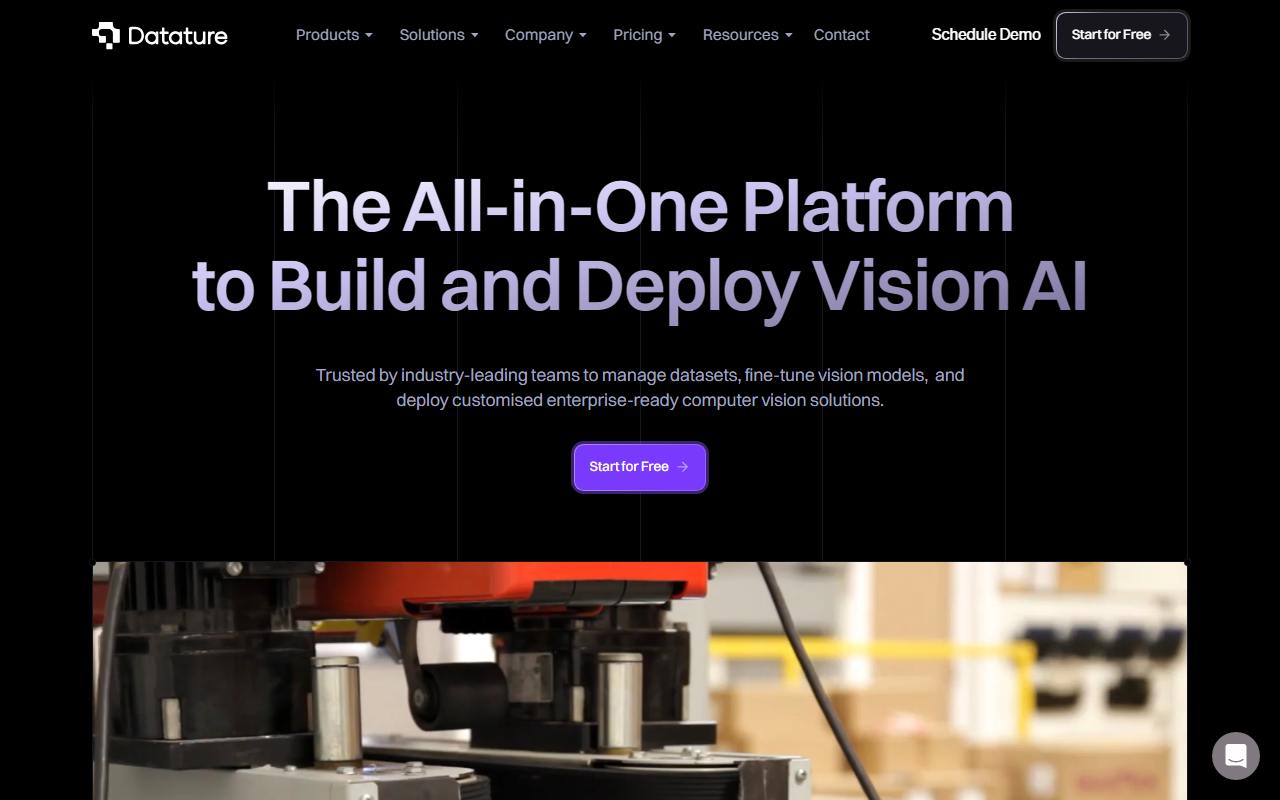
Upon visiting Datature’s website, the first thing I noticed is a clean, enterprise-focused interface with clear calls-to-action for scheduling a demo or starting for free. The hero section immediately pitches the platform as an all-in-one solution for managing datasets, fine-tuning vision models, and deploying customized computer vision applications. Industry verticals like smart cities, healthcare, energy, agriculture, retail, and construction are highlighted, signaling that Datature targets real-world use cases rather than generic demos. I clicked the “Start for Free” button, which led to a sign-up flow requesting an email and company name. The onboarding guided me to create a project, upload images, and start annotating within minutes – no credit card required. The annotation tool loaded quickly in the browser, offering bounding boxes, polygons, keypoints, and a smart brush that uses AI to speed up labeling. I tested the annotation workflow on a sample set of traffic images, and the AI-assisted segmentation was impressively accurate on first pass.
Core Capabilities and Workflow
Datature covers the entire computer vision pipeline: labeling, training, evaluation, and deployment. The platform supports classification, object detection, keypoint estimation, and semantic segmentation – all powered by what appears to be a TensorFlow and PyTorch backend under the hood, though the exact model zoo is not listed. The training interface uses a drag-and-drop pipeline builder where you can set hyperparameters like batch size, learning rate, and model architecture. I built a simple detector on the sample dataset and started training with a single click; progress logs streamed in real time. After training, a detailed performance report shows precision, recall, mAP, and visually compares predictions against ground truth. Deployment is equally streamlined: you can export to a REST API endpoint with one click, or download the model in TensorFlow.js, ONNX, or CoreML formats for edge devices. I found the “Deploy to API” option particularly smooth – it generated a production-ready endpoint in under two minutes. The platform also offers version control for datasets and models, making it easy to track experiments.
Pricing, Positioning, and Competition
Pricing is not publicly listed on the website, which suggests Datature uses a custom quote model typical for enterprise B2B SaaS. This lack of transparency may frustrate smaller teams or individual developers. However, the free tier allows limited projects and annotations, giving a genuine test drive. Datature competes with Roboflow (popular for dataset management and model training) and Clarifai (more focused on pre-built models). Unlike Roboflow’s per-image pricing, Datature appears to emphasize end-to-end workflow with enterprise-grade security (SOC 2, encryption) and collaboration features like approval workflows. The platform is better suited for mid-to-large teams that need governance and scalability rather than hobbyists. Customer testimonials on the site reference use cases in defect inspection and medical image segmentation, adding credibility. Datature also provides a marketplace of pre-trained models and integrations with AWS, Azure, and GCP, though I could not verify API documentation without deeper access.
Final Verdict: Strengths and Limitations
Datature’s greatest strength is its integration of annotation, training, and deployment into a single, no-code interface. The AI-assisted labeling tools are genuinely time-saving, and the drag-and-drop training pipeline makes advanced model tuning accessible to non-experts. Another win is the variety of export formats, which simplifies edge deployment. On the limitation side, the lack of public pricing is a barrier for budget-conscious teams, and the model selection is not as extensive as dedicated training libraries (e.g., Ultralytics YOLOv8 custom training). Additionally, the platform’s heavy focus on web-based UI means power users who prefer code-driven workflows might feel constrained – though Datature offers an SDK for programmatic control. Overall, Datature is an excellent choice for enterprises building custom vision AI solutions without hiring a team of ML engineers. Startups with simpler needs may find Roboflow more affordable and faster to adopt. Who should try Datature: Teams that need a managed, compliant computer vision pipeline from annotation to production, especially in regulated industries like healthcare, manufacturing, or smart cities.
Visit Datature at https://datature.io/ to explore it yourself.













Comments