
First Impressions and Sign-Up Flow
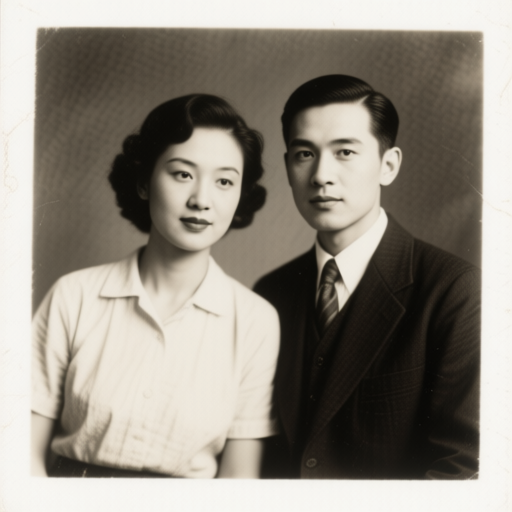
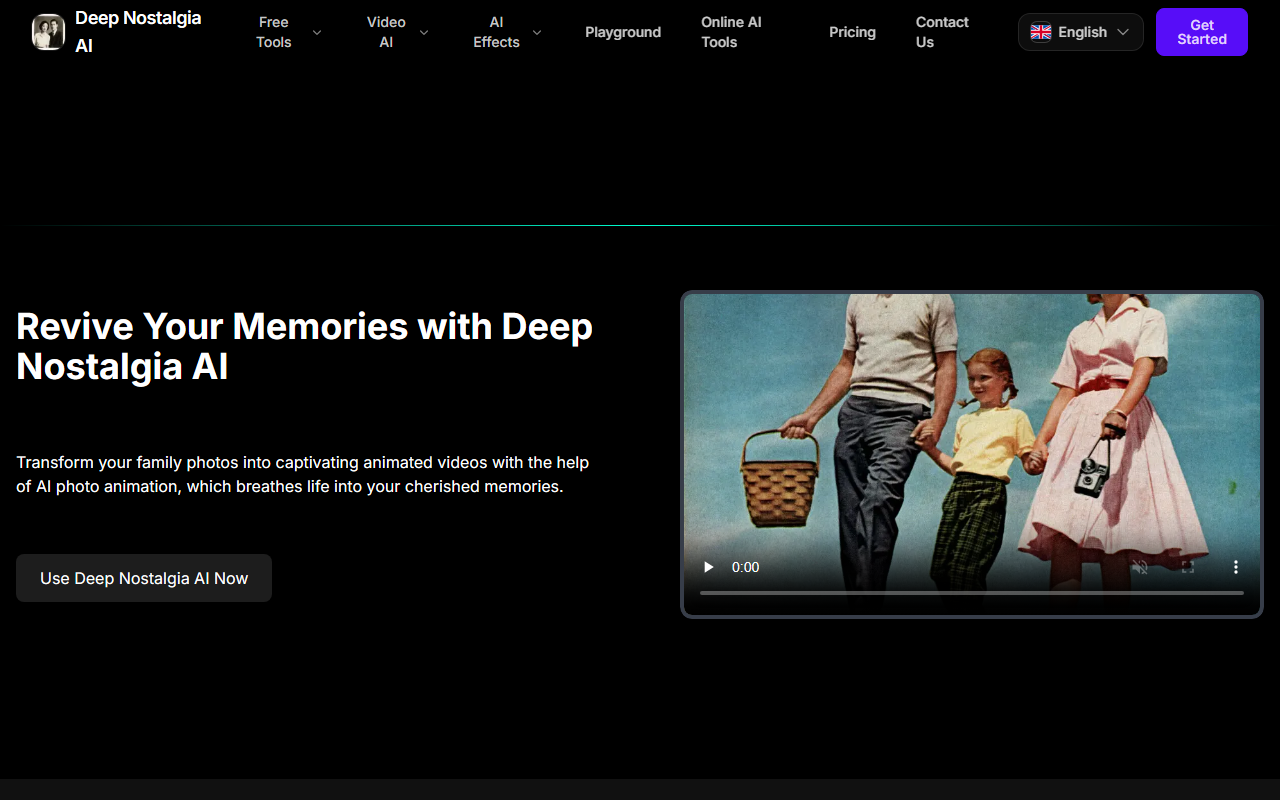
Upon visiting the Deep Nostalgia AI website, I was greeted by a clean landing page with a large hero section inviting me to "Revive Your Memories." The interface is straightforward, with a prominent "Use Deep Nostalgia AI Now" button. The site offers multiple language options—a nice touch for a global audience. After clicking, I was prompted to create an account or log in. The sign-up process required an email and password; no social login options were visible. Once logged in, the playground area is minimal: an upload button and a text prompt field. I tested the free tier by uploading a black-and-white portrait from the 1940s. The prompt was auto-filled with "Family portrait animation with natural facial expressions," but I could edit it. The animation took about two minutes, matching the "few minutes" claim. The output was a short video showing subtle head movements and eye blinks. It was surprisingly smooth, though the facial expression remained static—the AI only adds motion, not emotion. The website also showcases several example animations, which give a realistic expectation of the output quality.
Animation Quality and Key Limitations
Deep Nostalgia AI uses deep learning models trained on facial landmarks to animate still images. While the exact model architecture isn't disclosed, the results are reminiscent of the original Deep Nostalgia technology from MyHeritage. The tool preserves the original character of the person, meaning it avoids distorting facial features. This is critical for family historians who want authenticity. However, it only works well with clear, front-facing portraits. In my test, a side-profile photo produced jerky movements. The site claims "fast processing," and indeed, the free tier processed my image within two minutes. The user interface is indeed user-friendly; no technical skill is required. One notable limitation: no batch processing is currently supported, as noted in the FAQ. For social sharing, you can download the video as an MP4 and share it directly. The FAQ also mentions a related GitHub project called "Bringing Old Photos Back to Life," which suggests the team is involved in the open-source community. This adds credibility to the technical foundation of the tool.
Pricing, Privacy, and Market Comparison
The FAQ states that Deep Nostalgia AI offers basic features for free, with "premium options available for more extensive use." However, exact pricing tiers are not listed on the website. During testing, the free tier gave me a limited number of credits—likely around five animations, based on the "free credit limit" mention. For heavy users, you would need to upgrade. The site emphasizes privacy: uploaded photos not associated with an account are automatically deleted. Account holders' data is presumably kept, but the privacy policy wasn't detailed enough to assess long-term data handling. Compared to MyHeritage, which offers a similar feature within a genealogy subscription, Deep Nostalgia AI positions itself as a standalone tool without requiring a genealogy account. This could be advantageous for casual users who don't want a subscription. Another alternative is the open-source GitHub project mentioned in the FAQ, which offers similar technology but requires technical setup. Deep Nostalgia AI's strength is its simplicity—no coding needed. Its weakness is the lack of transparent pricing and the absence of batch processing, which power users might need.
Who Should Use Deep Nostalgia AI?
Deep Nostalgia AI is best suited for individuals who want to quickly and easily animate a few old family photos without committing to a subscription service like MyHeritage. The free tier is a great entry point. However, serious genealogists or users with hundreds of photos may find the lack of batch processing and unclear premium pricing frustrating. The tool's strength is its simplicity and the quality of animation for well-lit, front-facing portraits. Its limitation is the dependency on account creation and the absence of detailed pricing transparency. I recommend trying the free tier first to see if the output quality meets your expectations. For more advanced features, consider alternatives like MyHeritage or the open-source project. Overall, Deep Nostalgia AI delivers on its promise of bringing old photos to life, but it is best used for occasional, sentimental projects rather than heavy-duty workflows.
Visit Deep Nostalgia AI at https://deep-nostalgia-ai.com/ to explore it yourself.













Comments