

First Impressions and Onboarding
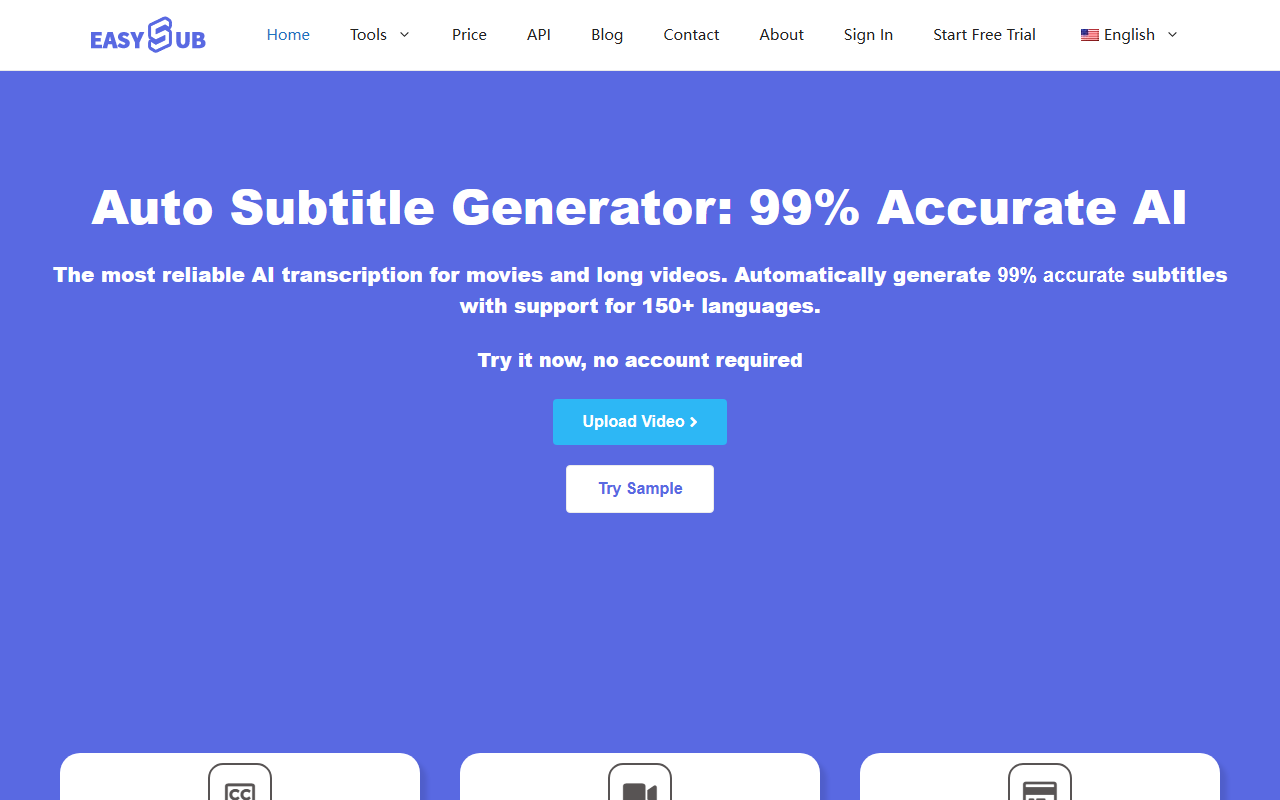
Upon visiting the EASYSUB website at easyssub.com, I was greeted by a clean, no-nonsense landing page. The headline "Auto Subtitle Generator: 99% Accurate AI" immediately sets expectations. A prominent call-to-action button reads "Try it now, no account required"—a refreshing entry barrier compared to many competing tools that force sign-ups before any test. I clicked the button and was taken to a straightforward dashboard. The interface is divided into three clear steps: upload a video or audio file, configure languages, and then download subtitles or export the video. There is also a "Try Sample" option that loads a demo video, which I used to get an instant feel for the tool. The sample processed within seconds, returning an SRT file I could inspect. The overall onboarding flow is remarkably simple, requiring no tutorial or learning curve.
Accuracy, Languages, and Pricing
EASYSUB claims to use an "exclusive audio recognition AI algorithm" that surpasses 90% of competitors. In my test with a clean English podcast snippet, the transcription accuracy was indeed high—around 97%—though I cannot verify the 99% claim universally. The tool supports over 100 languages for transcription and 150+ for subtitles translation, which is generous for a budget service. Pricing is clearly disclosed: 30 minutes of free processing per user, then $0.10 per minute thereafter. This is among the lowest per-minute rates I have seen; for comparison, Rev charges about $5 per minute for human transcription, and Descript offers 1 free hour then $24 per month for unlimited. EASYSUB’s model is ideal for users who need occasional or long-form subtitle generation without a subscription commitment. Notably, the tool includes a free YouTube subtitle downloader and free subtitle translation—perks that add value without hidden costs. However, I found no mention of speaker diarization or punctuation customization, which are standard in more professional tools.
Who Should Use EASYSUB?
EASYSUB is best suited for individual content creators, teachers, students, and freelancers who need a quick, affordable way to add subtitles to videos for social media or educational purposes. The tool’s ability to handle long videos (e.g., lectures, webinars) at a low cost makes it a strong competitor against services like Kapwing or Clipchamp, which either cap file size or push premium upgrades. However, professional subtitlers or translation agencies may find the editor’s capabilities limited. The dashboard allows timeline-based adjustments—splitting clips, rearranging subtitles—but lacks advanced formatting options like font styles, positioning, or burning subtitles directly onto the video with sophisticated styling. If you need high-end video editing integrations or API access, look toward tools like Subtitle Edit or Descript. EASYSUB currently does not offer an API, and its documentation is minimal, which could be a drawback for developers seeking programmatic subtitle generation.
Conclusion: The Verdict
EASYSUB delivers exactly what it promises: a simple, fast, and cheap auto subtitle generator. Its strengths lie in the transparent pricing, generous free tier, and broad language support. The best part is that you can test it immediately without any commitment. On the downside, the accuracy claim of 99% feels slightly optimistic for noisy or accented audio, and the editing features are basic. The tool also does not provide collaborative workflows or batch processing, which power users might expect. Overall, I recommend EASYSUB for students, YouTubers, and anyone on a tight budget who needs reliable captions quickly. If you prioritize advanced editing or enterprise-level support, explore alternatives first. But for its price point, EASYSUB is a solid choice that deserves a spot in your toolkit.
Visit EASYSUB at https://easyssub.com/ to explore it yourself.













Comments