

First Impressions and Onboarding
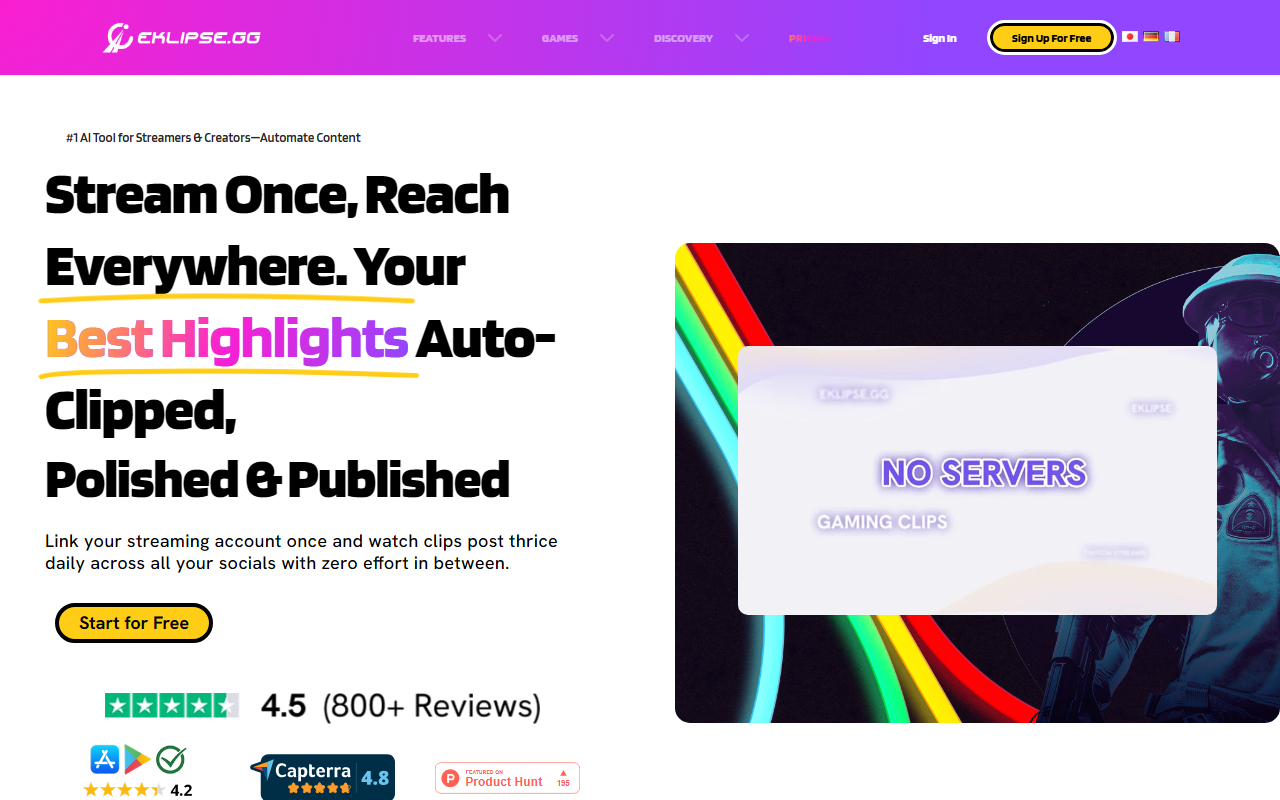
Upon visiting eklipse.gg, I was greeted by a clean dashboard highlighting the core promise: “Stream Once, Reach Everywhere.” The sign-up process took less than a minute—I linked my Twitch account and granted permission to access past broadcasts. Within moments, the interface displayed a list of my recent streams and began analyzing them. The AI immediately flagged potential highlights based on kill streaks, assists, and chat activity. I found the initial setup remarkably frictionless, with clear tooltips guiding me through the clip selection process.
Features and Performance
Eklipse’s Moment Detection engine is trained on over 1,000 games including Fortnite, Valorant, and Black Ops 6. During testing, the AI correctly identified a close-range win in Apex Legends and generated a 30-second clip with a vertical crop ready for Reels. I also tried the Voice Command feature—simply saying “Clip it” during a private stream captured the last 30 seconds without touching any controls. The built-in clip editor offers ready-to-use templates, auto-captions with 50+ styles, and a library of trending memes and sound effects. Unlike Opus Clip, which focuses on repurposing long-form videos, Eklipse is tailored specifically for live gaming content and integrates directly with Twitch and Kick. The Content Publisher lets you schedule posts across TikTok, YouTube Shorts, and Instagram—all from one dashboard.
Pricing and Accessibility
Eklipse is free to start: you get 15 clips per stream at 720p, with 14-day storage. The Premium plan (billed annually at roughly $8/month, saving 37%) unlocks 1080p output, 3x faster processing, support for 12-hour streams, and 90-day storage. Note that the free tier limits quality to 720p and caps clips at 15 per stream—serious creators may feel constrained. A mobile app is available for both iOS and Android, allowing on-the-go editing. Eklipse also supports Kick and Google Drive import on Premium.
Verdict and Recommendations
For streamers who want to maintain a daily posting schedule across multiple platforms without spending hours editing, Eklipse delivers. Its AI is genuinely impressive at detecting high-energy moments, and the voice command adds a layer of convenience that competitors like Streamlabs Desktop lack. However, the 720p ceiling on the free plan and the clip limit might frustrate power users. This tool is best for gaming creators who stream regularly and need a reliable, automated pipeline to repurpose content. If you’re a casual streamer, the free tier is a no-brainer; if you’re growing a channel, the premium upgrade is worth the investment. I recommend trying the free version to see how well the AI matches your game’s key moments.
Visit Eklipse at https://eklipse.gg to explore it yourself.













Comments