

First Impressions and Onboarding
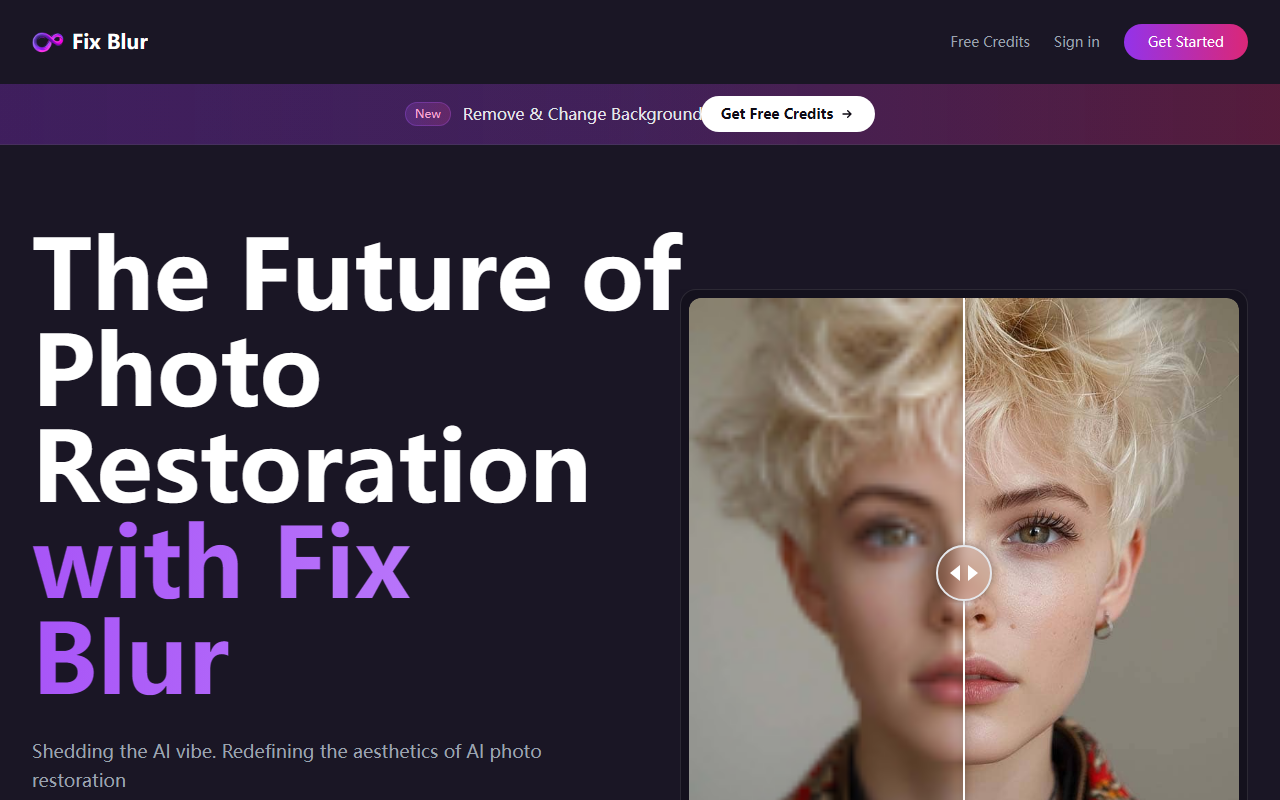
Upon visiting FixBlur.com, the landing page immediately showcases a before/after comparison slider demonstrating the tool's ability to sharpen a blurry portrait. The interface is minimal and modern — no clutter, just a drag-and-drop upload zone and a prominent “Start Free Trial” button. I clicked through and was prompted to create an account (email only, no credit card). After verifying my email, I was given 1 free credit automatically. The dashboard shows a straightforward upload area with a note that files auto-delete after 1 hour. For a first-time user, the onboarding took less than 2 minutes, which is impressive.
How FixBlur Works (and What I Tested)
To test the free tier, I uploaded a moderately blurry JPEG portrait (1.2 MB). The AI processed it in just under 8 seconds, and the result was a noticeably sharper image with better contrast and reduced noise. The tool uses a proprietary deep-learning model (no model name disclosed) trained specifically for deblurring and enhancement. Unlike multi-purpose editing suites, FixBlur focuses on a single task: fixing blur. It does not offer face enhancement, colorization, or background removal, but for its niche, the output is convincing. Batch processing lets you queue up to 5 photos simultaneously — I tested three at once, all processed within 15 seconds. Each photo costs 1 credit. The free credit is a nice risk-free trial, but you’ll need to purchase credits (pricing not publicly listed on the website) after that.
Pricing, Privacy, and Market Positioning
FixBlur’s credit system is simple but opaque. The website states “New users get 1 free credit. You can purchase more credits after you sign in,” but no credit packs or prices are shown before login. Pricing is not publicly listed on the website. This is a limitation: users must create an account to see costs. Competitors like Remini or Topaz Photo AI offer transparent subscription tiers or one-off purchases. On the privacy front, FixBlur claims photos auto-delete after one hour and uses secure processing — a strong selling point for users concerned about data retention. The tool supports all common image formats with a 2 MB per file limit, which is adequate for most casual use but restrictive for high-resolution RAW images.
Final Verdict: Who Should Use FixBlur
FixBlur excels at what it promises: fast, no-fuss deblurring for non-professionals. It's best suited for social media users, small business owners needing quick product image fixes, or anyone who occasionally needs to sharpen a cherished family photo. Power users or professionals who require batch editing at scale, custom model controls, or integration with design pipelines should look elsewhere — for example, Adobe Photoshop’s AI sharpen or Topaz Photo AI offer more granular control. The main strength is speed and simplicity; the main limitation is the lack of transparent pricing and the 2 MB file cap. I recommend FixBlur for casual, privacy-conscious users who want a single-purpose tool that just works. Visit FixBlur at https://fixblur.com/ to explore it yourself.













Comments