

First Impressions and Interface
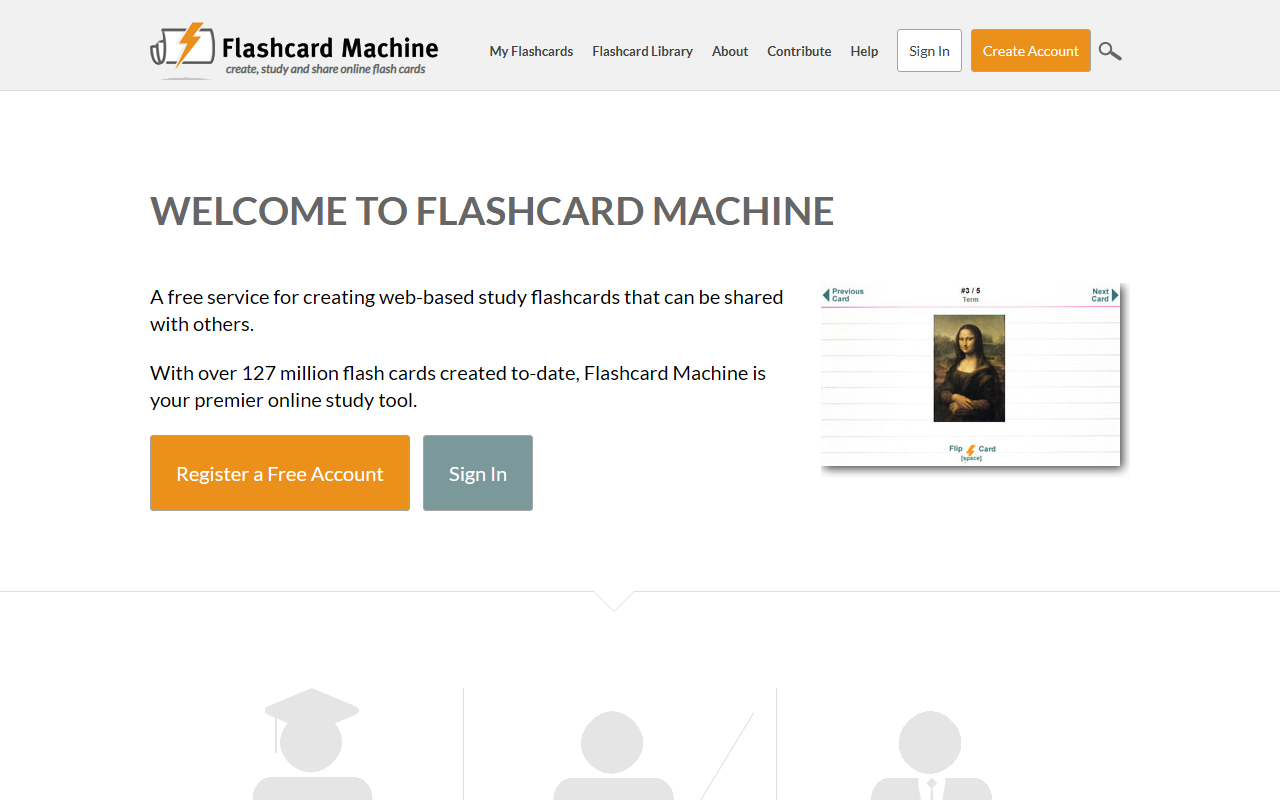
Upon visiting Flashcard Machine, the homepage immediately presents a clean, straightforward design. The navigation bar offers clear sections: My Flashcards, Flashcard Library, About, Contribute, and Search. A prominent search bar and call-to-action buttons for signing up or logging in are front and center. The site emphasizes its scale: over 127 million flash cards have been created to date, which hints at a large existing library. As a first-time user, I appreciated the simplicity — no overwhelming menus or unnecessary clutter. The onboarding flow is quick: I clicked "Create Account" and was asked for basic details. After signing up, the dashboard shows options to create new flashcards, browse the library, or organize cards into classes.
Core Features and Workflow
Flashcard Machine focuses on the core task of making and sharing flashcards. Creating a new set is intuitive: I could add terms and definitions manually, and the interface allowed me to group cards into folders. The platform supports text-only flashcards — no images, audio, or advanced formatting in the standard view. This is a limitation compared to competitors like Quizlet, which offers rich media and multiple study modes. However, Flashcard Machine compensates with a robust sharing system: you can make sets public or private, and teachers can create class pages to distribute cards to students. The Flashcard Library is searchable by subject or keyword, making it easy to find pre-made decks. For studying, the tool offers basic review modes: flip through cards front-to-back, or shuffle. There is no built-in spaced repetition algorithm like Anki, which may disappoint advanced users.
Pricing and Accessibility
Flashcard Machine is advertised as a free service, and indeed registration is free with no immediate payment prompts. During my exploration of the interface, I did not encounter any premium tiers or subscription options. The website does not list any paid plans on the homepage or within the account settings area I checked. This is a significant advantage for budget-conscious students. However, the lack of pricing information often means that advanced features (such as ad-free experience, advanced statistics, or unlimited file uploads) may be missing entirely. The iOS mobile application is mentioned, allowing study on the go, but I did not test it. For accessibility, the web version is responsive and works on desktop and mobile browsers, though the layout feels optimized for larger screens.
Who Should Use Flashcard Machine?
This tool is best suited for students who need a simple, no-cost way to create and share flashcards for exam preparation. Teachers looking to distribute vocabulary or concept cards to their classes will find the class organization useful. Professionals preparing for certification exams can also benefit from the public library. However, if you rely on spaced repetition, multimedia support, or collaborative editing, you may want to consider Anki or Quizlet. Flashcard Machine's strength is its simplicity and the massive library of user-contributed cards. Its main limitation is the lack of advanced study algorithms and media integration. For a free, no-frills flashcard platform, it does the job well. Visit Flashcard Machine at https://flashcardmachine.com/ to explore it yourself.













Comments