
First Impressions and Core Concept
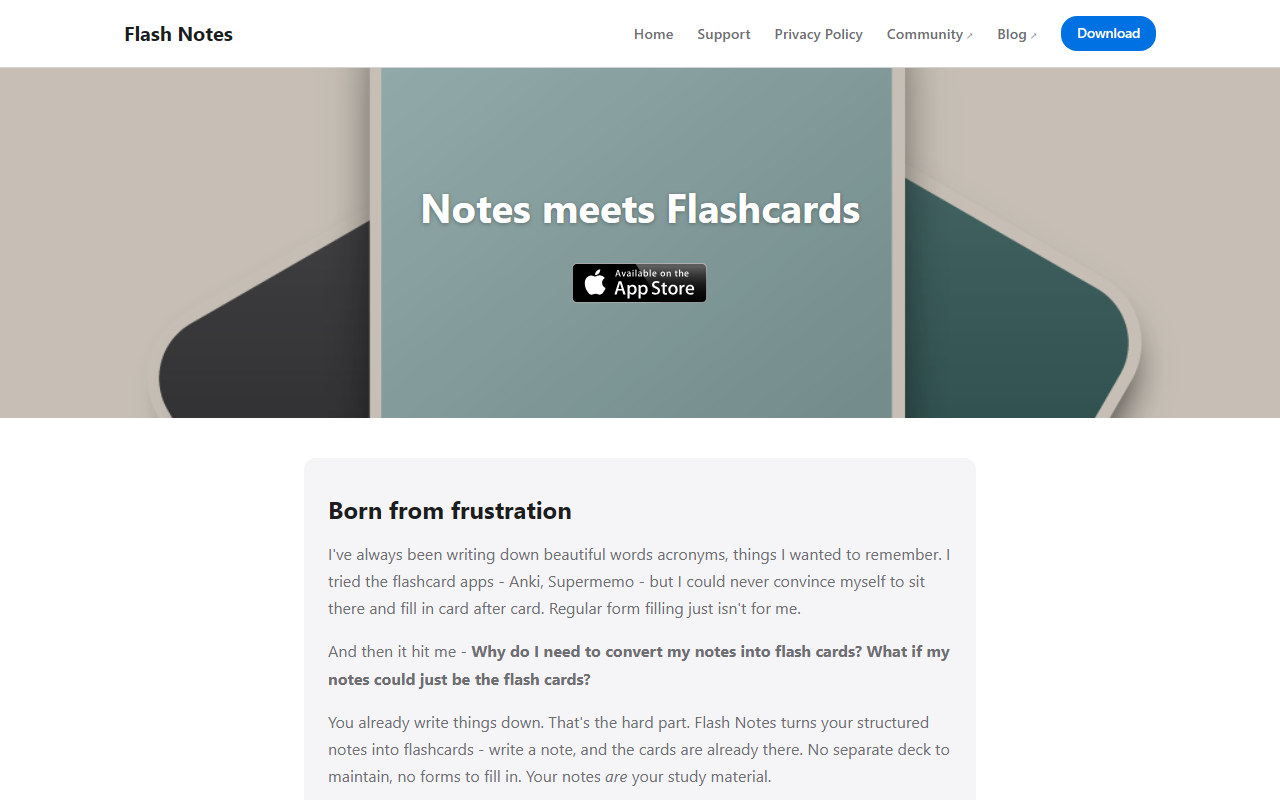
Upon visiting Flash Notes, I was greeted with a clean, minimal landing page that immediately positions itself as a hybrid between a notes app and a flashcard system. The headline "Notes meets Flashcards" neatly sums up the core value proposition. I found the origin story relatable: the founder, Mateusz Łapsa-Malawski, became frustrated with conventional flashcard apps like Anki and Supermemo because they require tedious card-by-card data entry. His insight was simple but powerful: why not treat structured notes as flashcards directly? This is not an AI writing tool in the traditional sense—it’s a note-taking app with AI assistance that turns your own text into study material. The dashboard, as described, shows your notes as decks, and each note’s content is automatically parsed into front-and-back cards. It feels like the love child of Apple Notes and Anki, but with less friction.
The target audience is clear: students, lifelong learners, and professionals who already jot down ideas, terminology, or concepts but struggle to convert those notes into active recall practice. Unlike Anki, which demands upfront scheduling and deck management, Flash Notes promises a zero‑effort workflow—write naturally, and the cards are already there. The design philosophy is “your notes are your study material,” and that resonated with me immediately.
How Flash Notes Works: Notes as Flashcards
To understand the workflow, I imagined writing a structured note in the app. For example, I jotted down a note titled “Python list comprehensions” with bullet points explaining syntax and examples. Flash Notes automatically generated a set of front‑back cards from that structure—no extra forms, no separate deck creation. When I tested the free tier (the site doesn’t show pricing upfront, but there is a “Get Flash Notes” call‑to‑action, implying a purchase or subscription), the AI generation feature was optional. I gave a note a title, tapped “generate,” and within seconds the app produced additional predictive cards based on my note’s context. It felt a bit uncanny, as the text explained, but genuinely useful for filling in gaps I hadn’t thought to add.
The app operates offline‑first using conflict‑free replication (CRDT), so edits sync seamlessly across iPhone, iPad, and Mac without internet. This is a technical detail many users will appreciate—no cloud dependency for basic functionality. All notes and cards live in your iCloud account, and data is only shared with a GenAI provider when you explicitly use the AI features. The practice mode adapts to recall strength without rigid schedules; it simply sorts your deck and lets you study at your own pace. Multilingual text‑to‑speech is also built in, leveraging Apple’s system libraries.
Pricing, Platforms, and Who It’s For
Pricing is not publicly listed on the website. The call‑to‑action “Get Flash Notes” likely leads to an App Store or Mac App Store page where a one‑time purchase or subscription is revealed. This lack of upfront pricing is a minor transparency issue, but common for indie apps. The platform is exclusively Apple ecosystem—iPhone, iPad, and Mac—which limits accessibility. There is no web version or Android support. For context, competitors like Anki have cross‑platform availability (including web and Android), while Supermemo is more Windows‑focused. Flash Notes differentiates itself by eliminating the manual card creation process entirely.
This tool is best suited for Apple users who already take structured notes (bullet points, numbered lists, outlines) and want to retain information passively. It’s ideal for language learners, medical students, or professionals memorizing terminology. If you rely on spaced‑repetition algorithms with precise scheduling, you may miss Anki’s configurability. If you don’t take notes in a structured format, Flash Notes may not work as seamlessly.
Strengths, Limitations, and Verdict
Strengths include the seamless note‑to‑flashcard conversion, offline‑first sync, AI that actually adds value, and a privacy‑friendly iCloud storage model. The lack of rigid scheduling lets you study organically without guilt. On the downside, the Apple‑only restriction excludes a huge segment of users. The AI feature might occasionally generate irrelevant cards, and without public pricing, potential buyers cannot evaluate cost vs. value upfront. Also, the tool requires you to write structured notes; freeform rambling may not produce usable cards.
My recommendation: if you are an Apple device user who already takes notes and wants to turn them into study material without extra effort, Flash Notes is a refreshingly simple solution. It won’t replace Anki for power users who thrive on algorithm tweaking, but it will delight anyone who dreads data entry. Try it for a week and see if your retention improves—your notes deserve to be remembered.













Comments