

First Impressions and Onboarding
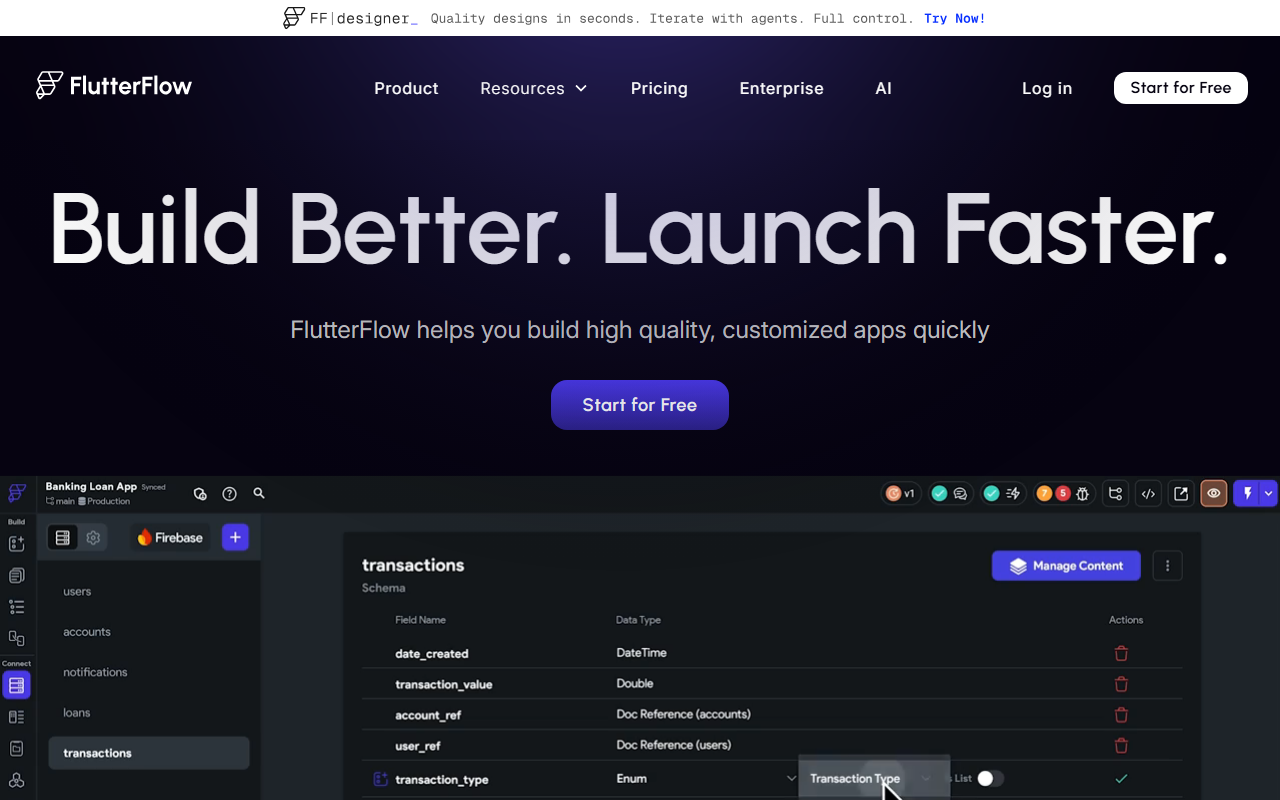
Upon visiting the FlutterFlow site, the landing page immediately sells a visual-first approach to app development. The hero section boasts "Build UI & logic visually" and highlights 200+ pre-designed UI elements. I signed up for the free tier, and the dashboard presents a clean, drag-and-drop canvas. The onboarding walks you through creating a new project by selecting a blank app or a template. Within minutes, I could drag a button, set its label, and attach a navigation action using the Action Flow Editor—no code required. The interface feels responsive, with real-time preview of mobile, tablet, and desktop layouts. The Test Mode, which lets you run the app directly in the browser, is a standout for rapid iteration.
Capabilities and Technical Depth
FlutterFlow is essentially a low-code platform built on top of Google’s Flutter framework. It solves the problem of slow, manual mobile/web app development by replacing hand-coded Flutter widgets with a visual builder. The platform’s Action Flow Editor allows you to add conditional logic, API calls, and state management without writing functions. You can connect directly to Firebase or Supabase for backend data, or use custom REST APIs. For payments and maps, built-in integrations simplify common needs. The ability to export the full Flutter source code with one click is a major advantage—you own the code and have no vendor lock-in. This technical flexibility makes it suitable for teams that want to prototype quickly but later hand off to professional developers. The platform also supports team collaboration via branching, commenting, and task assignment, all within the browser.
Pricing and Market Positioning
Pricing is not publicly listed on the website beyond a “Start for Free” button and an Enterprise tier in the navigation. After digging, FlutterFlow offers a free tier that includes limited projects and resources, with paid plans—Standard ($30/month), Pro ($70/month), and Enterprise (custom)—available. Compared to competitors like Bubble and Adalo, FlutterFlow differentiates itself by generating clean, exportable Flutter code. While Bubble focuses on web apps with its own database and runtime, FlutterFlow targets native mobile and responsive web apps using Google’s UI framework. Its partnership with Google is evident from testimonials by former Google Director Tim Sneath, lending credibility. The tool is best for developers who want speed without sacrificing code quality, and for product managers who need to demo ideas quickly. Non-technical founders may face a steeper learning curve than with purely no-code platforms like Adalo.
Final Verdict
FlutterFlow excels at accelerating app development without locking you into a proprietary ecosystem. The ability to export actual Flutter code gives it a unique edge over many low-code tools. However, its reliance on Flutter knowledge for customization means complete beginners may struggle with advanced logic. The free tier is generous enough to build a functional prototype, making it a low-risk try. I recommend FlutterFlow for teams that need rapid MVPs and plan to eventually scale with professional Flutter developers. If you want to ship to both app stores and the web with minimal coding, this is one of the strongest visual tools available today. Visit FlutterFlow at https://flutterflow.io/ to explore it yourself.













Comments