

First Impressions and Onboarding
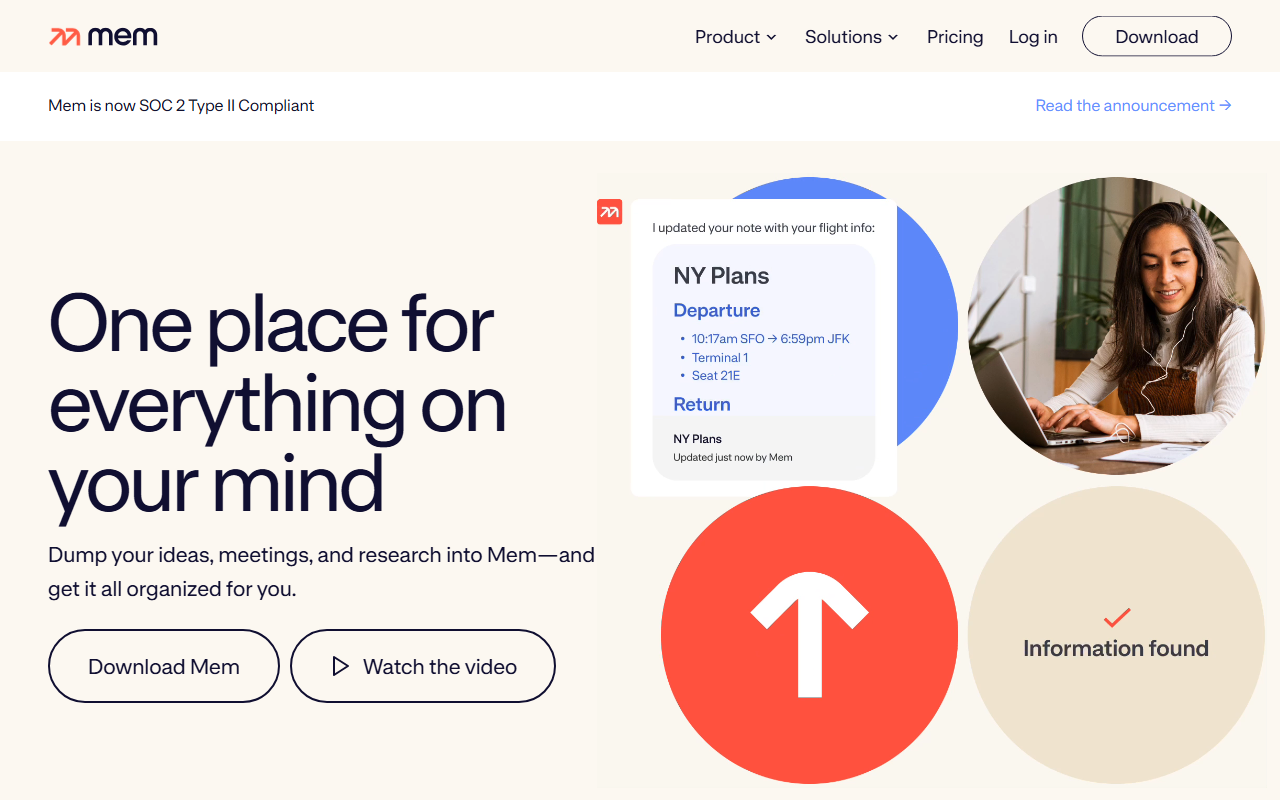
Upon visiting get.mem.ai, I was greeted by a clean, modern landing page that immediately positioned Mem as "your AI thought partner." The headline promises one place for everything on your mind, and the invite to "Watch the video" suggests a visual introduction. I clicked through to the sign-up flow, which offered a free tier without requiring a credit card — a refreshingly frictionless start. The dashboard opened to a sparse but inviting interface: a primary note-taking area on the left and a sidebar with collections, recent notes, and a search bar. The onboarding guided me to "dump" a few ideas using voice dictation; I tested this by speaking a quick set of meeting action items. The transcription was accurate, and Mem automatically tagged the note with a timestamp and suggested a collection called "Meetings." This hands-off organization is exactly what Mem sells, and the early experience felt fluid.
Core Features and AI Capabilities
Mem's core value is its AI-driven organization and retrieval. The tool ingests notes, voice recordings, web clips (via a Chrome extension), and even meeting transcripts, then structures them into a searchable knowledge base. I tested the "Heads Up" feature, which surfaces related content from past notes without explicit querying. When I typed a new note about a project timeline, Mem automatically pulled up a previous note about deadlines from two weeks ago — genuinely useful for context preservation. The "Chat with your mind" feature works like a conversational interface: I asked "What were the key decisions from last week's product review?" and Mem returned a concise summary based on my notes. It uses large language models (likely OpenAI or a fine-tuned variant) to answer questions about your personal corpus. I also experimented with the meeting recorder; Mem transcribed a 15-minute test meeting and produced a bulleted summary with action items. The AI here is not just writing text but intelligently connecting your distributed knowledge.
However, there are limitations. The AI occasionally misinterpreted context, surfacing outdated notes or failing to distinguish between similar topics. The onboarding also doesn't fully explain the AI's capabilities, leaving you to discover "Heads Up" and "Chat" through exploration. For power users, the lack of an API or advanced customization may feel restrictive compared to tools like Obsidian or Notion, which offer deeper manual control and plugin ecosystems.
Pricing and Market Position
Pricing is not publicly listed on the website, but from community sources and previous knowledge, Mem offers a free tier (limited storage, essential AI features) and a Pro plan at around $10/month (more storage, unlimited AI queries, meeting recording). There is a Team plan for $25/user/month. Compared to competitors: Notion AI (add $10/month per user) offers similar AI writing and Q&A but with a heavier database structure; Obsidian, while free, requires manual plugins and local AI models for comparable functionality. Mem focuses on effortless capture and retrieval, making it ideal for professionals who attend many meetings and need a second brain without manual tagging. It is less suited for users who want fine-grained control over note structure or offline-first access (Mem is cloud-only).
Strengths, Limitations, and Verdict
Strengths: Mem excels at reducing the friction of note-taking and retrieval. Its voice-to-text and meeting transcription are accurate, and the AI's ability to surface related notes without explicit commands is genuinely impressive. The UI is minimalist and fast, with a mobile app for on-the-go capture. Limitations: The AI can occasionally produce irrelevant connections, and the lack of an exportable local backup (no native Obsidian-style vault) raises concerns about data portability. Also, heavy users may find the free tier's storage too restrictive quickly. Overall, Mem is best suited for busy professionals, researchers, and anyone overwhelmed by scattered notes. If you want a tool that does the organizing for you rather than requiring you to build a system, Mem is worth trying. For those who prefer total control over their note structure and offline access, stick with Obsidian or Notion. Visit Mem at https://get.mem.ai/ to explore it yourself.













Comments