
First Impressions and Onboarding
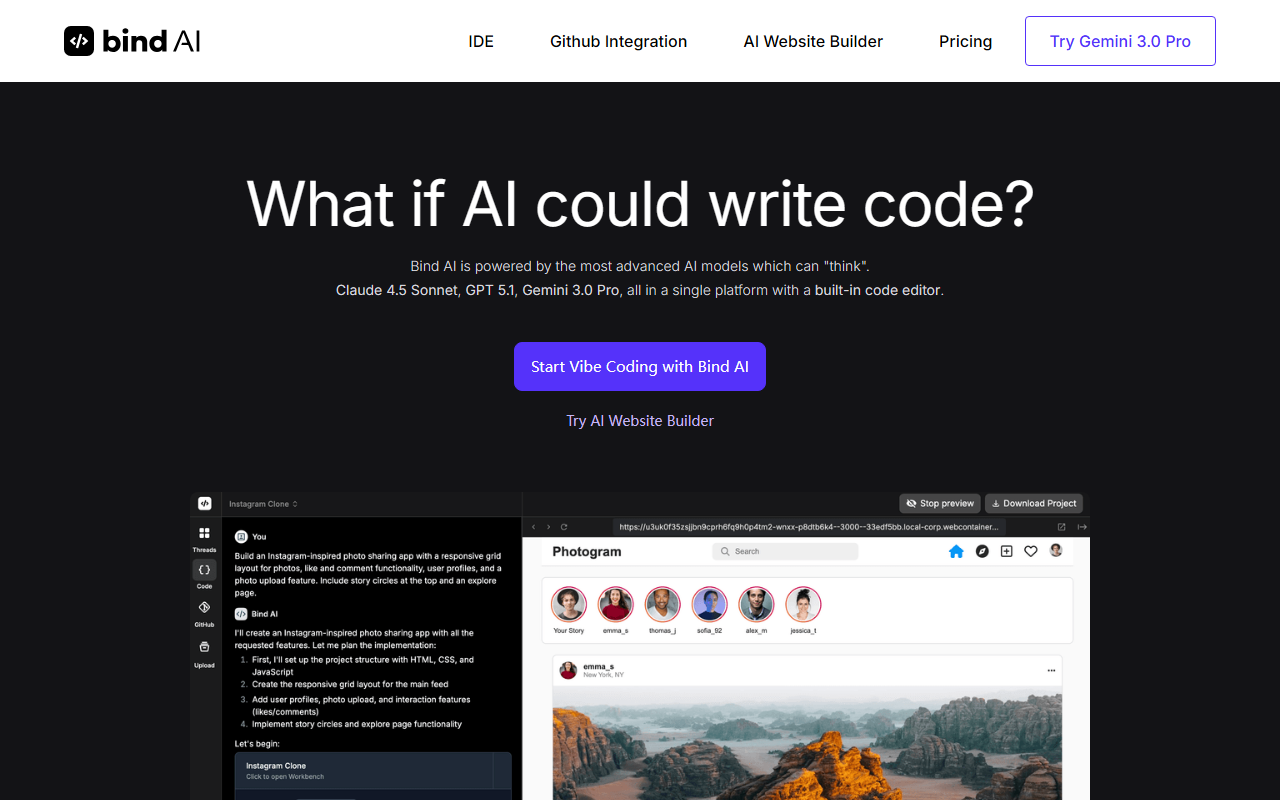
Upon visiting the Bind AI website, I was immediately struck by the promise of a unified environment combining a code editor with access to 15+ advanced AI models. The landing page highlights the ability to "vibe code" by generating clones of popular platforms like Twitter, Airbnb, and Spotify. Signing up for the free trial was straightforward, and within minutes I was inside the Bind AI IDE. The dashboard shows a clean, dual-pane layout: a file explorer on the left, a code editor in the center, and an AI chat panel on the right. The onboarding provides sample prompts for cloning projects, which I tried immediately.
Features and Performance
The core strength of Bind AI is its model library. During testing, I switched between Claude 4.5 Sonnet and GPT-5.1 Thinking for a single project—building a Trello-inspired kanban board. The AI responded with complete, functional HTML/CSS/JavaScript code, and I could execute it right inside the IDE. The built-in execution environment supports Python, React, Next.js, and Node.js applications, and one-click deployment to Vercel worked seamlessly. GitHub integration is another standout: I connected a repository and asked the AI to add a dark mode toggle to my existing codebase. The AI understood the context and modified the relevant files. One limitation I noticed: when using larger models like Gemini 3.0 Pro, response times were noticeably slower, though output quality remained high.
Pricing and Market Position
Pricing is not publicly listed on the website; you must start a free trial to see plans. Based on the feature set, Bind AI competes directly with tools like GitHub Copilot, Cursor, and Replit AI. Unlike Copilot, which primarily offers code completions, Bind AI focuses on multi-model chat and full app generation with execution. For developers who prefer to switch between top-tier models without managing separate subscriptions, Bind AI is a compelling option. However, the lack of transparent pricing may frustrate budget-conscious users. The tool also claims support for 15+ models, but only a few are named on the site—verifying the full list requires further exploration.
Verdict: Who Should Use Bind AI?
Bind AI is best suited for developers who need to rapidly prototype full-stack web applications and value the flexibility to choose from multiple frontier models. It's particularly useful for those building clones, MVPs, or learning new frameworks. The integrated IDE reduces context-switching, and the ability to sync GitHub repositories makes it practical for team onboarding or debugging. I would not recommend it for developers who prefer lightweight, terminal-based assistants or who require a robust free tier. The platform is clearly in growth mode, with frequent updates implied by model version numbers (e.g., GPT-5.1). If you're okay with opaque pricing and occasional performance lag on the largest models, Bind AI is worth a free trial. Visit Bind AI at https://getbind.co/ to explore it yourself.













Comments