

A First Look at GistReader
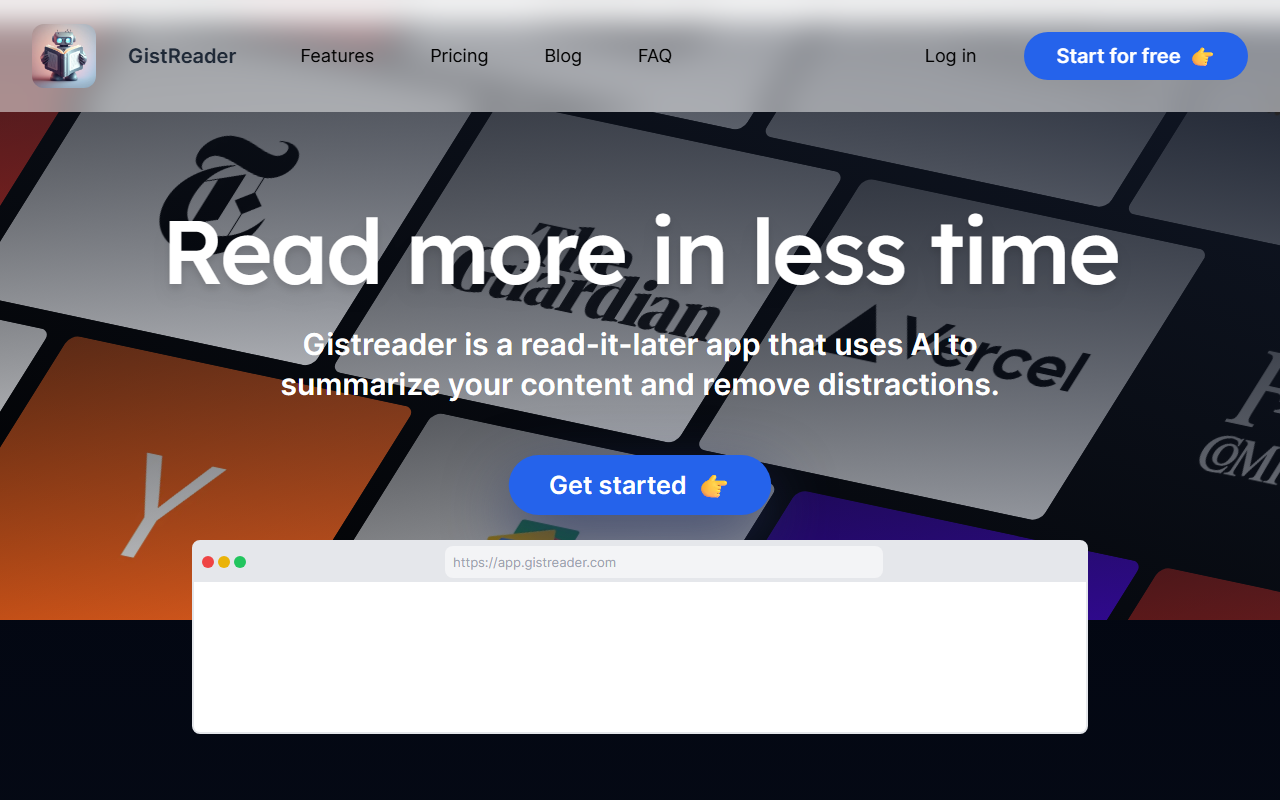
Upon visiting the GistReader website, I found a clean, minimal landing page that clearly explains its value proposition: read more in less time. The onboarding is straightforward—sign up via email or Google, and you are immediately taken to the dashboard. The interface is uncluttered, with a left sidebar for feeds, a central reading pane, and a top navigation bar. I started by importing an OPML file from my existing RSS reader, and the process took just seconds. The dashboard shows a list of unread articles, each tagged with an estimated reading time and a small AI badge indicating a summary is available. When I clicked on an article, the page transformed into a distraction-free view—no ads, no sidebars, just clean typography. The AI summary appears automatically at the top, generated in about one second. I tested the free tier, which limits summaries to 100 per month and feeds to 100. The summary quality was impressive: it captured the key points of a long tech article without oversimplifying. GistReader also supports YouTube videos—it can summarize video transcripts, though that feature is limited on the lower tiers. Overall, the first impression is that GistReader delivers on its promise of a frictionless reading experience.
Core Features and AI Summaries
GistReader is not just an RSS reader; it is a full-featured read-it-later app with AI enhancements. The core features include: distraction-free article rendering (similar to Reader Mode), RSS feed management (including OPML import), Pocket integration for importing saved articles, YouTube support for summarizing video transcripts, and keyboard shortcuts for power users. The AI summaries are the standout feature—they are generated using large language models (likely GPT variants, though not explicitly stated) and are available in English, Dutch, and Mandarin Chinese. During my testing, I compared a GistReader summary to the original article and found it accurate and concise, saving me roughly 70% of reading time. The summaries are not just bullet points; they are well-written paragraphs that maintain the article's tone. You can still read the full article with a single click, which is important for deeper dives. However, there are limitations: the free tier offers only 100 summaries per month, and even the Silver tier caps at 300. Heavy readers may need the Gold tier for unlimited summaries. Another limitation is that GistReader currently only supports English as an interface language, though AI summaries work in three languages. The developer, Aron Rotteveel, is a solo engineer who built the tool based on his own needs—this means the product is lean but also means updates may be slower than a larger team could provide. There is no native mobile app; the tool works as a progressive web app (PWA) on phones and tablets, which is convenient but not as polished as a native app.
Pricing and Value
GistReader offers a free tier that is surprisingly generous: you can manage up to 100 feeds, generate 100 AI summaries per month, and create 5 AI podcasts per month. The podcast feature reads your summaries aloud, which is a nice touch for commuters. Paid plans start at $5 per month for Bronze (100 feeds, 100 summaries, 5 podcasts), $8 per month for Silver (unlimited feeds, 300 summaries, 10 podcasts), and $15 per month for Gold (unlimited everything, early access, priority support). Annual billing gives two months free, making Gold approximately $12.50 per month. This pricing is competitive with tools like Readwise Reader ($8/month) and Feedly Pro ($75/year), though GistReader stands out for its focus on AI summaries rather than just feed management. Pocket Premium ($5/month) offers permanent article storage and tags but lacks AI summaries. GistReader’s AI features justify the price for users who need to process large volumes of content quickly. However, the free tier may be enough for casual readers. Note that the developer offers refunds if you are unsatisfied, which adds trust. One limitation: the AI summary quota resets monthly, so if you hit the limit, you must wait or upgrade. There is no option to buy additional summaries a la carte.
Who Should Use GistReader?
GistReader is best suited for knowledge workers, researchers, and content curators who subscribe to many blogs, newsletters, or news feeds and want to quickly identify what matters. It is also a good alternative to generic read-it-later apps like Instapaper or Pocket if you value AI-generated highlights. However, if you need a full-featured RSS reader with social sharing, team collaboration, or custom filters, tools like Feedly or Inoreader may be more appropriate. GistReader is a one-person project, so support and feature updates may be slower than what larger companies offer. That said, the product is stable and the core experience is polished. I recommend starting with the free 14-day trial (no credit card required) to see if the AI summaries meet your needs. If you find yourself drowning in articles, GistReader can be a genuine time-saver. Visit GistReader at https://gistreader.com to explore it yourself.













Comments