

First Impressions and Core Functionality
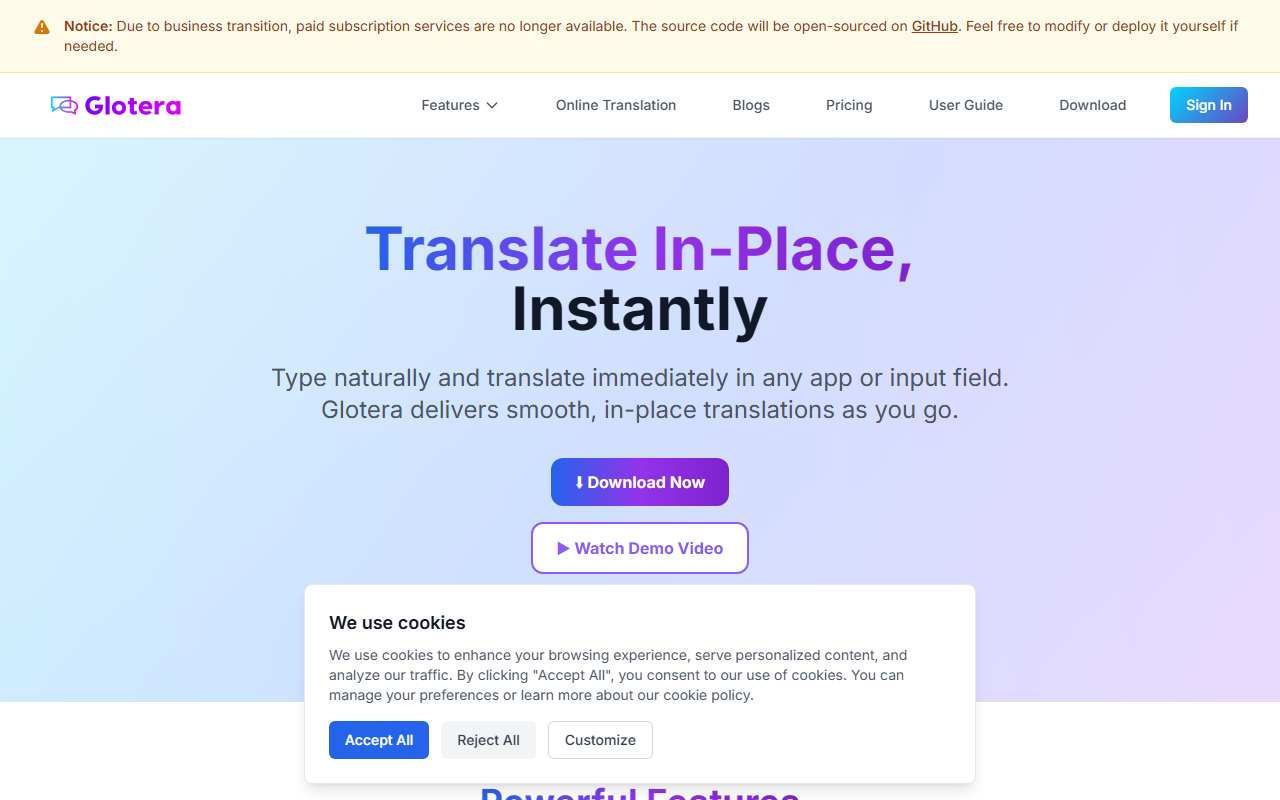
Upon visiting Glotera AI's website, I immediately noticed the clear announcement: paid subscriptions are no longer available, and the source code is being open-sourced on GitHub. This is an unusual but refreshing pivot. The landing page showcases a clean, macOS-native aesthetic and promises instant, in-place translation without app switching. The core value proposition is simple: type naturally in any input field, append a language trigger like @en or #ja, and Glotera replaces your text on the fly. When testing the conceptual workflow from the demo video, the speed looked impressive. The tool targets cross-border communication professionals who need fluid translation directly within apps like Gmail, WhatsApp, or Discord, eliminating the copy-paste dance. It currently supports macOS exclusively, which is a significant limitation for Windows or web users.
Feature Set and Technical Observations
The dashboard (more of a feature list page) highlights five core capabilities. Inline Translation is the flagship: double-tap space triggers replacement. Selection Translation works system-wide – select text in any desktop app, and a floating window provides translation. Image Translation uses a hotkey (Shift+Option+S) to capture screen regions and apply OCR-powered translation. Translation Copilot is specifically for WhatsApp, automatically reading incoming messages and translating replies without manual triggers. This last feature struck me as both clever and niche: it only works with WhatsApp on English/Chinese macOS now. The tool claims support for 100+ languages, with accuracy over 95% using cloud AI. The app itself is under 5MB, lightweight, and claims instant launch. Data encryption is mentioned, with no content stored on servers. Notably, the site does not reveal which underlying model or API it uses, though "advanced AI translation" likely refers to a commercial cloud service. The biggest technical caveat: the product is effectively entering end-of-life for its paid tier. The open-source plan means future maintenance falls to the community, which could lead to inconsistent updates.
Market Position and Limitations
Glotera AI sits between dedicated translators like DeepL (offering desktop apps with integration) and keyboard utilities like PopClip Translate. Its in-place translation is more seamless than DeepL's popup window but less mature than built-in OS features. Compared to Google Translate, it avoids app switching but is limited to one platform. A genuine strength is the WhatsApp Copilot – I haven't seen a competitor automate bilingual chats so directly. However, the limitations are hard to ignore. First, macOS-only, with no roadmap for other platforms; the site only says "actively developing versions for other platforms" without dates. Second, the business transition means no support, no future updates from the original team, and reliance on community forks. Third, the internet dependency for cloud translation might be a deal-breaker for privacy-sensitive users, despite encryption claims. The pricing is no longer publicly listed because the service is being discontinued – you can download the app for free, but the translation server may eventually go offline once subscriptions cease. This is a critical risk for anyone integrating it into daily workflows.
Final Verdict and Who Should Use It
Glotera AI is a fascinating case: a polished Mac tool that solved a real pain point but is now being handed to the open-source community. For the moment, it offers a free, functional translator with unique in-place and WhatsApp features. I recommend it for enthusiastic Mac users who don't mind using a product in a transitional state and are comfortable tinkering with self-hosted alternatives once the server shuts down. For professionals requiring reliable, long-term support, look to DeepL or Microsoft Translator instead. The tool's best use case is bilingual chat and quick text translation within macOS apps where speed matters more than future-proofing. Visit Glotera AI at https://glotera.ai/ to explore it yourself.













Comments