

Getting Started with Shopify's Logo Maker
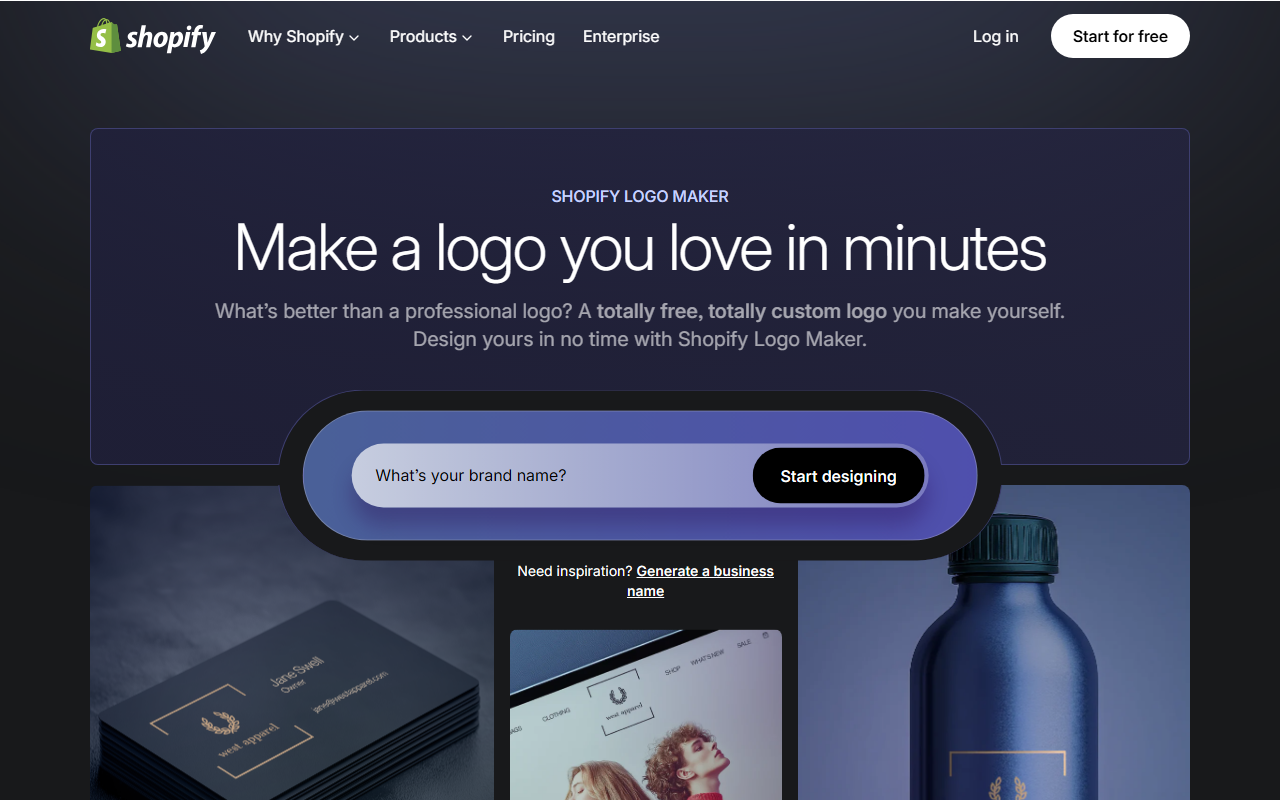
Upon visiting Hatchful, you're greeted by a clean, minimal interface that wastes no time. The landing page prompts you to enter your brand name and click "Start designing." As a first-time user, I appreciated the lack of clutter. You can also generate a business name if you’re stuck—a handy throw-in. The onboarding flow asks for your industry (from a curated list like Fashion, Food & Beverage, Tech) and preferred visual style (Classic, Playful, Minimalist, etc.). Within seconds, the tool surfaces a set of logo templates tailored to those choices.
I tested the free tier—there’s no paid option here—by inputting a mock brand name and selecting “Bakery” as my industry. The tool instantly presented over a dozen logo variations, each with distinct icons and typography. What struck me was the speed: no account needed to start designing. However, to download your final logo, you must log in with a Shopify account (free to create). This is a sensible integration, but it may feel like a gate for those solely wanting a quick logo without any commerce ties.
Design Capabilities and Customization Options
Hatchful relies on templated design layouts—there’s no AI generation from scratch. Instead, the tool curates combinations of icons, fonts, and colors based on your inputs. You can edit text, change colors using a hex picker, pick from a set of fonts (all Google Fonts), and reposition elements. The editor is straightforward: click on any element to adjust. I found the controls responsive on both desktop and mobile (via browser).
Once finished, you can download your logo as high-resolution PNG and SVG files. The tool also auto-generates social media assets (profile pictures for Facebook, Instagram, TikTok, etc.)—a nice time-saver. Support for responsive design is mentioned, though I didn't test across all devices. Notably, Hatchful does not offer vector exports beyond SVG, and there’s no option for EPS or PDF. For professional print use, SVG is fine, but some users may want more formats. The tool also lacks layered PSD or AI files, limiting advanced editing in external software.
Pricing and Market Positioning
Hatchful is 100% free. There are no hidden fees or watermarks. This is a significant differentiator because most competitors like Canva’s logo maker require a paid plan to remove backgrounds or download SVGs, and dedicated tools like Looka charge a one-time fee for high-res files. Hatchful sits as a no-cost entry point within the Shopify ecosystem. That said, its simplicity comes with trade-offs. You cannot upload your own custom graphics or icons, and the template library, while decent with 13,000+ possibilities, feels narrower than what you get from a standalone tool like Hatchful’s own parent company’s DALL·E integration.
The biggest strength is accessibility: anyone can create a passable logo in under ten minutes. The biggest limitation is the lack of deep customization. If you need a fully unique icon or intricate vector shapes, you’ll outgrow Hatchful quickly. It’s best suited for early-stage entrepreneurs, side hustlers, or anyone needing a placeholder logo without financial commitment. For established brands or designers requiring fine-grained control, tools like Adobe Express or Affinity Designer are better bets.
Final Verdict and Recommendation
Hatchful delivers exactly what it promises: a free, fast, and user-friendly logo maker. It excels for non-designers who want a decent-looking logo without spending money or time. I recommend it for individuals launching their first online store, personal branding efforts, or social media profiles. However, if you require original artwork, complex illustrations, or full print-ready vector files, look elsewhere. The tool is also limited to a single brand identity per design session—you can’t manage multiple projects easily. Overall, Hatchful is a generous offering from Shopify, and for its price (free), it’s hard to beat.
Visit Hatchful at https://hatchful.shopify.com/ to explore it yourself.













Comments