

First Impressions and Onboarding
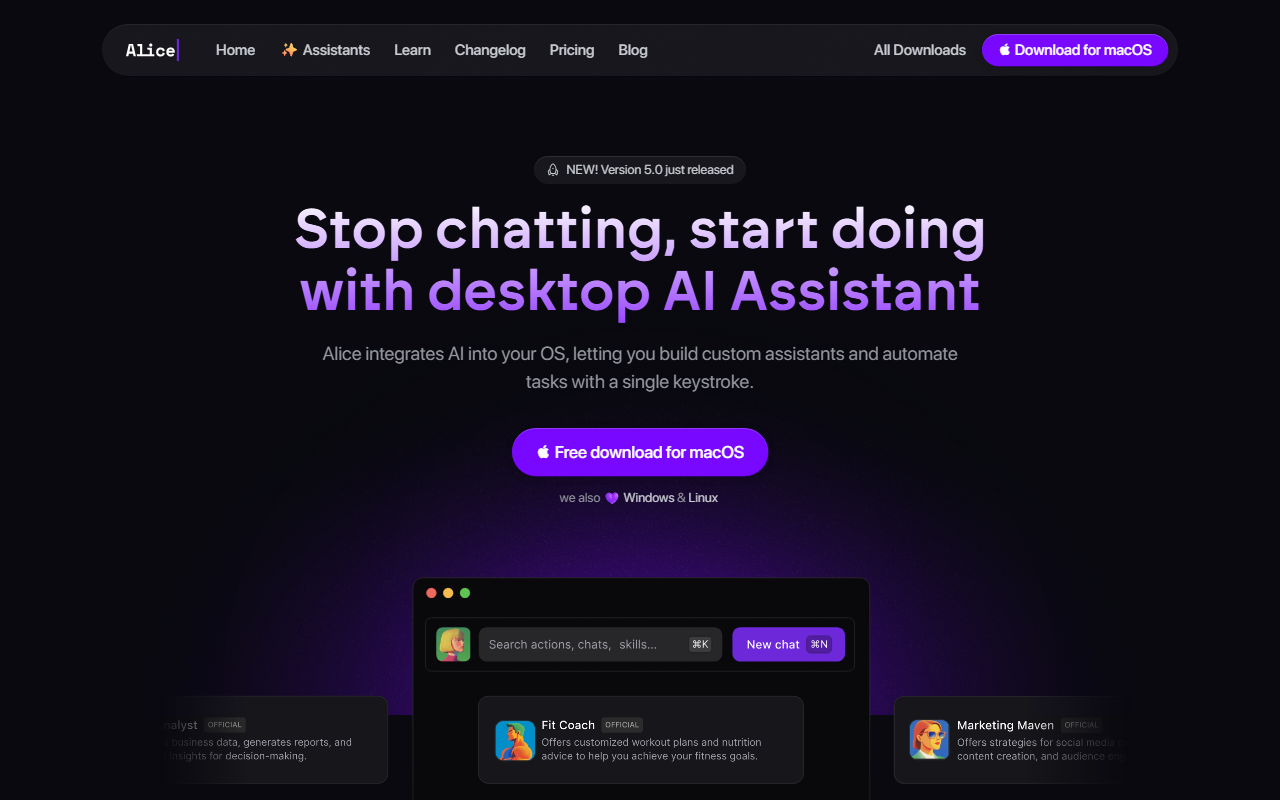
Upon visiting heyalice.app, I was struck by the tool’s unabashedly pro-desktop stance. The landing page practically shouts “stop chatting, start doing,” and the download call-to-action is exclusive to macOS on first view—Windows and Linux are mentioned but only as secondary afterthoughts. Version 5.0 just shipped, which suggests an active development cycle. After downloading the macOS free tier, the installation was quick and the app lives in the menu bar, ready to spring open with a global hotkey. The interface is a chat window at its core, but the real muscle lies in the “Assistants” and “Skills” tabs stacked to the left. I immediately noticed that the default model selector offers a jaw-dropping range: GPT‑4o, GPT‑4.5, GPT‑5, Claude 3.5 Sonnet, Haiku, Grok 2, Llama 3.3, and even DeepSeek R1 Distil. The token meter next to each model (e.g., 0/12425) gives real-time usage transparency. The onboarding flow nudges you to bring your own API keys rather than sign up for a separate subscription—a bold move that can dramatically cut costs.
Key Features and Technical Depth
Alice integrates directly into the operating system. That means you can type a hotkey and summon an AI assistant that reads your local files, talks to your calendar, or queries your CRM via MCP servers. I tested the “SEO Content Writer” assistant from the built-in library (rated 4/5 with over 45,000 installs). It runs on Claude 3.5 Sonnet and can post to WordPress, check Ahrefs, and create brand ideas—all by skill installation. Skills are modular tasks like “Translate” (⌘T) or “Fix bugs” (⌘⇧F); you can chain them into custom assistants. The “Memory & Documents” feature is remarkable: Alice remembers your context, so you can feed it project documents and preferences and it will personalize responses without repeating yourself. Behind the scenes, Alice supports MCP (Model Context Protocol) servers, allowing real-time app control. For example, you could ask “Who haven’t I followed up with this week?” and it could query your CRM and return a list. The tool also connects to Zapier, Make, and n8n for no-code automations. The model panel alone is a technical feat—it aggregates APIs from OpenAI, Anthropic, xAI, Groq, and more into one unified interface. You bring your own API keys, which means you pay for tokens directly rather than a bundled subscription. This is a game-changer for power users who already subscribe to multiple AI services.
Pricing, Positioning, and Caveats
Pricing is not publicly listed on the website. The app is free to download, and the assistant marketplace shows individual assistants priced at $5 (e.g., “Check details” on the SEO Content Writer). There’s no mention of a paid plan or premium tier in the scraped content, but the “bring your own API keys” model heavily implies the core app is free while you incur token costs from the model providers. Compared to competitors like Raycast (which focuses on app launchers and short snippets) or ChatGPT Desktop (which offers chat-only, no OS-level automation), Alice occupies a unique niche: it’s a full-stack AI operating system assistant. However, it comes with limitations. First, the assistant library’s quality depends on community contributions; I found some skills to be buggy or poorly documented. Second, the need to manage separate API keys may intimidate non-technical users. Third, the Mac-first experience is polished, but Windows and Linux are clearly second-tier; while they’re “loved,” the download flow doesn’t showcase them equally. The token limits shown (e.g., 0/12425 for GPT-4o, 0/2000000 for GPT-5) suggest variable context windows, but switching models mid-session isn’t seamless—I had to manually clear history each time to avoid overflow. Finally, the “8000+ creative minds” user base is modest compared to ChatGPT’s millions, so the community library may not be as robust as alternatives.
Verdict and Recommendation
Alice is genuinely impressive for power users who live in their operating system and want to automate complex multi-step workflows with AI. The ability to save custom prompts as hotkey-able skills, the seamless model switching, and the MCP server integration make it a productivity powerhouse—especially for developers, content creators, and sales teams who juggle many apps. I successfully automated a “daily sales report” pipeline using a custom assistant that parsed a CSV, drafted emails, and added tasks to my to-do list, all with one keystroke. That said, casual users or those unwilling to manage API keys should stick with simpler tools like ChatGPT or Claude’s web app. The lack of transparent pricing may also raise concerns for budget-conscious teams. If you’re a tinkerer who values control and OS-level automation, Alice is worth the download. Its strengths in customization and model choice far outweigh its community-size limitations. For everyone else, approach with caution and be ready to invest time in setup. Visit Alice at https://heyalice.app to explore it yourself.













Comments