

First Impressions and Onboarding
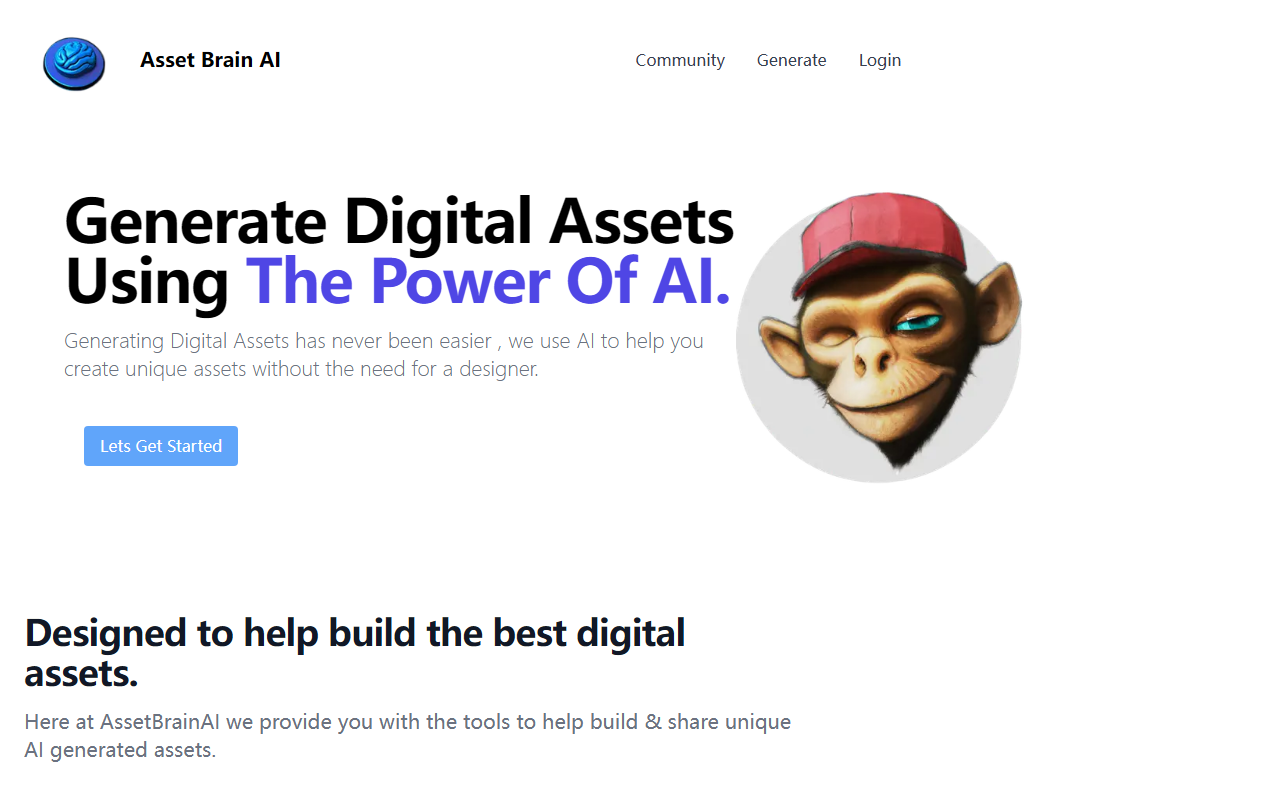
Upon visiting the Asset Brain AI website at its Vercel-hosted URL, I was greeted with a clean, single-page layout. The hero section features a bold headline — 'Generate Digital Assets Using The Power Of AI' — immediately communicating the tool’s purpose. The onboarding is straightforward: a 'Lets Get Started' button leads you into the asset generation flow. There is no sign-up wall for browsing the homepage, but to actually use the tool you need to create an account. I signed up using an email address and received a free credit automatically. The dashboard is minimal — a prompt area where you describe the asset you want, followed by dropdowns for asset type (Logos, Wallpapers, App Icons, and more) and style selection. I tested the free credit by generating a logo for a fictional coffee brand. After choosing 'Logo' as asset type and 'Modern' as style, I hit generate. The process took about 20 seconds, which is reasonable for an AI generation tool.
Capabilities and User Experience
Asset Brain AI focuses on solving a specific problem: creating professional-looking digital assets without needing a designer. The tool uses AI — likely a diffusion model fine-tuned on asset types — though the website does not specify the underlying model. The output for my coffee brand logo was a square, high-resolution image with a clean geometric design. It was not perfect (the text in the logo was garbled nonsense characters, a common issue with many image generation models), but the overall aesthetic was usable for a mockup. You can also customize the asset style from a handpicked list (the site mentions 'hand picked exciting asset styles'). I noticed a 'Wallpapers' option generates wider aspect ratios, while 'App Icons' produces rounded square outputs. The tool stores all generated assets in a built-in gallery, which the site calls 'Asset Storage'. I found this useful for revisiting past creations. However, there is no built-in editor to tweak the output — you get what the AI gives you. For an AI design tool, this lack of iterative editing is a significant limitation.
Pricing and Limitations
Asset Brain AI uses a credit-based pricing model. Upon sign-up, you receive 1 free credit. After that, you need to purchase credits to generate more assets. The pricing tiers are clearly displayed: Starter Pack at €9 for 100 credits, and Enterprise Pack at €19 for 250 credits. There is no monthly subscription option — it is pay-per-credit. Each credit likely allows one generation. For context, competitors like Looka (logo maker) offer unlimited iterations for a monthly fee, while this tool is more transactional. A major limitation is that you cannot test the full experience beyond one free generation. The website also does not mention any refund policy or specifics about redistribution rights (the Enterprise tier says 'extended redistribution rights', but details are absent). Additionally, the AI output quality varied: my wallpaper generation came out slightly blurry, and the app icon lacked fine detail. The tool does not integrate with any external platforms like Figma or Adobe, and there is no API mentioned. For professional use, these gaps are notable.
Who Should Use Asset Brain AI?
Asset Brain AI is best suited for individuals or small teams who need quick, one-off digital assets and do not require pixel-perfect results. For example, a solopreneur creating a social media banner or a developer mocking up an app icon could find value in the free credit and low-cost starter pack. It is less ideal for designers who need iterative refinement or commercial-grade outputs with typography control. I would recommend this tool to hobbyists and non-designers who want to experiment with AI-generated assets without a steep learning curve. However, professionals looking for consistent brand identities should consider alternatives like Adobe Firefly or Canva’s AI tools, which offer more control. Asset Brain AI is still in early stages (the Vercel domain suggests a beta), so I expect improvements in output quality and features over time. Try it for the free credit — you might be surprised by a usable result for a quick project.
Visit Asset Brain AI at https://icon-generator-peach.vercel.app/ to explore it yourself.













Comments