

First Impressions and Onboarding
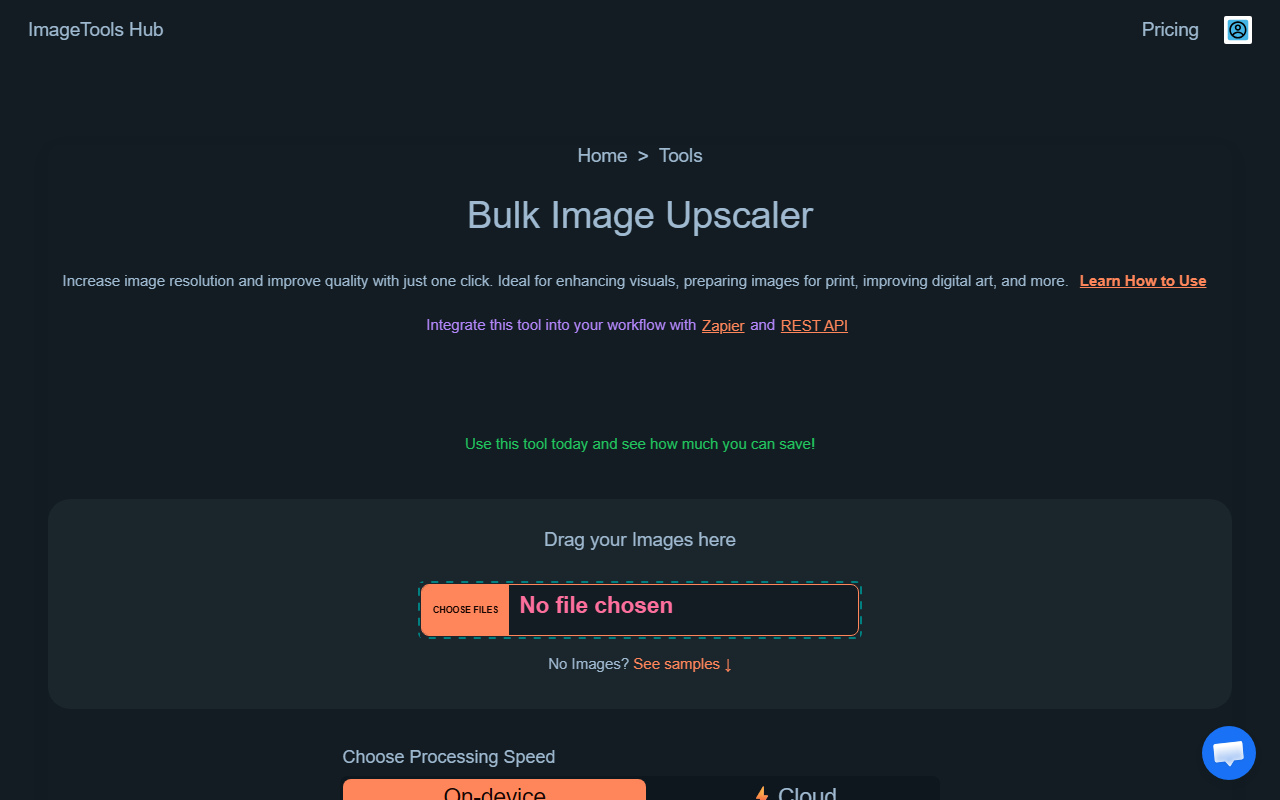
Upon visiting ImageToolsHub, the interface greets you with a clean grid of tool cards. The homepage lists over a dozen bulk image tools: upscaler, background remover, colorizer, object remover, crop, resize, compressor, PDF image extractor, converter, flip, face blur, blur, transparent maker, PDF to image, placeholder generator, and background blur. I immediately noticed the absence of any sign-up or login prompt. The tagline "Our image tools require no login, and are privacy-friendly" is prominently displayed. This is refreshing in an era where many AI tools demand an account before even a single test. The dashboard uses a straightforward card-based layout; clicking any tool opens a new page with drag-and-drop upload areas. Processing is entirely browser-based, which the site claims ensures privacy. I tested the Bulk Image Upscaler by uploading three low-resolution JPGs. Each image processed in about 10 seconds, and the output showed noticeable sharpening without artifacts. The lack of an upload file size limit is a plus, though the website does not explicitly state maximum dimensions.
Core Tools and Real-World Testing
I then explored the Bulk Photo Colorizer and Object Remover. The colorizer automatically adds realistic colors to black-and-white photos. I fed it a grayscale portrait, and the result was surprisingly natural for a free tool. The Object Remover allowed me to erase a watermark from a batch of product images; the inpainting filled the area competently, though slightly softer than dedicated AI editors like Adobe Photoshop. For the Bulk Background Remover, I uploaded five images with varied backgrounds. The tool handled simple solid colors flawlessly, but struggled with complex edges like hair. It is comparable to Remove.bg in accuracy but without the paywall for high-resolution exports. One standout is the AI Face Analyzer, which uses in-browser processing to evaluate facial symmetry and feature proportions. It feels gimmicky but works entirely offline once loaded, ensuring no data leaves your device. Integration with other platforms is absent—there is no API, no third-party app connection, and no support for cloud storage like Google Drive or Dropbox. You can only upload directly from your computer.
Pricing and Limitations
ImageToolsHub offers a free tier that processes images with visible watermarks on some tools (e.g., the upscaler adds a small "ImageToolsHub" stamp). A "Premium" subscription is advertised to remove watermarks, enable faster processing, and provide an ad-free experience. However, the website lists no specific prices. The only pricing hint is a row of what appears to be placeholder numbers: "01234567893012345678990123456789201234567893012345678910123456789101234567891" and a counter of "Processed Images and Counting" (currently showing some numbers). This is a major drawback. Without transparent pricing, professionals cannot budget appropriately. Compared to alternatives like TinyPNG (free tier with limited bulk) or remove.bg (paid credits), ImageToolsHub's lack of disclosed pricing undermines its credibility. Another limitation: the toolset only supports PNG, JPG, and WebP formats. SVG, TIFF, or HEIC are not mentioned. Additionally, the "Beautify screenshots" section at the bottom seems to promote an unrelated product called CharmShotAI, creating confusion about the core offering. The site also claims "Used by people at" but lists no company logos, which weakens social proof.
Who Should Use ImageToolsHub?
ImageToolsHub is best suited for freelancers, small business owners, and content creators who need quick, one-off bulk image processing without committing to a subscription. The no-login policy and browser-based processing make it ideal for users who are privacy-conscious or need to process sensitive images (e.g., anonymizing faces with the Face Blur tool). However, power users requiring consistent high-resolution output, advanced AI features (like subject replacement or style transfer), or API integration should look elsewhere. Competitors like remove.bg (specialized background removal), Let's Enhance (upscaling with API), or the self-hosted ImageMagick suit different needs. If ImageToolsHub releases clear pricing and adds more format support, it could become a staple. Until then, treat it as a handy free tool for basic bulk tasks, but don’t rely on it for production workflows without testing the premium tier first. Visit ImageToolsHub at https://imagetoolshub.com/ to explore it yourself.













Comments