

First Impressions and Onboarding
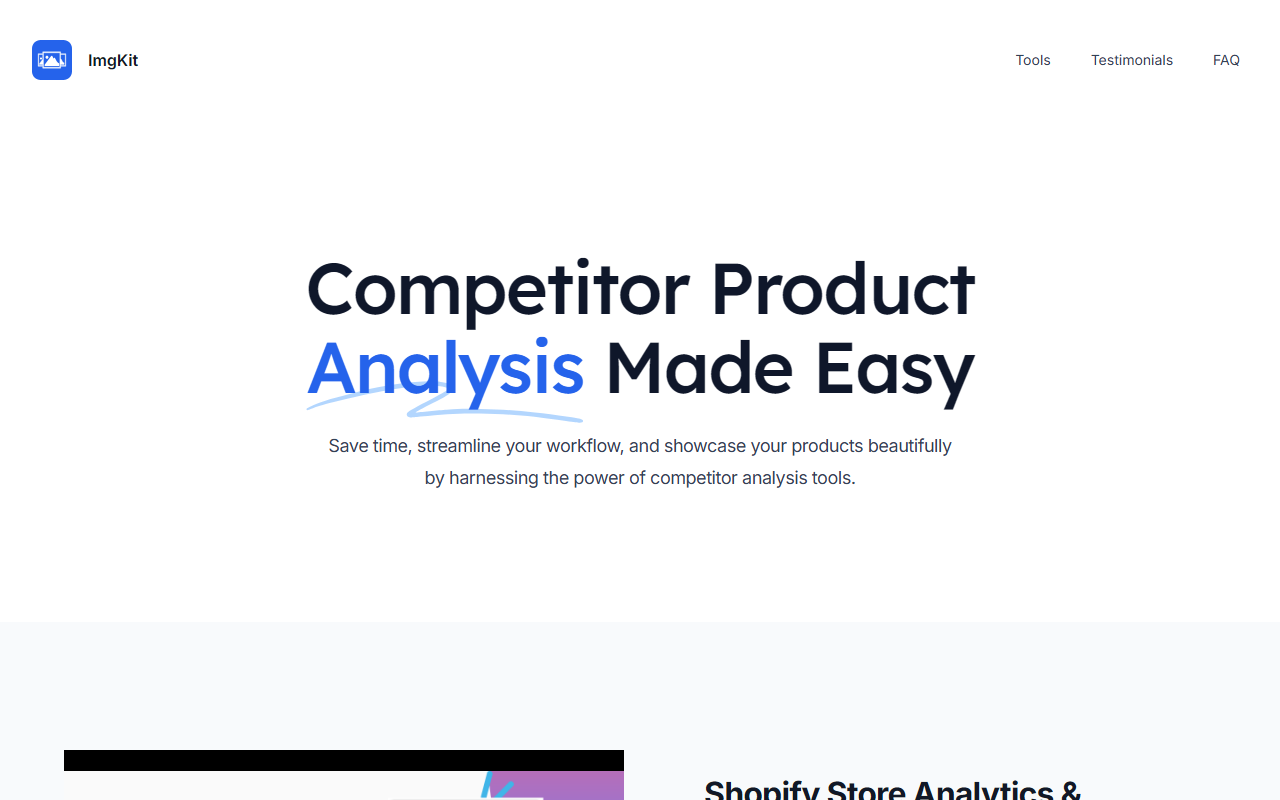
Upon visiting the ImgKit website at imgkit.app, I was greeted by a clean, modern landing page that immediately pitches the tool as a solution for competitor product analysis. The tagline "Competitor Product Analysis Made Easy" sets the tone. The site highlights three core modules: a Shopify Store Analytics & Research Tool (called SPYAnalytics), an Amazon Product Extractor, and a Shein Image Exporter. To test the tool, I installed the browser extension and created an account in under two minutes. The free plan is clearly advertised, and after signing up, I was taken to a simple dashboard that lists the three services. The UI is sparse but functional—there are no tutorials, but the tooltips on each module explain their purpose adequately. I started with the Amazon Product Extractor by navigating to a product page for a popular electronics item. The extension added a floating button that, when clicked, scraped all product images, variations, and even videos. The download speed was impressive: I had high-resolution images in a zip file within seconds. The built-in image editor also popped up, allowing me to adjust colors, add text overlays, or apply filters directly in the browser. This workflow is efficient for anyone sourcing visuals from competitor listings.
Core Features and Technology
ImgKit is essentially a toolkit that automates the extraction and editing of product images from major e-commerce platforms. The three main features cover: 1) Shopify store analytics, which helps you spy on competitor stores and identify top-performing products; 2) Amazon image scraping, which extracts all media from product galleries and outputs them as high-definition files or an Excel metadata report; and 3) Shein image exporting, which mirrors the Amazon functionality for that platform. The technology behind the scenes appears to use browser-based scraping scripts that run locally—the FAQ notes that all data is stored in the local browser and never sent to their servers. This is a privacy-friendly approach but also means the tool's performance depends on your internet connection and browser resources. There is no mention of specific AI models, but the image editing features (color adjustment, filters, text overlays) are standard. ImgKit integrates with browsers via a Chrome extension (likely, as most similar tools do; the site doesn’t specify other browsers). No API is mentioned, so this is primarily a front-end scraping tool. Pricing is not fully disclosed on the site: only that a free plan exists. The FAQ mentions "a range of pricing plans" but no details on tiers or costs. This lack of transparency is a limitation—I could not evaluate whether the paid plans offer the same or additional features without signing up for a paid trial, which the site doesn’t clearly offer. Alternatives like Octoparse or ParseHub provide similar web scraping capabilities but are more complex and costly. Unlike those, ImgKit focuses specifically on product images for e-commerce, making it more targeted but less flexible.
Market Position and Audience
ImgKit positions itself as a tool for e-commerce entrepreneurs, content creators, and graphic designers who need quick access to competitor product visuals. The customer testimonials on the site reinforce this: a graphic designer, content creator, freelance designer, art director, e-commerce entrepreneur, and digital marketer all praise the tool. Given the focused feature set, I see this as ideal for dropshippers, product researchers, and social media managers who need to quickly gather and edit product images from Amazon, Shein, or Shopify stores. However, it is not suited for deep competitive intelligence beyond images. Competitors like Sellzone (by Semrush) offer broader competitor analysis, including pricing, advertising, and keyword data. ImgKit is simpler and cheaper (the free plan likely has limitations like daily scrape limits), but users looking for comprehensive business intelligence should look elsewhere. The tool has no notable backing mentioned; it appears to be an independent product. The user base indicators are limited to a handful of testimonials, so I cannot gauge its popularity. I’d estimate it’s a small but functional utility tool.
Strengths, Limitations, and Final Verdict
Strengths: ImgKit delivers exactly what it promises: fast, one-click extraction of product images with built-in editorial tools. The ability to download HD images or export metadata to Excel is a genuine time-saver. The privacy aspect (data stays local) is a plus for security-conscious users. The free plan lets you test the core features without risk. Limitations: The lack of transparent pricing is a major drawback—I couldn’t ascertain what the free plan’s caps are or what the paid plans cost. The tool also appears to only support three platforms (Amazon, Shein, Shopify), which may be too narrow for some users. No API means no integration with automated workflows. And despite the name “ImgKit,” it does not generate AI-designed images; it only extracts and edits existing ones. Recommendation: If you frequently need to download and customize product images from competitor listings on Amazon, Shein, or Shopify, ImgKit is a great lightweight tool. Try the free plan to see if it meets your needs. But if you require cross-platform support, transparent pricing, or broader analytics, consider alternatives like Octoparse or Sellzone. Visit ImgKit at https://imgkit.app/ to explore it yourself.













Comments