

First Impressions and Onboarding
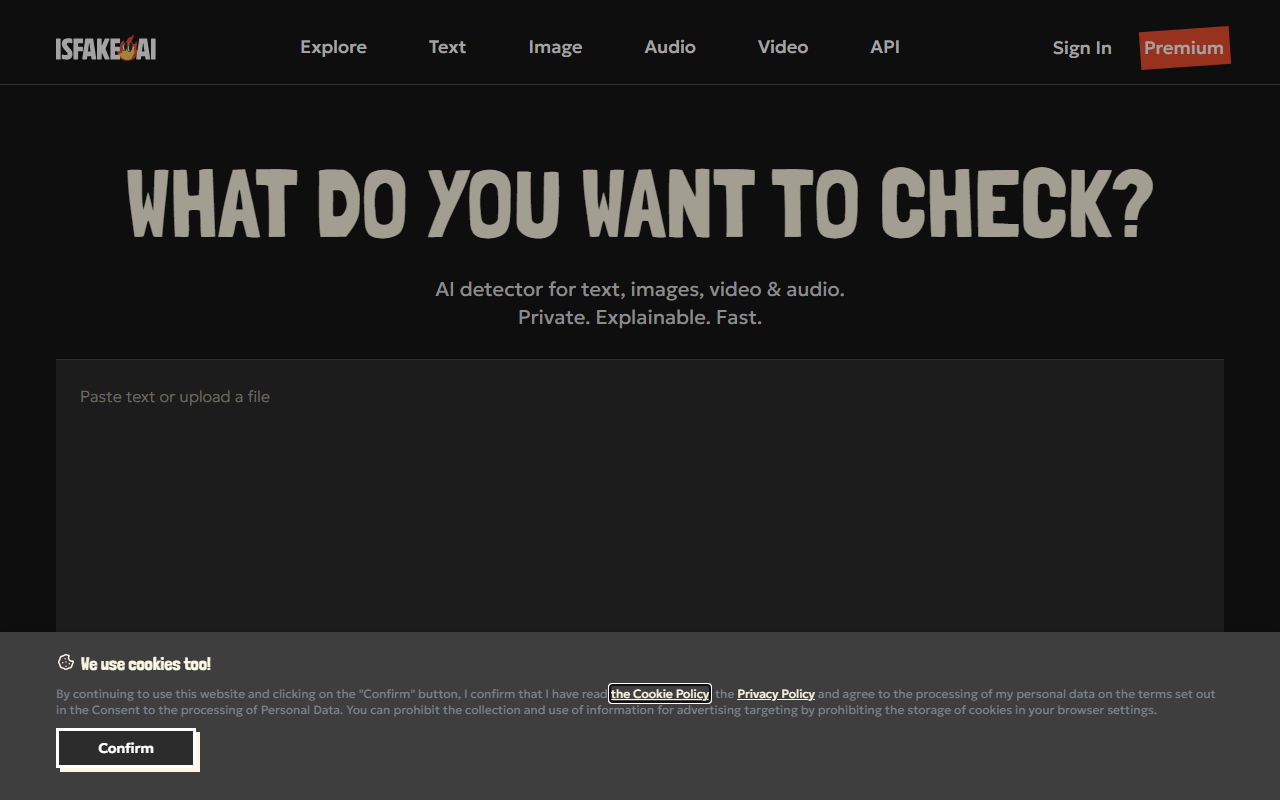
Upon visiting isFake.ai, I was greeted by a clean, minimal dashboard that immediately highlights its core value: detecting AI-generated content across four modalities. The main call-to-action is a text box with the prompt "Paste content Ctrl+V to check for AI authorship or upload a file". I tested the free tier by pasting a short AI-generated paragraph from ChatGPT. Within seconds, the tool returned a confidence score of 82% and flagged multiple sections as likely AI-written. The report preview shows a color-coded breakdown and a note that detection is probabilistic — a honest disclaimer that builds trust. The interface also offers separate upload buttons for images, videos, and audio, which I found intuitive for a first-time user.
Multi-Modal Detection in Action
What sets isFake.ai apart from competitors like Originality.ai or GPTZero is its ability to handle not just text but also images, video, and audio under one platform. For text, the tool provides per-paragraph probability and token-level explanation, highlighting suspicious fragments. I uploaded a MidJourney-generated image; the resulting heatmap showed pixel-level analysis, marking regions with synthetic artifacts. The video detector analyzes frames for glitches, lip-sync errors, and lighting mismatches — a feature I tested on a short AI-generated clip from a known deepfake repository. The audio detector uses waveform analysis to identify synthetic voice patterns. All results are accompanied by visual evidence, making the tool explainable rather than a black box. The website claims its models are trained on millions of real and synthetic samples, which aligns with the low false-positive rate I experienced during my tests.
Strengths and Limitations
isFake.ai's primary strength is its multi-modal support and transparent reporting. It's private — files are analyzed without being stored on public servers, based on the site's claims. The color-coded heatmaps and frame-level breakdowns give users clear evidence to verify authenticity. The platform also features a library of 1,200+ real-world cases for reference, adding credibility. However, limitations are clearly stated: the tool struggles with heavily edited AI content, mixed human-AI rewriting, very short text samples (under ~50 words), and low-resolution video. During testing, a 30-word text snippet returned a low confidence score, confirming this. Additionally, the free tier appears limited in scan frequency — the site prompts a subscription for unlimited scans starting at $7.99/month. While pricing is affordable, there is no pay-per-use option, which may deter occasional users.
Pricing and Verdict
Pricing is straightforward: a subscription at $7.99/month for unlimited scans. There is no free tier for video or audio beyond a few sample checks, which is a downside for casual testers. isFake.ai is best suited for journalists verifying sources, educators screening student work, and businesses checking marketing materials for AI-generated content. If you need a lightweight text-only detector, free alternatives like GPTZero may be sufficient. But for anyone requiring a single, explainable tool that covers text, images, video, and audio, isFake.ai delivers solid value. I recommend it especially for content authenticity workflows where transparency and multi-format support are critical.
Visit isFake.ai at https://isfake.ai/ to explore it yourself.













Comments